Updates guide
What Is the Latest ETS2 Version?
The current stable ETS2 version, the optional experimental branch, how to check your build, and which version normal and modded players should use.
UpdatedJul 30, 2026
Read7 min
LevelBeginner
ByETS2Hub
Quick answer
The latest stable Euro Truck Simulator 2 version tracked by ETS2Hub is 1.60, released on June 18, 2026. Version 1.61 is available only as an Experimental Beta and should not be treated as the normal public build. Most players, especially anyone with a modded main profile, should stay on stable 1.60.
The latest stable Euro Truck Simulator 2 version tracked by ETS2Hub is 1.60. SCS Software released it on June 18, 2026. Version 1.61 is currently an Experimental Beta, so it is an optional test branch rather than the normal build most players receive through Steam.
This status was last verified on July 30, 2026. Read the ETS2 1.60 Update Overview for Game Radio, rest, Job Details, materials, and vehicle changes. Read the 1.61 Experimental Beta Guide before testing the new MFD and In-Game Menu.
Stable and Experimental Versions
| Branch | Current Status | Best For | Main Risk |
|---|---|---|---|
| ETS2 1.60 | Stable public release | Normal careers, beginners, most mod users | Mods may still need updates after 1.60 |
| ETS2 1.61 | Experimental Beta | Testers, guide creators, bug reporters | Crashes, changed UI, English-only initial test, mod/save issues |
How to Check Your Installed Version
The fastest checks are:
- Start ETS2 and read the version number shown on the profile or main menu screen.
- In Steam, right-click Euro Truck Simulator 2 → Properties → Betas.
- Use the normal branch for stable 1.60.
- If
experimental_betais selected, you are testing 1.61.
The exact menu location and troubleshooting steps are covered in How to Check ETS2 Version and How to Change ETS2 Version on Steam.

Which Version Should You Use?
Stay on 1.60 if:
- This is your only career profile.
- You use map, traffic, economy, truck, UI, or sound mods.
- You want translated, stable interface text.
- You do not want to troubleshoot crashes or report bugs.
- You are following general ETS2 guides.
Consider 1.61 Experimental Beta if:
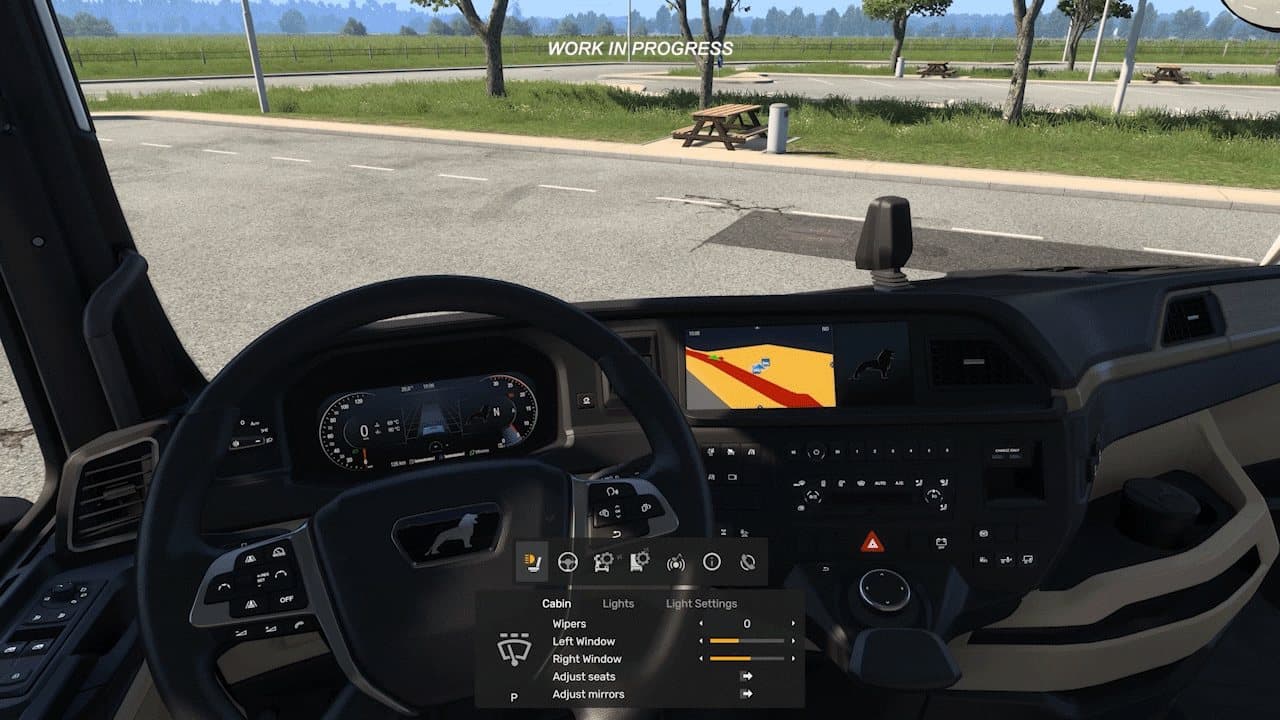
- You specifically want to test the Multi-Function Display or In-Game Menu.
- You can use a copied or clean test profile.
- You accept that controls and UI behavior may change.
- You know how to return to the normal Steam branch.
- You are willing to report reproducible bugs.
Before Any Version Change
- Back up your ETS2 profile and saves.
- Record your active mod list.
- Finish time-sensitive contracts.
- Keep a clean vanilla test profile.
- Read the ETS2 Update Checklist.
- Test a short quick job before loading your main career.
What 1.60 Added
The stable 1.60 release includes:
- Five built-in Game Radio stations.
- Expanded F6 Job Details information.
- GPS estimated arrival day/time, travel time, and distance.
- Selectable rest timing.
- Separate Rest State and Mandatory Break indicators.
- Improved material rendering on selected truck families.
- Lighting adjustments.
- Volvo FH Series 6 aerodynamic accessories.
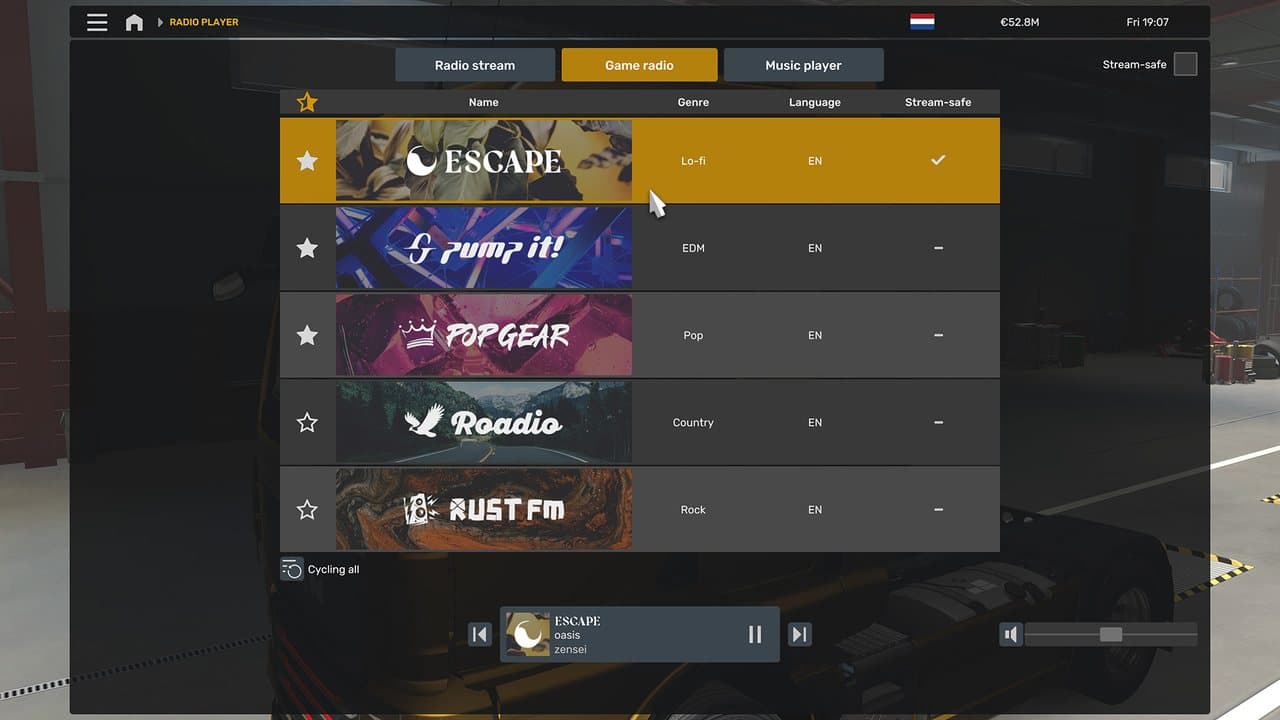
Use the complete 1.60 overview, then continue to the Game Radio, Sleep and Rest, or Job Details guide for the feature you need.
FAQ
Is ETS2 1.61 fully released?
No. It is currently an Experimental Beta. The normal stable version tracked here remains 1.60.
Will Steam install 1.61 automatically?
Not while it remains an optional beta branch. A player normally has to select the experimental branch in Steam.
Can a mod built for 1.60 work on 1.61?
It might, but compatibility is not guaranteed. UI, truck, map, traffic, economy, and sound mods should be treated cautiously until their authors confirm support.
Where can I follow announced DLC and reworks?
Use the ETS2 Roadmap for a status matrix covering stable updates, beta tests, released DLC, announced TBA projects, and reworks.
Official Sources
Read next
Continue through the next task instead of jumping to a random tag page.
 Updates
ETS2 1.60 Update: Game Radio, Rest Changes and Job Details
A practical ETS2 1.60 update guide covering Game Radio, Job Details, GPS arrival estimates, expanded rest, improved materials, lights, and truck changes.
 Updates
ETS2 1.61 Experimental Beta: Features, Risks and Safe Setup
What ETS2 1.61 Experimental Beta adds, who should wait, and how to test the Steam experimental_beta branch without risking a main modded profile.
UpdatesETS2 Update Checklist: What to Do Before and After Updating
Use this ETS2 update checklist to back up profiles, test mods, check version notes, and avoid breaking a save after a major game update.