Beginner guide
How to Sleep and Rest in ETS2
How to sleep in ETS2 1.60, use the wake-time selector, understand the 10-hour driving and 9-hour rest rule, and fix missing rest prompts.
UpdatedJul 30, 2026
Read8 min
LevelBeginner
ByETS2Hub
Quick answer
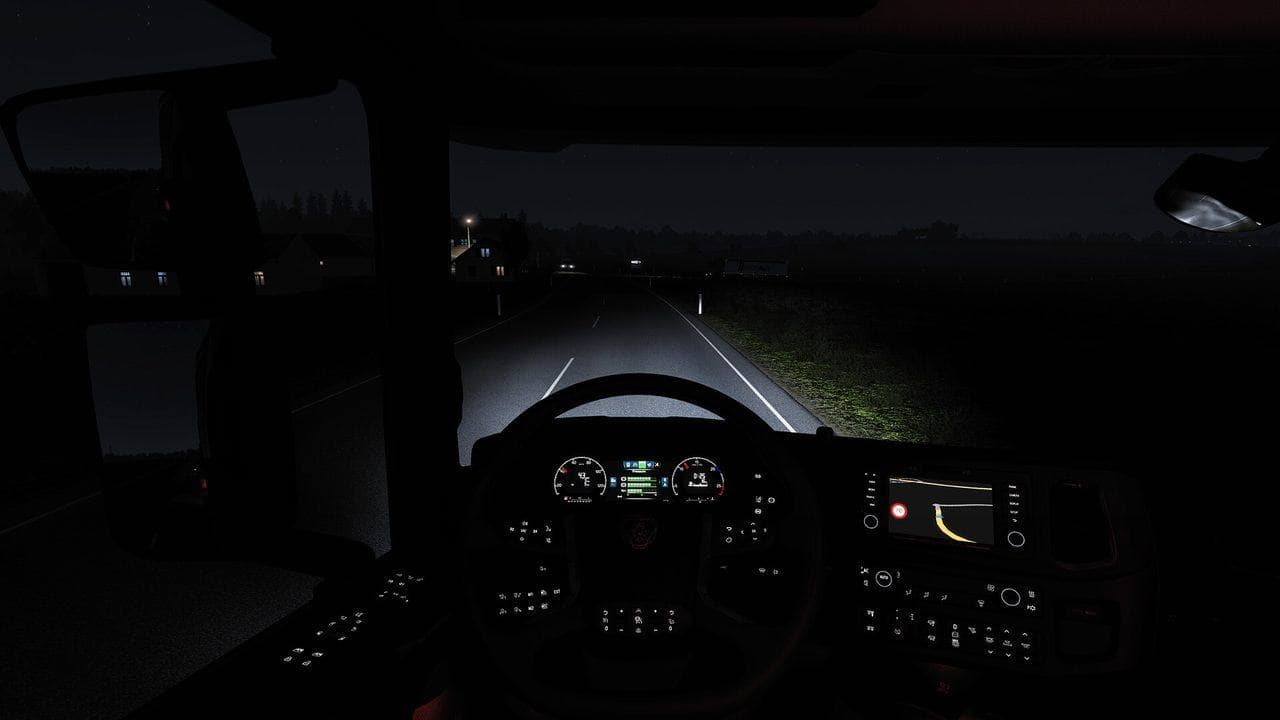
To sleep in ETS2 1.60, stop inside a marked bed-icon rest area and use the rest prompt. You can drive for up to 10 hours before a continuous 9-hour mandatory rest is required. The expanded rest screen lets you choose a wake time, while Rest State and Mandatory Break are shown as separate indicators.
To sleep in ETS2, find a bed icon, stop fully inside the marked rest trigger, and use the rest prompt. In stable version 1.60, the expanded rest mechanic lets you choose from available wake-time options and makes the difference between resting and a mandatory break clearer.
The key rule is: up to 10 hours of driving, followed by a continuous 9-hour mandatory rest when fatigue simulation is enabled.
How to Rest Step by Step
- Open the map or Route Advisor and find a bed icon.
- Drive into the marked rest area, hotel, service area, or garage.
- Stop completely inside the trigger.
- Set the parking brake and turn off the engine if prompted.
- Press the displayed rest key.
- Review the available wake-time choices.
- Confirm the option that still fits your delivery window.
Rest State vs Mandatory Break
Version 1.60 separates two related ideas:
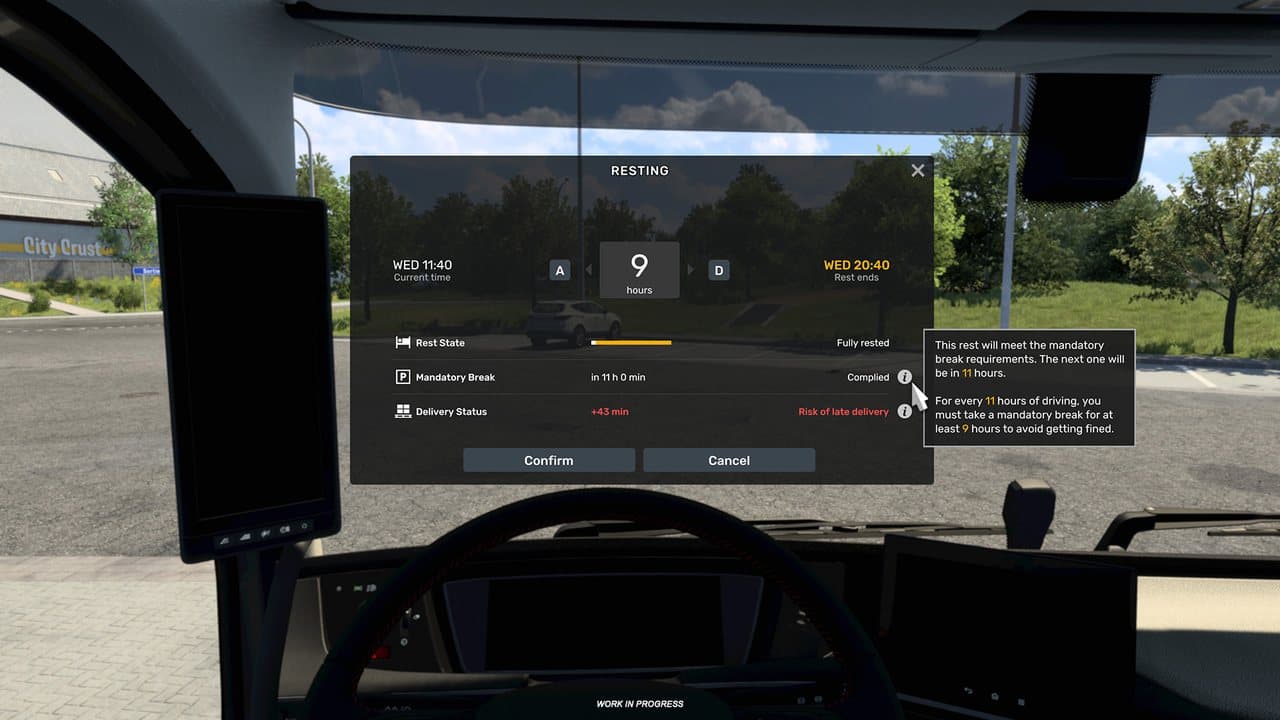
- Rest State is represented by the bed indicator and describes your current need or opportunity to rest.
- Mandatory Break is represented by the
Pindicator and shows the legal-style break requirement.
This matters because “I can stop here” and “I must complete the required break” are not always the same question. Read both indicators before committing to a long job.
Where You Can Sleep
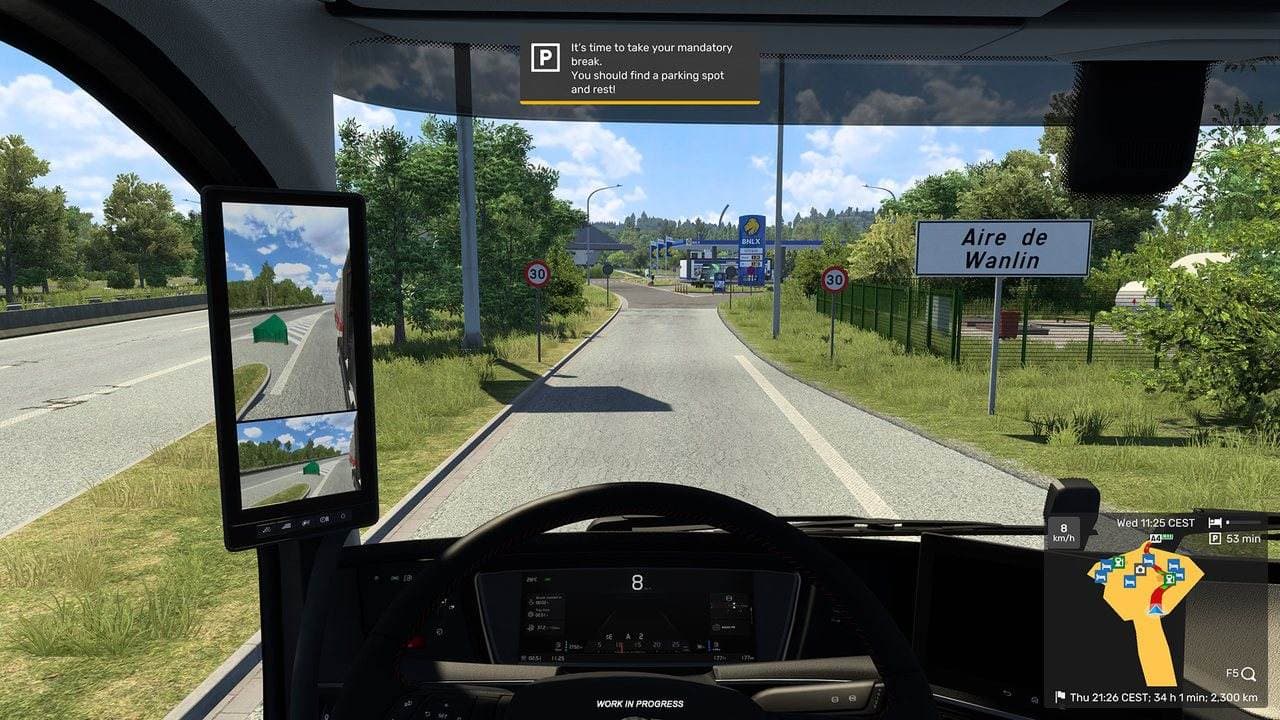
Valid locations commonly include:
- Motorway and roadside rest areas.
- Hotels.
- Some service stations.
- Your owned garages.
- Marked rest spots near companies or roads.
The bed icon is more reliable than guessing from scenery. A parking bay that looks suitable may not contain a rest trigger.
How to Choose a Wake Time
Do not select a wake time only because you prefer daylight. Compare:
- The delivery deadline.
- The GPS estimated arrival day and time.
- Remaining travel time and distance.
- Fuel and the next service area.
- Ferries, tolls, mountains, and city traffic.
If a later wake time pushes the ETA close to the deadline, choose an earlier valid option or take a different job. The Job Details Widget Guide explains how to compare contract time with the GPS estimate.
Why the Rest Prompt Does Not Appear
Try these checks in order:
- Move deeper into the marked trigger at walking speed.
- Straighten the truck and trailer.
- Stop completely.
- Apply the parking brake.
- Turn off the engine.
- Confirm fatigue simulation is enabled.
- Check whether the location is a real bed-icon rest point.
- Leave the area and approach again.
- Test without map or UI mods.
Some rest triggers are tight, especially with a long trailer. Repositioning a few metres is usually safer than repeatedly pressing the key.
Why You Cannot Rest Again Immediately
ETS2 does not let every parking stop become unlimited time skipping. If the game says you are not tired, continue driving or use normal time-passing systems such as ferries where appropriate. Do not plan a delivery around repeated instant sleep.
Rest, Fuel, and Deadlines
Before accepting a long job:
- Open Job Details.
- Check your current fatigue state.
- Compare the delivery window with the GPS ETA.
- Find at least one bed icon on the route.
- Find a fuel station before the same stop or shortly after it.
- Keep a margin for traffic and parking.
The dangerous sequence is simple: a half tank, a late fatigue warning, no nearby bed icon, and an urgent deadline. Break that chain before the job starts.
Should Beginners Turn Fatigue Off?
It is reasonable to disable fatigue while learning steering, mirrors, and parking. Turn it back on when you want realistic long-haul pacing. Fatigue is a planning system, not a test of whether you can fight the screen effects.
Common Rest Mistakes
| Mistake | Better Habit |
|---|---|
| Waiting for the final fatigue warning | Plan the stop while several hours remain |
| Choosing daylight without checking ETA | Compare every wake option with the delivery window |
| Parking near a bed icon but outside the trigger | Move slowly until the rest prompt appears |
| Treating Rest State and Mandatory Break as identical | Read both indicators |
| Planning sleep without fuel | Combine the two stops when possible |
| Testing a changed rest system with UI mods | Confirm behavior on a clean profile |
Official Source and Verification
This guide was last verified on July 30, 2026 against SCS Software's 1.60 Expanded Rest Mechanic preview and 1.60 release notes.
Next, use the ETS2 Route Advisor Guide for icons and pages, or How to Refuel in ETS2 to combine fuel and rest stops.
Read next
Continue through the next task instead of jumping to a random tag page.
 Beginner
ETS2 Job Details Widget Guide: Read the Job Before You Drive
How to use the ETS2 1.60 F6 Job Details Widget and GPS arrival estimates to read cargo, weight, pay, deadline, distance, and delivery risk.
 Beginner
ETS2 Route Advisor Guide: GPS, Job Info, Damage, and Messages
Learn what the ETS2 Route Advisor shows, how to use its pages, and which GPS, job, damage, message, and money screens matter during deliveries.
 Beginner
How to Refuel in ETS2 and Avoid Running Out of Fuel
Learn how to refuel in ETS2, where fuel stations appear, why the prompt may not show, and how to plan long jobs without running dry.