Setup guide
Best ETS2 Settings
The best ETS2 settings for new and returning players, covering controls, steering, mirrors, route advisor, parking, graphics, audio, and comfort options.
UpdatedJul 14, 2026
Read8 min
LevelBeginner
ByETS2Hub
Quick answer
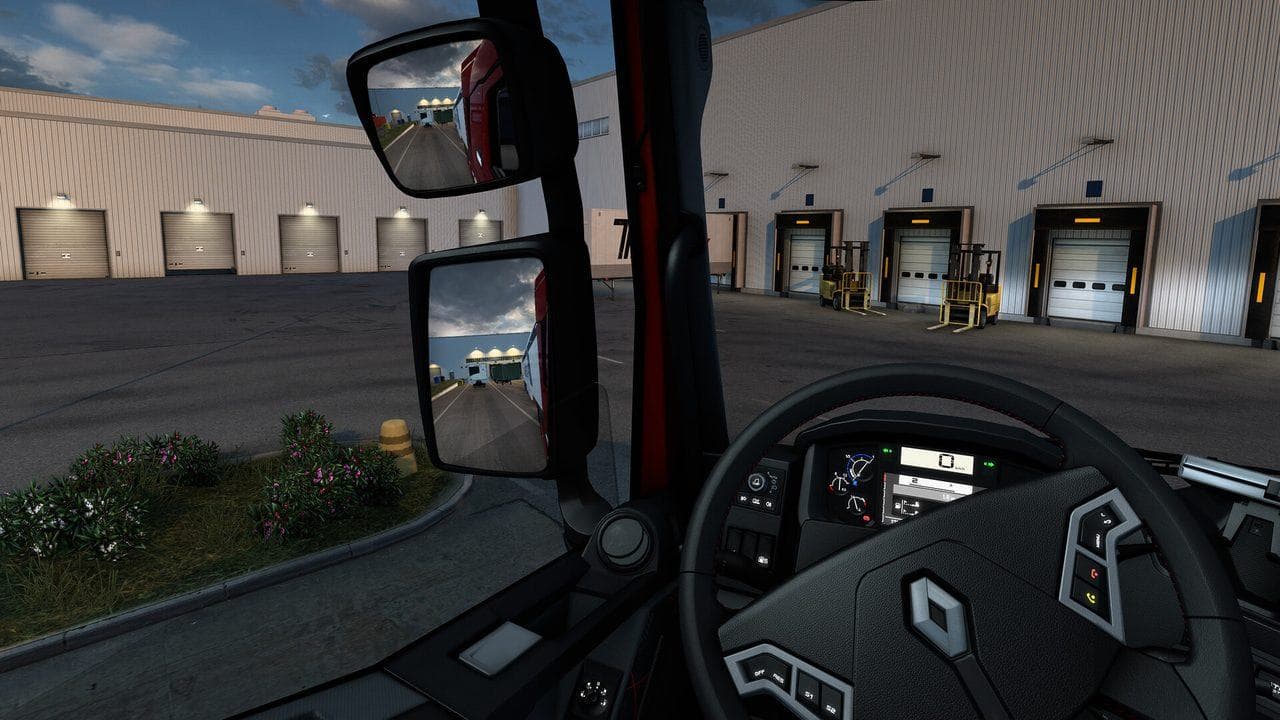
The best ETS2 settings are stable and readable: use real automatic while learning, keep route advisor on, tune steering sensitivity before advanced bindings, set mirrors for visibility, map core controls, and lower graphics only when frame drops hurt driving consistency.
The best ETS2 settings are not the most realistic settings on day one. They are the settings that help you finish deliveries cleanly, read traffic early, park without panic, and enjoy long drives without fighting the interface.
Use this guide with Euro Truck Simulator 2 Controls Guide, ETS2 Controller Settings, ETS2 Graphics Performance Settings, ETS2 Wheel Settings, and the ETS2 Radio Guide.
Beginner Driving Settings
| Setting | Recommended Start |
|---|---|
| Transmission | Real automatic |
| Route Advisor | On |
| Fatigue simulation | On for realism, off for relaxed learning |
| Traffic offenses | On for learning, off for casual cruising |
| Parking difficulty | Safe parking first, then standard parking |
Steering And Controls
Keyboard players should reduce twitchy steering before changing every keybind. Controller players should test deadzone and sensitivity on a short job with the ETS2 Controller Settings page. Wheel players should use the dedicated ETS2 Wheel Settings page.
Important controls to confirm:
- Indicators.
- Lights and high beam.
- Wipers.
- Cruise control.
- Retarder and engine brake.
- Route Advisor pages.
- Camera reset.
Mirrors And Camera
Set mirrors before your first long job. Good mirrors reduce lane mistakes, roundabout stress, and trailer damage.
If performance drops badly with mirror distance or detail, lower mirror quality before lowering everything else. A stable frame rate makes steering and parking easier.
Graphics Settings
Prioritize smooth driving over screenshots. For a deeper tuning path, use ETS2 Graphics Performance Settings.
- Keep resolution native if possible.
- Lower shadows before texture quality.
- Reduce mirror distance if frame drops happen in cities.
- Use moderate scaling if your GPU has headroom.
- Avoid changing many graphics options during a delivery.
Comfort Settings
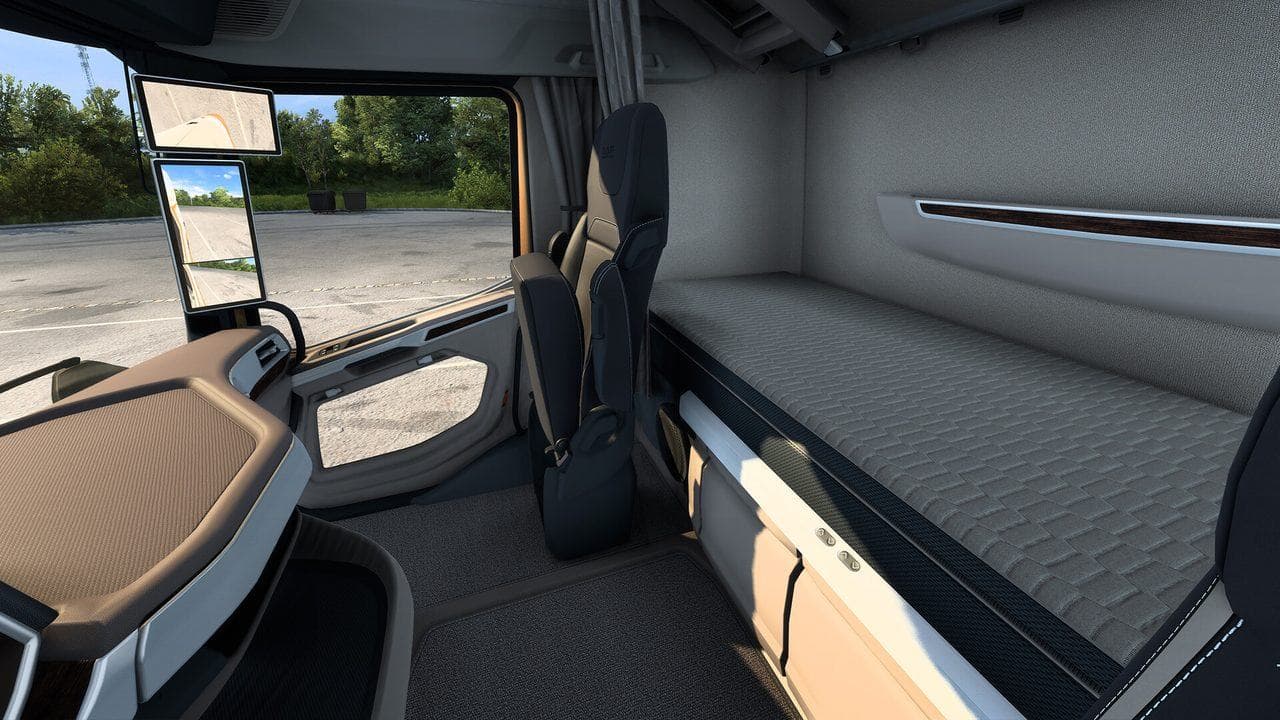
ETS2 is a long-session game. Audio balance, radio, camera height, seat position, and force feedback all matter more after the first hour.
Once your controls feel stable, add a few comfort improvements:
- Adjust seat and mirrors per truck.
- Set music or radio volume below engine and navigation audio; use the custom radio guide if you want to add a station.
- Keep route advisor readable.
- Turn off distractions you do not use.
Good settings should disappear into the drive. If you keep noticing a setting, tune it.
Read next
Continue through the next task instead of jumping to a random tag page.
 Beginner
Euro Truck Simulator 2 Controls Guide
Euro Truck Simulator 2 controls for beginners, including default keyboard keys, steering sensitivity, route advisor controls, parking, camera views, and wheel setup.
SetupETS2 Controller Settings for Smooth Steering
Set up ETS2 controller steering, triggers, deadzones, sensitivity, camera controls, and common bindings for smoother beginner driving.
SetupETS2 Graphics and Performance Settings for Better FPS
Tune ETS2 graphics and performance settings for smoother driving, better FPS, readable mirrors, and fewer frame drops in cities and rain.