Setup guide
ETS2 Controller Settings for Smooth Steering
Set up ETS2 controller steering, triggers, deadzones, sensitivity, camera controls, and common bindings for smoother beginner driving.
UpdatedJul 29, 2026
Read6 min
LevelBeginner
ByETS2Hub
Quick answer
Start ETS2 controller setup with gentle steering sensitivity, the smallest deadzones that prevent drift, and separate triggers for throttle and brake. Put indicators, lights, wipers, camera reset, cruise control, and Route Advisor pages on buttons you can reach without looking. Test one change at a time on a short job before committing to a long delivery.
A controller can make ETS2 much smoother than keyboard steering, but only if sensitivity, deadzone, and button layout stay predictable. Tune one group at a time, then test on a short delivery.
Use this with Best ETS2 Settings, Euro Truck Simulator 2 Controls Guide, and Lights and Wipers Guide.
Recommended Controller Setup
| Control | Recommendation |
|---|---|
| Left stick | Steering |
| Right trigger | Throttle |
| Left trigger | Brake / reverse |
| Shoulder buttons | Indicators or camera checks |
| Face buttons | Lights, wipers, route advisor, parking confirm |
| Stick click or menu button | Camera reset or pause menu |
Keep important driving controls reachable without letting go of steering during turns.
Steering And Deadzone
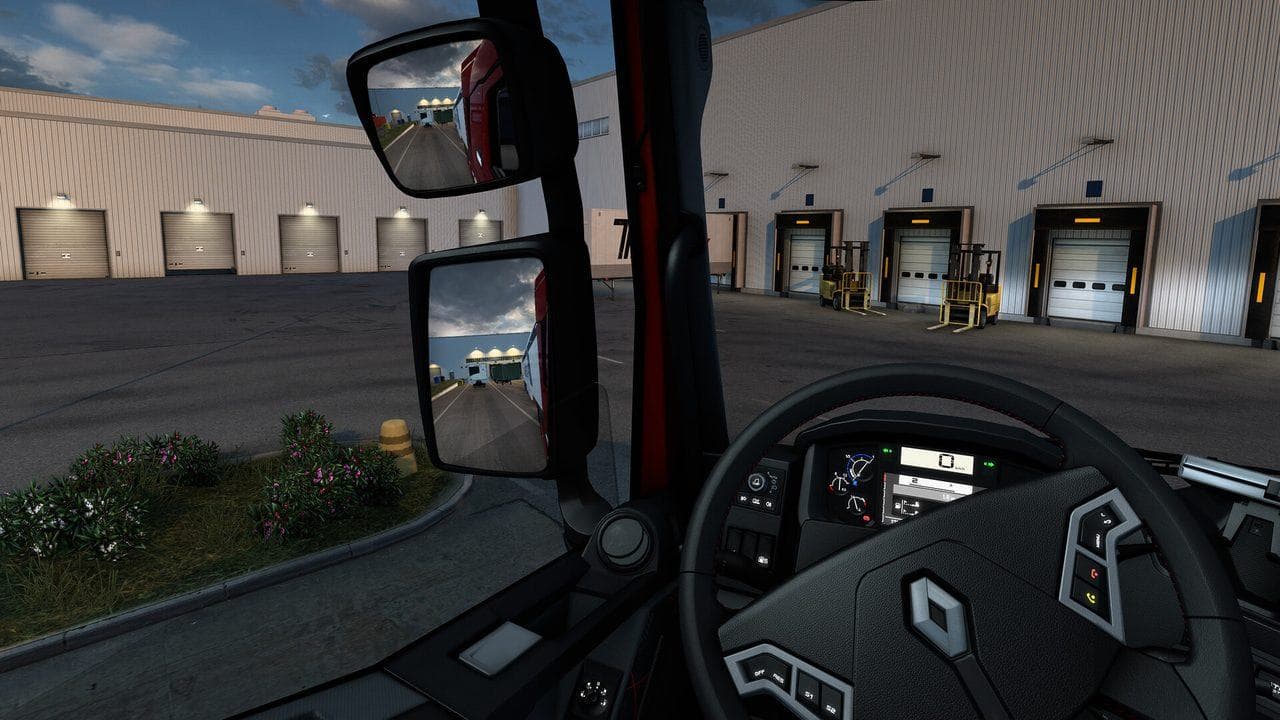
Start with a small deadzone so the truck does not drift, then lower sensitivity if steering feels twitchy. If the truck reacts too slowly, increase sensitivity slightly rather than making large jumps.
Test settings with:
- A straight motorway section.
- A roundabout.
- A low-speed depot turn.
- A short parking attempt.
Common Controller Mistakes
- Setting steering too sensitive because the first turn feels slow.
- Mapping lights, wipers, and route advisor to awkward combinations.
- Forgetting camera reset.
- Testing settings only on highways.
- Changing many inputs at once and not knowing what helped.
FAQ
Is controller better than keyboard for ETS2?
For many players, yes. Analog steering and triggers make speed and lane control smoother than keyboard taps.
Should I use a wheel instead?
A force-feedback wheel is best for immersion, but a controller is a strong middle ground if you want smooth steering without buying a wheel.
What should I read next?
Read Best ETS2 Settings, then ETS2 Graphics Performance Settings.
Read next
Continue through the next task instead of jumping to a random tag page.
 Setup
SetupBest ETS2 Settings
The best ETS2 settings for new and returning players, covering controls, steering, mirrors, route advisor, parking, graphics, audio, and comfort options.
 Beginner
Euro Truck Simulator 2 Controls Guide
Euro Truck Simulator 2 controls for beginners, including default keyboard keys, steering sensitivity, route advisor controls, parking, camera views, and wheel setup.
ControlsETS2 Lights and Wipers Guide for Beginners
Learn when to use headlights, high beams, beacons, extra lights, and wipers in ETS2 so rain, night driving, and fines do not ruin deliveries.