Beginner guide
ETS2 Beginner Guide: Your First Week Roadmap
Start Euro Truck Simulator 2 with a practical first-week guide to controls, quick jobs, money, skill points, your first truck, DLC, and safe mods.
UpdatedJul 14, 2026
Read11 min
LevelBeginner
ByETS2Hub
Quick answer
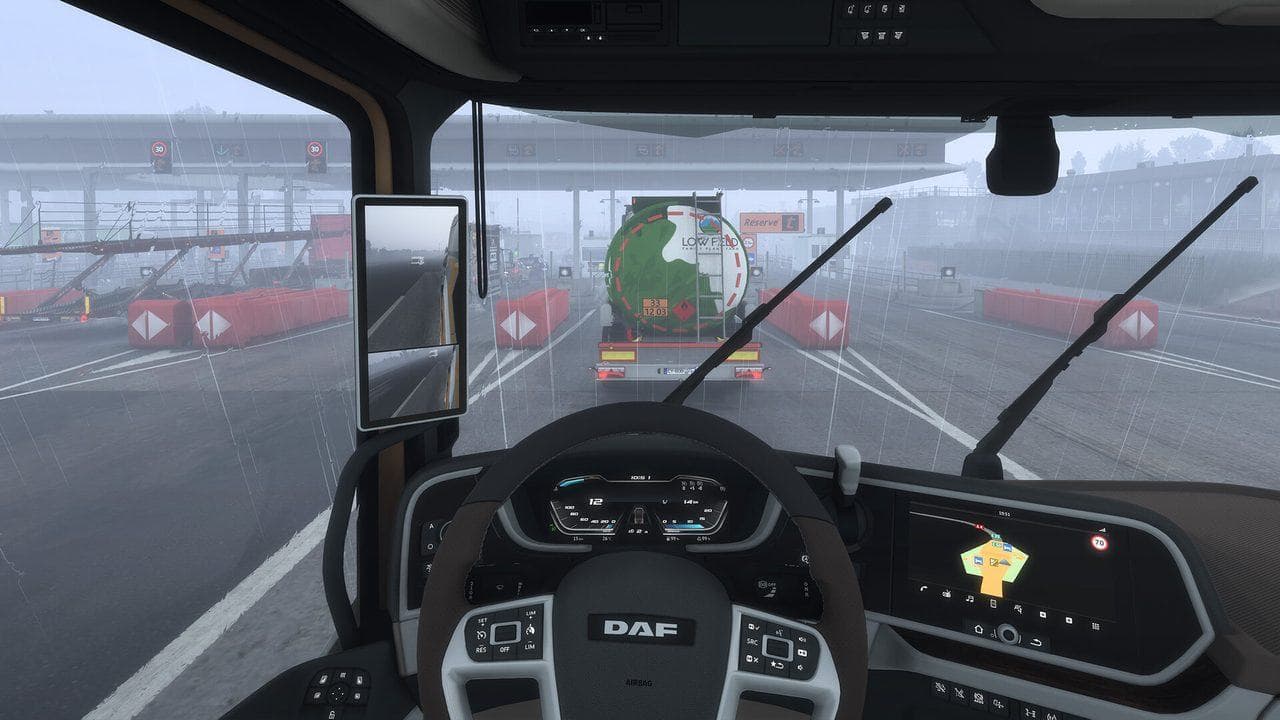
Start ETS2 with short quick jobs, stable controls, and simple parking practice. Then save for one sensible truck, put early skill points into Long Distance, learn the money loop, and add DLC or mods only after you know which routes and trucks you enjoy.
The best way to start ETS2 is to keep your first week simple: use quick jobs, tune controls, practice clean deliveries, buy one sensible truck, and delay DLC or mods until the basic career loop feels comfortable.
This ETS2 roadmap keeps the early game simple. Start with Euro Truck Simulator 2 controls, learn how to park in ETS2, use the Route Advisor Guide, move into the ETS2 money guide, then use the broader ETS2 Roadmap when you are ready to plan updates, DLC, and mods.
First Hour
Start with quick jobs. They let you drive many truck brands without buying anything, and repair, fuel, tolls, and trailer ownership stay out of your way while you learn. If fuel stops or fines keep ruining jobs, read How to Refuel in ETS2 and the Traffic Fines Guide.
If you only want the short version, follow this first-week ETS2 guide:
- Day 1: finish short quick jobs and tune controls.
- Day 2: learn mirrors, cruise control, lights, wipers, and parking.
- Day 3: take a modest loan and buy one reliable truck.
- Day 4: level Long Distance and avoid cosmetic spending.
- Day 5: start comparing DLC, maps, and safe mods.
Good first settings:
| Setting | Recommended Start |
|---|---|
| Transmission | Real automatic |
| Route advisor | On |
| Fatigue simulation | On if you want realism, off if you want relaxed learning |
| Parking difficulty | Safe parking first, then standard parking |
| Traffic offenses | On for learning, off for casual sightseeing |
Controls That Matter Early
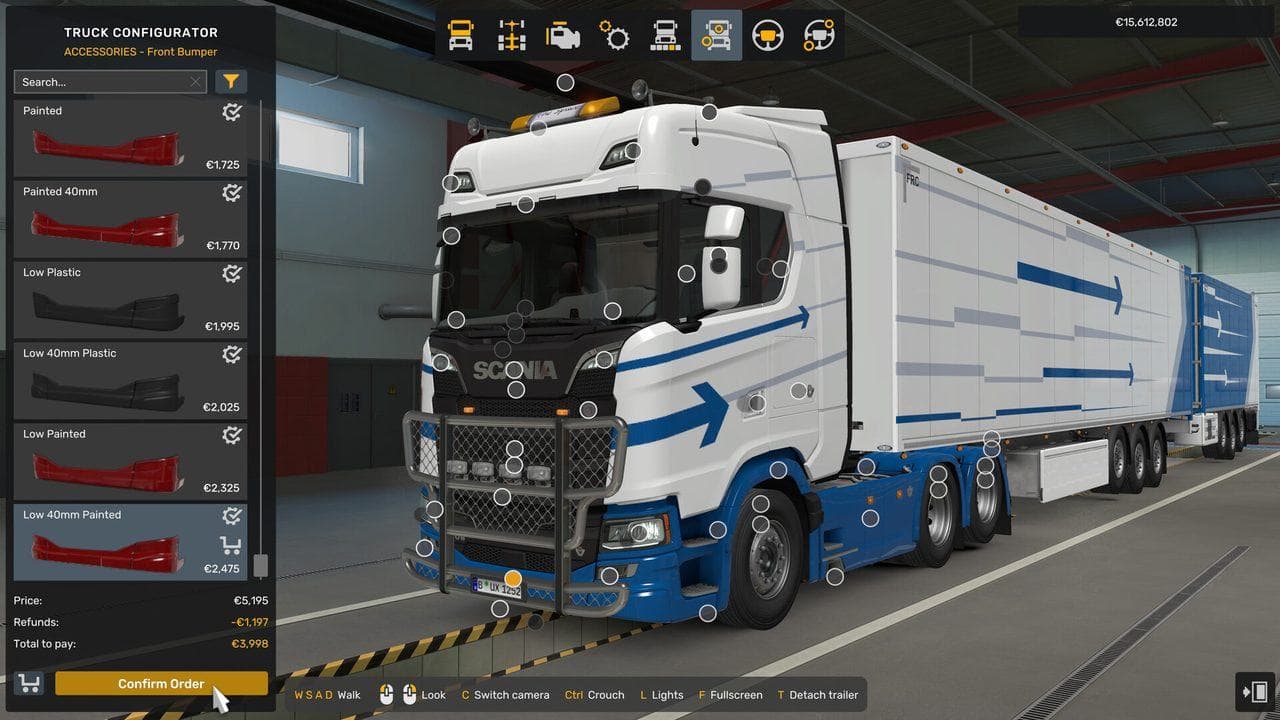
Keyboard and mouse are playable, a controller is comfortable, and a wheel is excellent, but the important part is mapping the controls you will use constantly.
Set these before your first long delivery. If any item feels unclear, use the Route Advisor Guide, Lights and Wipers Guide, or How to Park in ETS2 before taking a longer job:
| Control | Why It Matters |
|---|---|
| Indicators | Intersections, roundabouts, and roleplay habit |
| Lights and high beam | Night driving and fines |
| Wipers | Rain can reduce visibility quickly |
| Cruise control | Long motorway sections become calmer |
| Retarder and engine brake | Safer descents with heavy cargo |
| Camera reset | Quick recovery after checking mirrors |
| Route Advisor pages | GPS, job info, damage, and messages |
If you use a wheel, leave force feedback moderate at first. Strong feedback can feel impressive for ten minutes and tiring for two hours.
First Truck
Your first truck does not need to be the most powerful one in the dealer. A mid-range engine, a comfortable cabin, and predictable handling matter more than headline horsepower.
Reliable first choices:
| Brand | Why It Works |
|---|---|
| Volvo FH | Strong engines and easy long-haul comfort |
| Scania R or S | Excellent all-rounder with broad customization |
| DAF XF or XG | Relaxed highway driving and clean visibility |
| MAN TGX | Stable, practical, and easy to live with |
Buy upgrades that improve daily driving first: better mirrors, a stronger engine if you haul heavy cargo, and a transmission that fits your route style.
Avoid spending your first budget on paint, cabin toys, or maximum horsepower. A slightly cheaper truck with a sensible engine, good visibility, and money left for repairs is usually the better career start.
Money Path
Your early money path should stay boring on purpose. The fastest beginners are usually the cleanest drivers: they take manageable routes, avoid damage, and spend skill points where they unlock better jobs.
For a deeper breakdown, use How to Earn Money Fast in ETS2, then read Best Skills in ETS2 before spending points randomly.
The safest early economy loop is:
- Run short quick jobs until you understand steering, braking, and parking.
- Take a modest bank loan only when you are ready to buy a truck.
- Buy one truck and keep operating costs low.
- Hire drivers only after your own income is stable.
- Expand garages in cities with many nearby freight connections.
Avoid buying cosmetic DLC, paint packs, or accessories just because they are discounted. They are fun, but map DLC and cargo DLC usually change your driving experience more.
World of Trucks
World of Trucks is SCS Software's online platform for external contracts, screenshots, profile badges, and seasonal events. It is optional, but worth connecting once you know you will keep playing.
Use it when you want:
- Seasonal event rewards.
- External contracts with real-time deadlines.
- A public profile for screenshots and achievements.
- Community goals that work across ETS2 and ATS.
DLC Priority
If you are new, buy DLC based on the roads you want to drive, not by release order.
| Player Goal | Best DLC Type |
|---|---|
| Bigger road network | Map expansions |
| Harder routes | Mountain or island map DLC |
| Heavy hauling | Special Transport and Heavy Cargo Pack |
| More variety | Cargo bundles and tuning packs |
| Screenshots | Paint and cabin accessory packs |
For a first Steam sale, maps are usually the strongest value. They make the game larger every time you open the freight market. Cargo DLC comes next because it adds new job types across the network you already own.
Mods and Multiplayer
Keep your first profile mostly vanilla. Mods are wonderful, but they also make troubleshooting harder when a game update lands. Before public multiplayer or heavy mods, make a backup with How to Back Up ETS2 Profiles and Saves.
Use a separate modded profile for map combos, economy changes, sound packs, or visual overhauls. If you want multiplayer, check the current requirements for TruckersMP or Convoy and keep a clean profile available.
Convoy is the built-in multiplayer mode and is easiest for small groups. TruckersMP is a larger community multiplayer environment with its own rules, supported game versions, and moderation. Do not install multiplayer mods on your only career profile until you understand how profile backups work. Use the ETS2 Multiplayer Guide and ETS2 Update Checklist before major game updates.
What to Learn Next
Once basic driving feels natural, learn these in order:
- Manual or sequential shifting.
- Retarder and engine brake use on descents.
- Trailer ownership and cargo market planning.
- Long-distance route planning with fuel and rest stops.
- Special Transport escort rules.
ETS2 rewards patience. The game is at its best when you stop treating each delivery as a race and start treating it as a route to be understood.
Read next
Continue through the next task instead of jumping to a random tag page.
BeginnerEuro Truck Simulator 2 Controls Guide
Euro Truck Simulator 2 controls for beginners, including default keyboard keys, steering sensitivity, route advisor controls, parking, camera views, and wheel setup.
 Beginner
How to Park in ETS2: Easy Parking Guide for Beginners
Learn how ETS2 parking works, which delivery parking option to choose, and how to reverse into marked bays without damaging your cargo.
 Beginner
How to Refuel in ETS2 and Avoid Running Out of Fuel
Learn how to refuel in ETS2, where fuel stations appear, why the prompt may not show, and how to plan long jobs without running dry.