Setup guide
ETS2 Graphics and Performance Settings for Better FPS
Tune ETS2 graphics and performance settings for smoother driving, better FPS, readable mirrors, and fewer frame drops in cities and rain.
UpdatedJul 30, 2026
Read7 min
LevelBeginner
ByETS2Hub
Quick answer
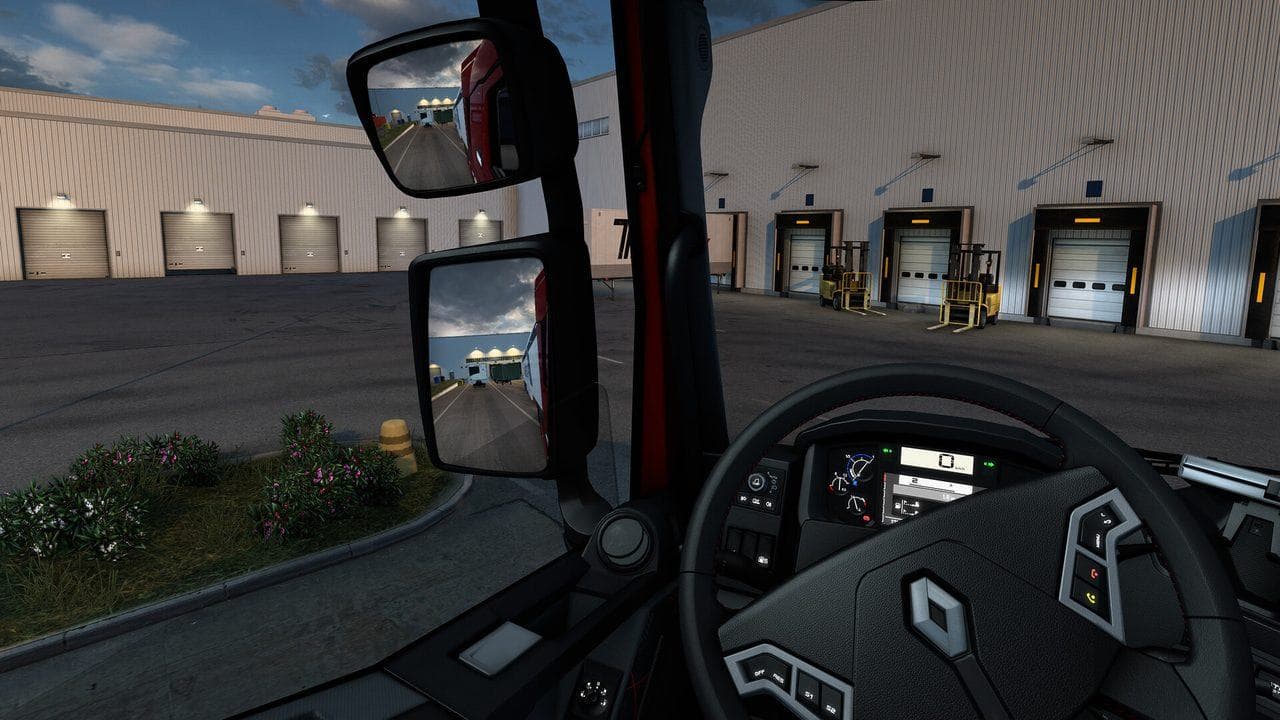
For better ETS2 FPS, keep native resolution if possible, lower shadows and mirror distance before texture quality, avoid excessive scaling, and test changes in cities, rain, and cabin view. Smooth frame pacing matters more than maximum screenshot quality during deliveries.
ETS2 graphics settings should make driving stable first and pretty second. Frame drops in cities, rain, mirrors, and depot turns can cause more delivery damage than a lower shadow setting ever will.
Use this with Best ETS2 Settings, ETS2 Controller Settings, and ETS2 PC Requirements.
What To Lower First
| Setting Area | Why |
|---|---|
| Shadows | Often expensive and less important than road readability |
| Mirror distance | Helps city and depot performance |
| Mirror quality | Useful if mirrors cause stutter |
| Scaling | Can be expensive above what your GPU can handle |
| Grass and vegetation | Helps rural route performance |
Try one change at a time. If you change everything, you will not know which setting actually fixed the problem.
Settings To Protect
Do not lower everything blindly. Keep the game readable:
- Keep native resolution if possible.
- Keep mirrors usable.
- Keep road signs and lane markings clear.
- Keep UI and Route Advisor readable.
- Avoid settings that cause distracting pop-in.
1.60 Improved Material System Context
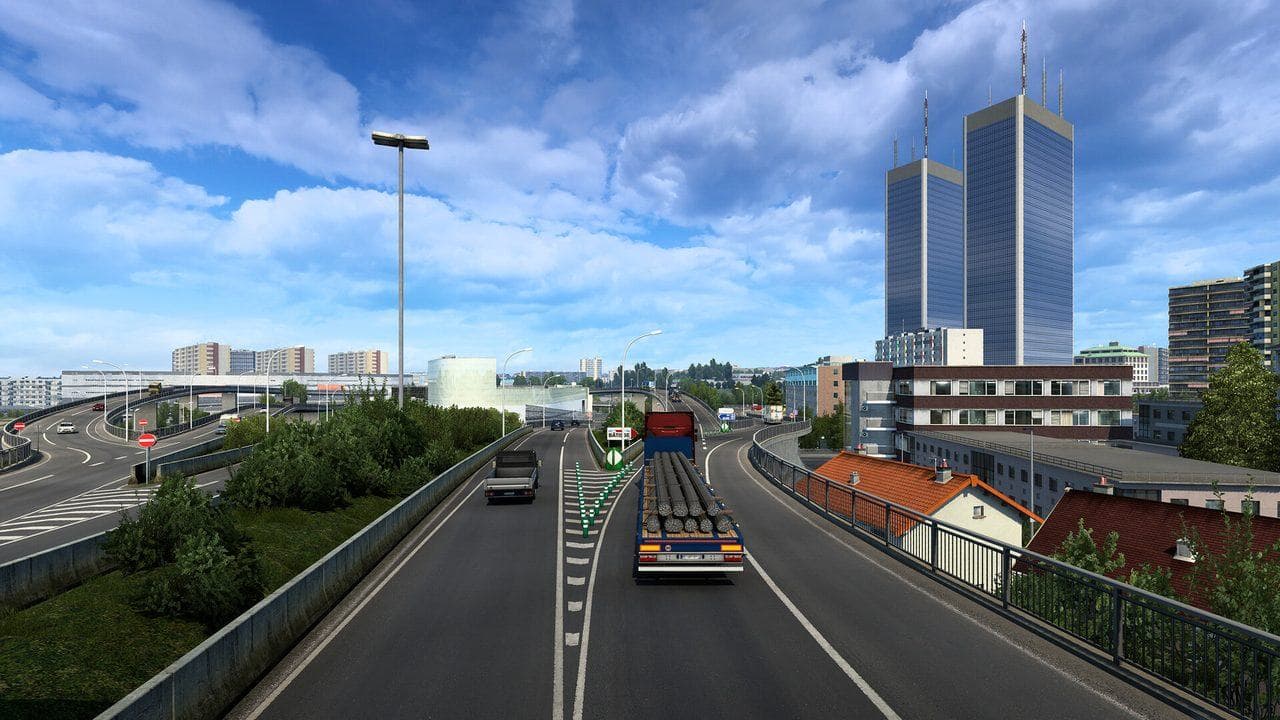
ETS2 1.60 began a gradual improved-material rollout on selected trucks, including the DAF New Generation DAF and MAN TG3 TGX families. It does not mean every truck, trailer, road, and building received a new material at once.
The change can alter how paint, metal, plastic, and rough surfaces react to light. When comparing FPS or image quality:
- Use the same truck.
- Park in the same location and weather.
- Compare daylight and night separately.
- Change one graphics option at a time.
- Do not mistake a material response change for a global texture-quality change.
Read the ETS2 1.60 Update Overview for the full version context and the official material-system explanation for SCS's development detail.
Test Route
Use the same short route when tuning:
- Start in a city.
- Drive through traffic.
- Use mirrors during lane changes.
- Enter a depot or service area.
- Test rain or night if those are problem cases.
If controller or wheel input feels worse during frame drops, tune graphics before changing controls again.
FAQ
Should I lower resolution first?
Not usually. Try shadows, mirrors, and scaling before lowering native resolution, because readability matters while driving.
Why do mirrors hurt FPS?
Mirrors render extra scene information. Lower mirror distance or quality if cities and depots stutter.
What should I read next?
Read Best ETS2 Settings, then Controller Settings or Beginner Controls.
Read next
Continue through the next task instead of jumping to a random tag page.
SetupBest ETS2 Settings
The best ETS2 settings for new and returning players, covering controls, steering, mirrors, route advisor, parking, graphics, audio, and comfort options.
 Setup
SetupETS2 Controller Settings for Smooth Steering
Set up ETS2 controller steering, triggers, deadzones, sensitivity, camera controls, and common bindings for smoother beginner driving.
 Setup
SetupETS2 PC Requirements
ETS2 PC requirements explained for new players, including what affects performance, graphics settings to tune first, and when to upgrade.