Setup guide
ETS2 PC Requirements
ETS2 PC requirements explained for new players, including what affects performance, graphics settings to tune first, and when to upgrade.
UpdatedMay 18, 2026
Read7 min
LevelBeginner
ByETS2 Guide Team
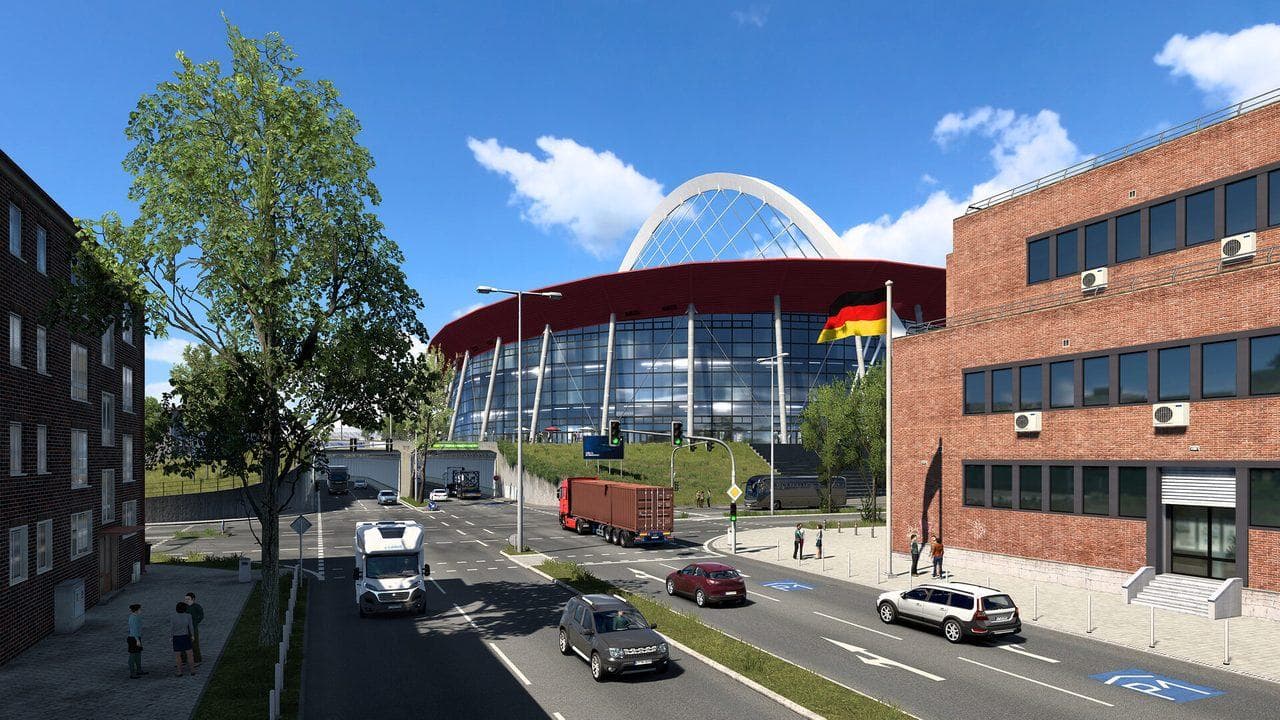
Quick answer
ETS2 runs best when your PC has enough CPU headroom for traffic and cities, a GPU that can handle your resolution, and stable storage for map loading. If performance is weak, lower scaling, mirrors, shadows, vegetation, and traffic-heavy settings before changing everything.
ETS2 is friendly to a wide range of PCs, but performance can still drop in cities, dense traffic, heavy rain, mirror-heavy views, and high-resolution setups. This guide explains ETS2 PC requirements in practical terms: what matters, what to tune first, and when an upgrade makes sense.
For settings, continue with Best ETS2 Settings. For wheels and hardware, use ETS2 Wheel Settings and the Sim Rig Setup Guide.
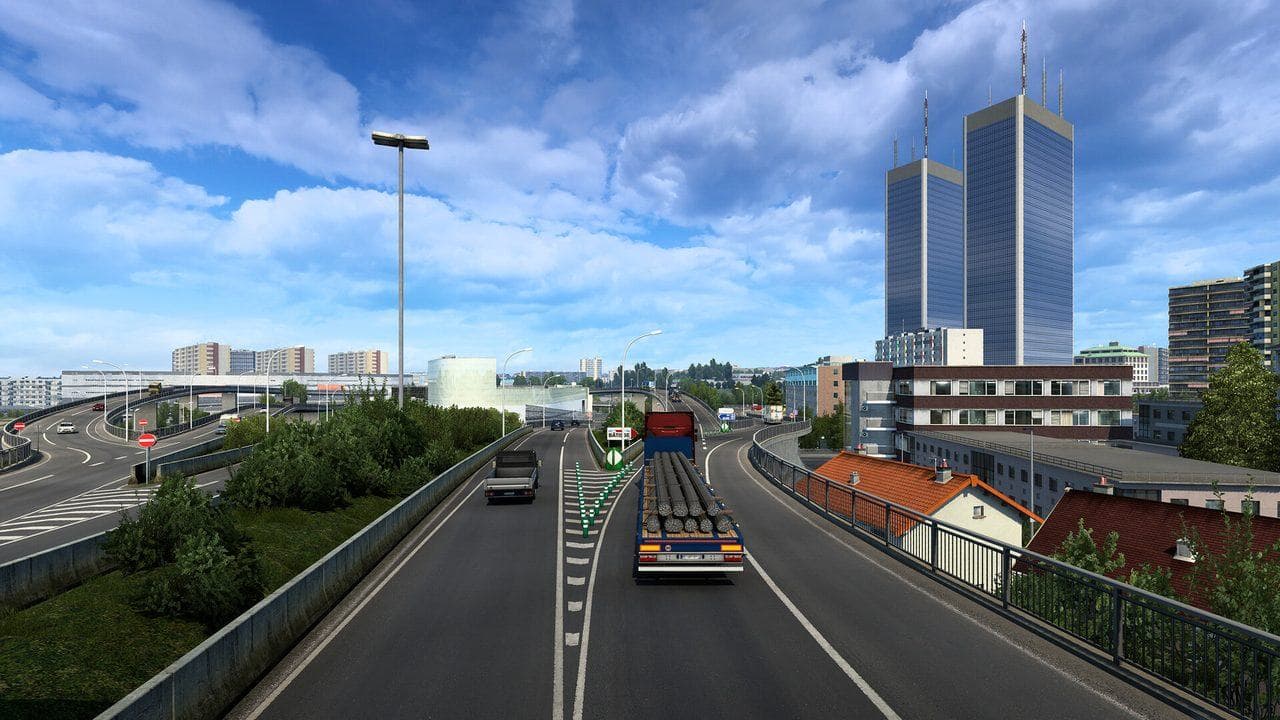
What Affects ETS2 Performance
| Area | Why It Matters |
|---|---|
| CPU | Cities, AI traffic, background simulation, and frame pacing |
| GPU | Resolution, scaling, shadows, mirrors, reflections, and anti-aliasing |
| RAM | Smooth multitasking and fewer stalls with browser, music, or maps open |
| Storage | Faster loading when switching areas, DLC regions, and profiles |
| Mods | Graphics, traffic, map, and weather mods can raise requirements quickly |
Settings To Lower First
If ETS2 feels choppy, lower these before touching every option:
- Scaling.
- Mirror quality and mirror distance.
- Shadows.
- Vegetation detail.
- Reflections.
- Traffic density if you use a traffic mod.
Small changes here usually matter more than changing texture quality alone.
Laptop Advice
On laptops, plug in power, use the dedicated GPU if available, and keep thermals under control. ETS2 can look simple, but long sessions can expose heat or power limits that short benchmarks miss.
Mods And Requirements
Vanilla ETS2 is much easier to run than a heavily modded setup. Map combos, traffic density, weather overhauls, and high-resolution graphics packs can change your real requirements. Add mods slowly and test performance after each group.
FAQ
Can a low-end PC run ETS2?
Often yes, especially at lower settings and resolution. Start with conservative graphics, then raise settings one by one after you know the frame rate is stable.
What setting should I lower first in ETS2?
Lower scaling, mirrors, shadows, and vegetation first. These usually have a visible performance impact without making the game unreadable.
Do ETS2 mods need a stronger PC?
Some do. Graphics, weather, traffic, and map mods can raise CPU, GPU, and memory needs more than simple paint or sound mods.
Read next
Continue through the next task instead of jumping to a random tag page.
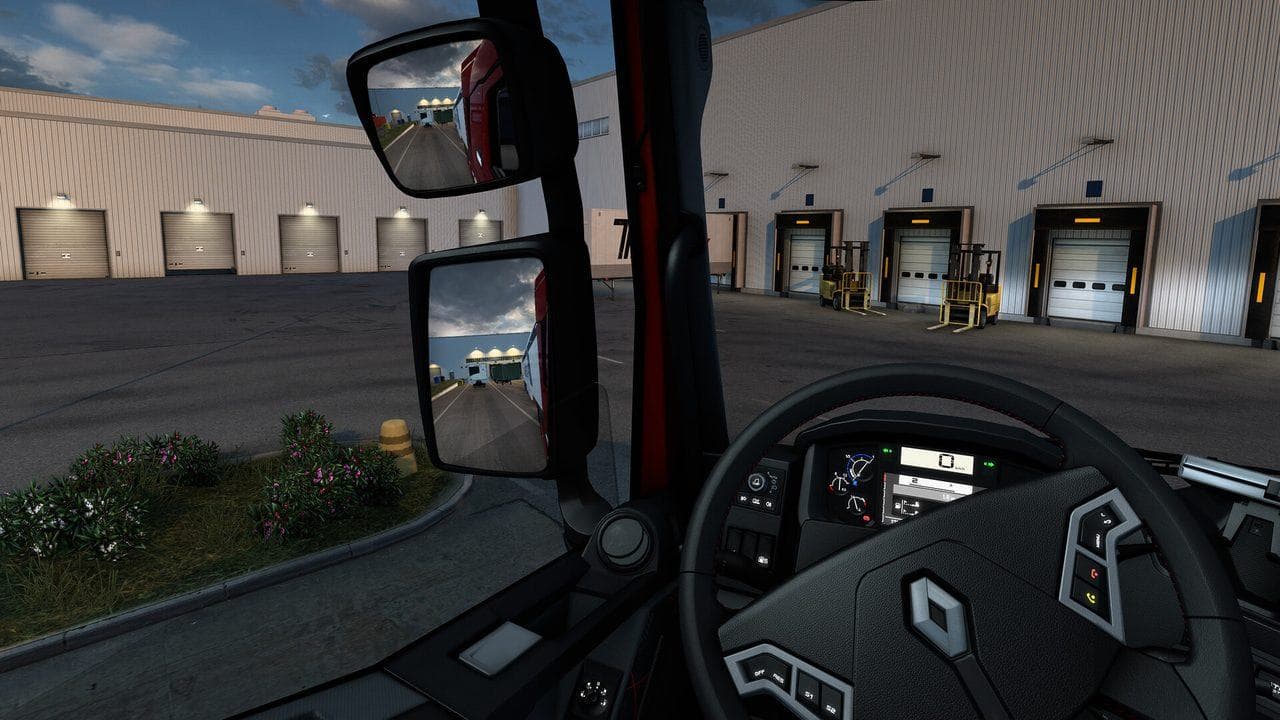 Setup
SetupBest ETS2 Settings
The best ETS2 settings for new and returning players, covering controls, steering, mirrors, route advisor, parking, graphics, audio, and comfort options.
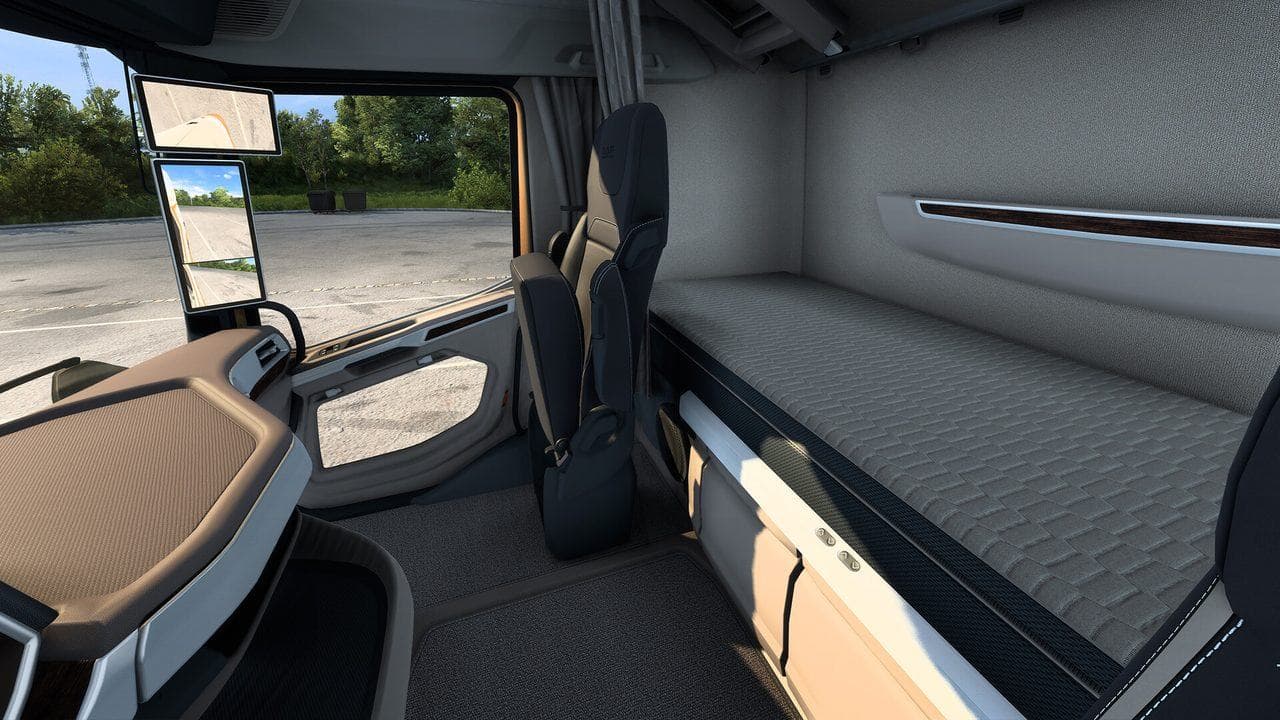 Setup
SetupETS2 Wheel Settings
ETS2 wheel settings for Logitech, Thrustmaster, MOZA, and other force-feedback wheels, including steering range, force feedback, pedals, shifter, and testing advice.
 Beginner
ETS2 Beginner Guide: Your First Week Roadmap
Start Euro Truck Simulator 2 with a practical first-week guide to controls, quick jobs, money, skill points, your first truck, DLC, and safe mods.