Beginner guide
Euro Truck Simulator 2 Controls Guide
Euro Truck Simulator 2 controls for beginners, including default keyboard keys, steering sensitivity, route advisor controls, parking, camera views, and wheel setup.
UpdatedJul 1, 2026
Read7 min
LevelBeginner
ByETS2Hub

Quick answer
The most important Euro Truck Simulator 2 controls are steering, throttle, brake, indicators, lights, cruise control, camera reset, route advisor pages, wipers, retarder, engine brake, parking, and trailer attach controls. Learn those before remapping the whole keyboard or adding advanced hardware.
Welcome to Euro Truck Simulator 2. This controls guide is for the first hour: enough keyboard, controller, and driving setup knowledge to complete jobs safely without drowning in every possible keybind. If you searched for Euro Truck Simulator 2 controls or ETS2 controls, start with the table below and then tune one input group at a time.
For deeper setup work, continue with Best ETS2 Settings, ETS2 Controller Settings, ETS2 Wheel Settings, and the Beginner Roadmap.
Default Keyboard Layout
If you're playing with a keyboard, these are the keys you'll use the most.
| Action | Key |
|---|---|
| Steer left / right | A / D |
| Accelerate | W |
| Brake / Reverse | S |
| Engine on/off | E |
| Indicators (L/R) | , / . |
| Hazard lights | F |
| High beams | K |
| Horn | H |
| Cruise control | C |
Essential Controls Checklist
Before your first long delivery, make sure you can use these without looking them up:
- Indicators for turns, roundabouts, and lane changes.
- Lights, high beams, and wipers for night and rain.
- Cruise control for motorway sections.
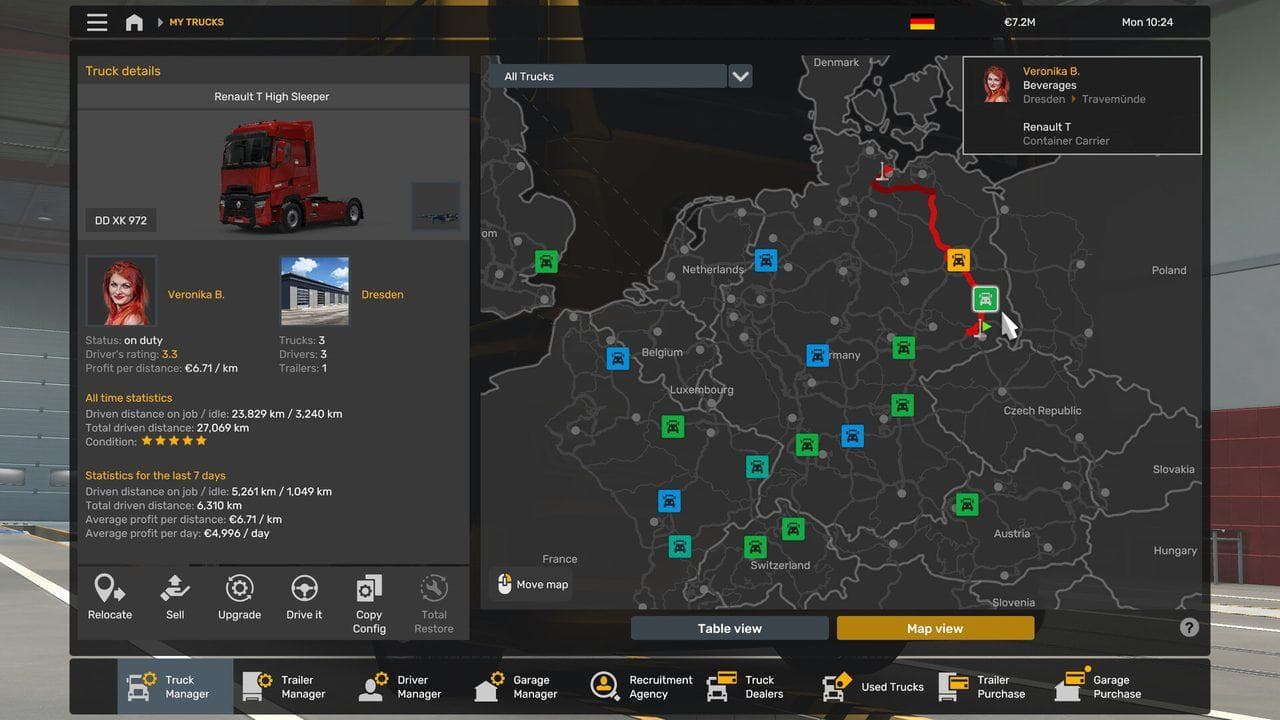
- Route advisor pages for job info, GPS, damage, and messages.
- Camera reset and mirror checks.
- Parking confirm and trailer attach controls.
Use the Route Advisor Guide, Lights and Wipers Guide, Retarder and Engine Brake Guide, and How to Park in ETS2 if any of these controls still feels awkward after a short quick job.
Your First Job
- Start a new profile and pick a starting city.
- Take the Quick Job menu to skip company logistics for now.
- Pick a short delivery (under 200 km) so you can focus on driving.
- Watch the GPS at the top-right and obey speed limits.
Useful Camera Tricks
Press 1 through 8 to switch camera angles. The interior view (1) and the chase camera (2) are the two you'll likely toggle most often.
Controls To Learn Next
Once the basic ETS 2 controls feel natural, add these:
| Control | Why It Matters |
|---|---|
| Retarder | Safer downhill speed control with heavy cargo |
| Engine brake | Helps slow the truck without overusing service brakes |
| Route Advisor pages | Lets you check job, damage, finance, and message information |
| Wipers | Rain can make mirrors and road signs harder to read |
| Parking camera | Useful while learning trailer placement |
Do not remap everything at once. Change one small group, finish a delivery, then decide whether it actually improved the drive.
Next Steps
After the default controls feel natural, move to Best ETS2 Settings, ETS2 Wheel Settings, or the ETS2 Beginner Roadmap.
FAQ
What are the default Euro Truck Simulator 2 controls?
The default keyboard controls use W/A/S/D for basic driving, E for engine, comma and period for indicators, F for hazard lights, K for high beams, H for horn, and C for cruise control.
Can I play ETS2 with keyboard and mouse?
Yes. Keyboard and mouse are playable, but a controller or force-feedback wheel makes steering smoother. Start with keyboard if you are new, then upgrade only if you enjoy longer routes.
Once you've completed a few quick jobs, take a look at our economy guides to learn how to buy your first truck and start earning real profit.
Read next
Continue through the next task instead of jumping to a random tag page.
BeginnerETS2 Route Advisor Guide: GPS, Job Info, Damage, and Messages
Learn what the ETS2 Route Advisor shows, how to use its pages, and which GPS, job, damage, message, and money screens matter during deliveries.
ControlsETS2 Lights and Wipers Guide for Beginners
Learn when to use headlights, high beams, beacons, extra lights, and wipers in ETS2 so rain, night driving, and fines do not ruin deliveries.
 Controls
ETS2 Retarder and Engine Brake Guide for Safer Downhill Driving
Learn how retarder, engine brake, service brake, and cruise control work in ETS2 so downhill routes feel controlled instead of scary.