Controls guide
ETS2 Retarder and Engine Brake Guide for Safer Downhill Driving
Learn how retarder, engine brake, service brake, and cruise control work in ETS2 so downhill routes feel controlled instead of scary.
UpdatedJul 1, 2026
Read7 min
LevelBeginner
ByETS2Hub
Quick answer
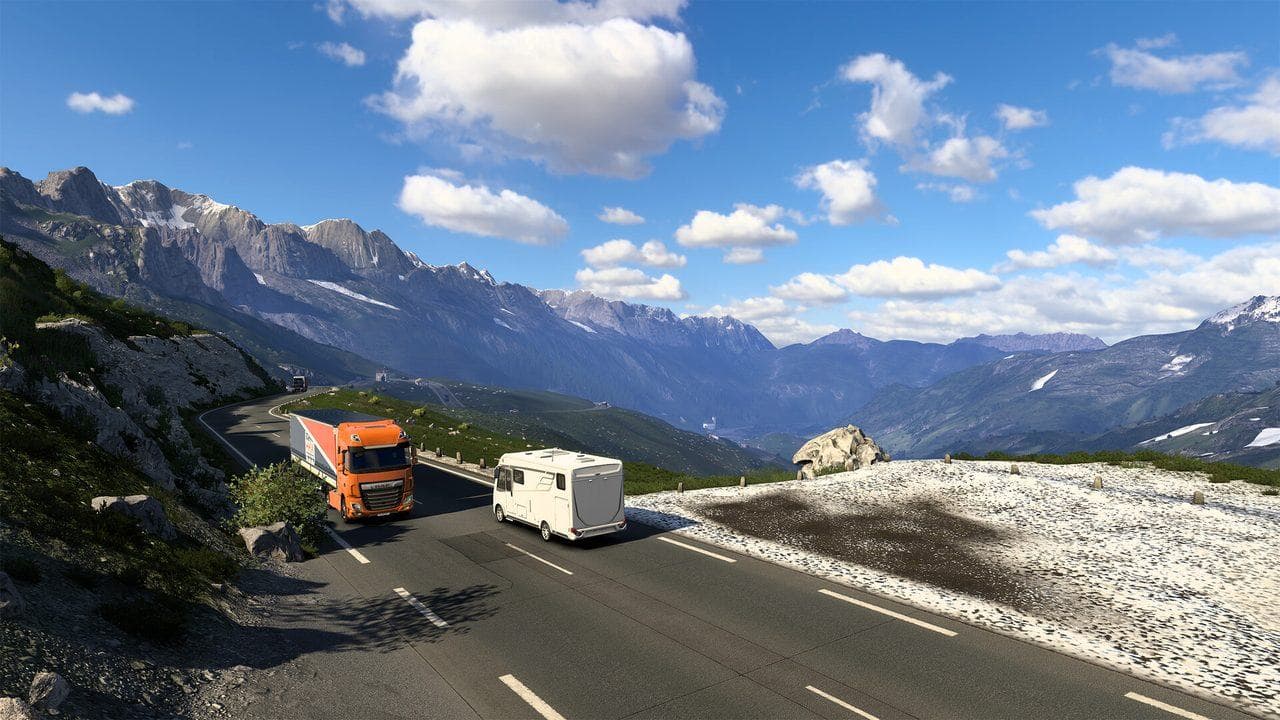
Use the retarder or engine brake in ETS2 to control speed on long descents without relying only on the service brake. Map the increase and decrease keys, slow down before the hill, use low retarder levels first, and keep service braking for short corrections or emergencies.
The retarder and engine brake help you control speed before the truck feels out of control. They matter most on long downhill roads, heavy cargo routes, rain, traffic, and late deliveries where a panic stop can damage the truck or trailer.
Use this with the Beginner Controls Guide, Best ETS2 Settings, and Lights and Wipers Guide.
Retarder vs Engine Brake vs Service Brake
| Brake Type | Best Use |
|---|---|
| Service brake | Short stops, traffic, final braking, emergencies |
| Retarder | Long downhill speed control, steady heavy-truck braking |
| Engine brake | Extra slowing without constant service brake use |
| Parking brake | Stopped truck only, not downhill driving |
Not every truck or transmission setup behaves exactly the same. Check your keybinds in Options before trusting a long descent.
Keybinds To Map
Map these controls somewhere easy to reach:
- Retarder increase.
- Retarder decrease.
- Engine brake.
- Cruise control.
- Cruise control speed up and speed down.
- Hazard lights.
If you use a controller or wheel, put retarder controls on buttons you can press without looking away from the road.
How To Drive Downhill
Use this sequence:
- Check the route advisor before the hill.
- Slow down before the descent starts.
- Use a low retarder level first.
- Add more retarder only if speed keeps rising.
- Use service brake in short presses when needed.
- Reduce retarder when the road flattens.
Do not wait until the truck is overspeeding. ETS2 is much easier when you control speed early.
Cruise Control And Retarder
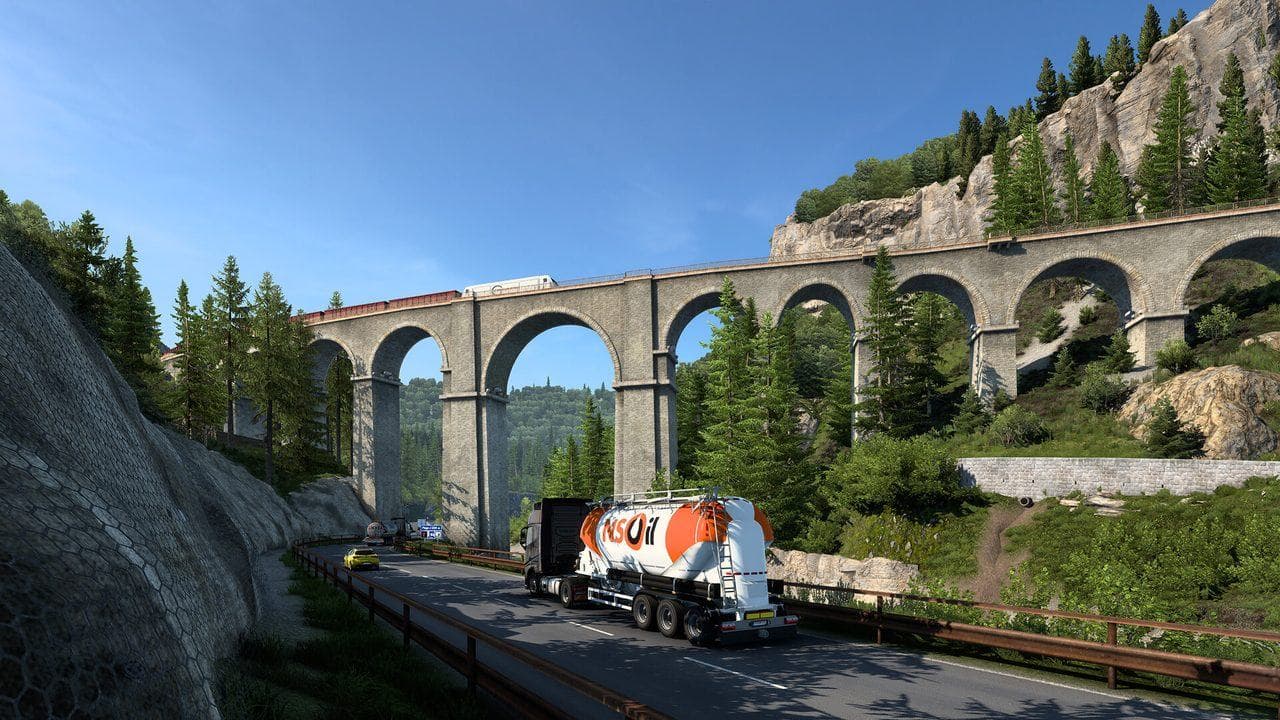
Cruise control is useful on steady roads, but it is not a replacement for attention. On hills, be ready to lower cruise speed, use retarder, or take manual control.
If cruise feels unsafe:
- Turn it off before tight curves.
- Lower the target speed before descents.
- Avoid using it in busy cities.
- Practice with normal cargo before heavy hauls.
Common Mistakes
| Mistake | Fix |
|---|---|
| Holding service brake for the whole hill | Use retarder or engine brake earlier |
| Using maximum retarder suddenly | Step up gradually |
| Forgetting to turn retarder down | Reduce it when the road flattens |
| Overspeeding before braking | Slow before the descent |
| Mapping controls too far away | Put downhill controls within reach |
What To Read Next
If your controls still feel scattered, read Euro Truck Simulator 2 Controls Guide. If the truck is hard to steer smoothly, tune controller settings or wheel settings.
Read next
Continue through the next task instead of jumping to a random tag page.
 Beginner
Euro Truck Simulator 2 Controls Guide
Euro Truck Simulator 2 controls for beginners, including default keyboard keys, steering sensitivity, route advisor controls, parking, camera views, and wheel setup.
ControlsETS2 Lights and Wipers Guide for Beginners
Learn when to use headlights, high beams, beacons, extra lights, and wipers in ETS2 so rain, night driving, and fines do not ruin deliveries.
 Setup
SetupBest ETS2 Settings
The best ETS2 settings for new and returning players, covering controls, steering, mirrors, route advisor, parking, graphics, audio, and comfort options.