Beginner guide
How to Refuel in ETS2 and Avoid Running Out of Fuel
Learn how to refuel in ETS2, where fuel stations appear, why the prompt may not show, and how to plan long jobs without running dry.
UpdatedJul 1, 2026
Read6 min
LevelBeginner
ByETS2Hub
Quick answer
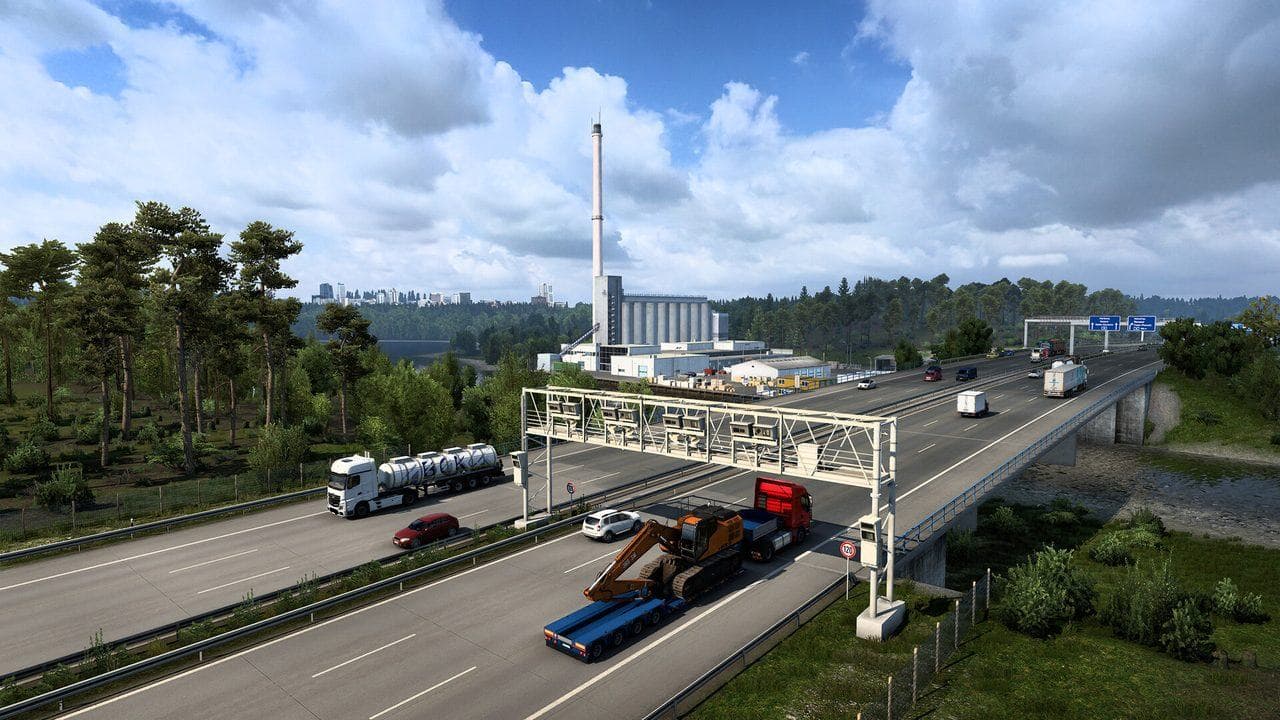
To refuel in ETS2, drive to a fuel station, stop in the marked pump area, turn off the engine if prompted, and hold the refuel key shown on screen. If the prompt does not appear, move the truck slowly and align closer to the pump.
Refueling in ETS2 is simple once you know where to stop. The part that catches new players is route planning: accepting a long job, ignoring the fuel gauge, then discovering there is no convenient station before the delivery deadline.
Use this with the Route Advisor Guide, How to Sleep and Rest in ETS2, and the Beginner Roadmap.
How To Refuel
- Open the map or route advisor and find a fuel station icon.
- Drive into the station slowly.
- Stop with the truck close to the pump marker.
- Turn off the engine if the game asks.
- Hold the refuel key shown on screen.
- Wait until the tank is full or stop early if you need to save money.
If you are using a controller or wheel, check the keybind before entering a long job.
If The Refuel Prompt Does Not Appear
Try this:
- Pull forward slowly.
- Reverse slightly.
- Center the cab closer to the pump area.
- Make sure you are fully stopped.
- Turn the engine off.
- Check that you are at a fuel pump, not a rest or service trigger.
Some station triggers are picky. Move gently instead of swinging the trailer into signs, barriers, or parked traffic.
When To Refuel
Refuel before:
- A long-distance job.
- A route through remote roads.
- A ferry or border-heavy delivery.
- A heavy cargo job that may take longer than expected.
- A late-night job where fatigue and fuel planning overlap.
Running low on fuel is not just a money problem. It can make you miss a deadline, drive tired, or take a risky detour.
Fuel And Money
In the early game, fuel costs feel painful. Do not solve that by waiting until the tank is nearly empty every time. A missed delivery, tow bill, or crash costs more.
Better habits:
- Refuel before accepting long jobs.
- Choose jobs with sensible route distance while learning.
- Avoid unnecessary detours.
- Upgrade fuel capacity later if your truck and route style need it.
Common Fuel Mistakes
| Mistake | Fix |
|---|---|
| Ignoring the gauge before a long job | Check fuel before accepting |
| Missing the pump trigger | Move closer and stop fully |
| Refueling with a badly angled trailer | Pull forward and straighten first |
| Taking remote routes on low fuel | Plan stations on the map |
| Spending all money on upgrades | Keep a fuel and repair buffer |
What To Read Next
If you are planning longer jobs, read How to Sleep and Rest in ETS2. If money is tight, follow How to Earn Money Fast in ETS2 before buying upgrades.
Read next
Continue through the next task instead of jumping to a random tag page.
BeginnerETS2 Route Advisor Guide: GPS, Job Info, Damage, and Messages
Learn what the ETS2 Route Advisor shows, how to use its pages, and which GPS, job, damage, message, and money screens matter during deliveries.
 Beginner
How to Sleep and Rest in ETS2
How to sleep in ETS2 1.60, use the wake-time selector, understand the 10-hour driving and 9-hour rest rule, and fix missing rest prompts.
 Beginner
ETS2 Beginner Guide: Your First Week Roadmap
Start Euro Truck Simulator 2 with a practical first-week guide to controls, quick jobs, money, skill points, your first truck, DLC, and safe mods.