Updates guide
ETS2 1.61 Experimental Beta: Features, Risks and Safe Setup
What ETS2 1.61 Experimental Beta adds, who should wait, and how to test the Steam experimental_beta branch without risking a main modded profile.
UpdatedJul 30, 2026
Read9 min
LevelIntermediate
ByETS2Hub
Quick answer
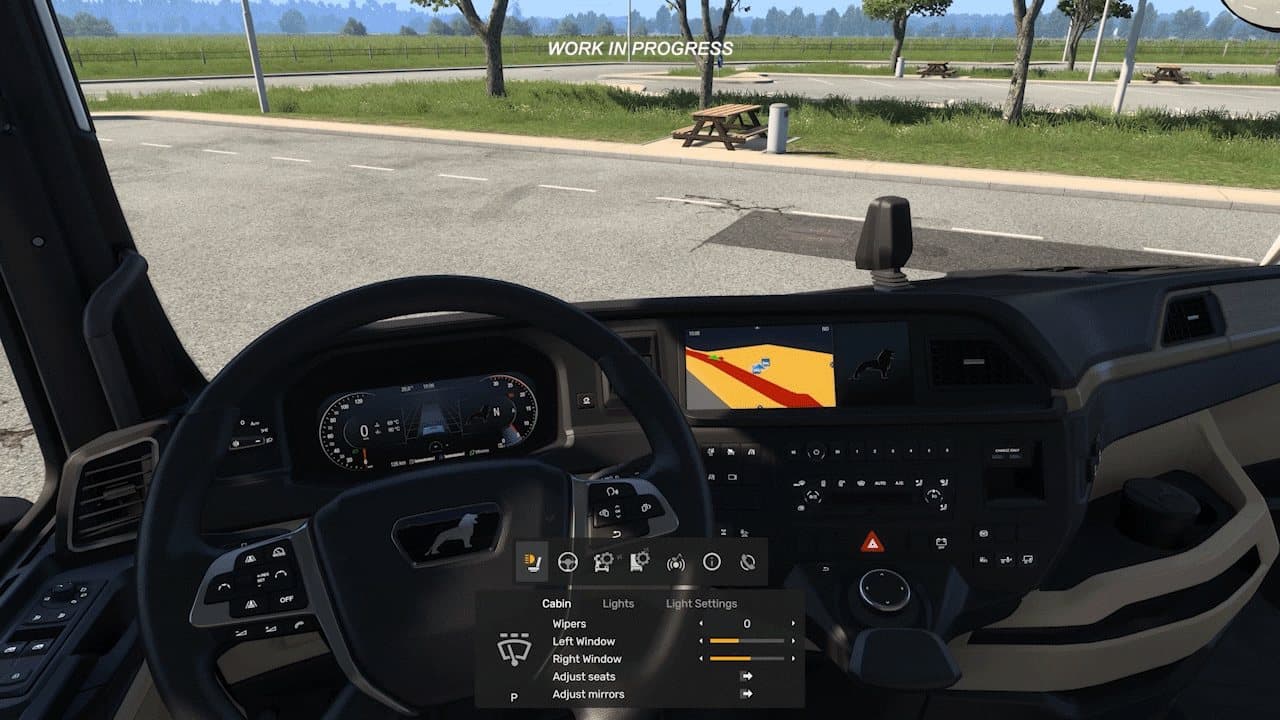
ETS2 1.61 is currently an optional Experimental Beta, not the stable public release. It previews the Multi-Function Display and a redesigned In-Game Menu. Expect bugs, crashes, English-only interface text during the initial test, and mod incompatibility. Back up your profile, use a clean test profile, and keep your main modded career on stable 1.60.
Euro Truck Simulator 2 1.61 is currently an Experimental Beta, not the normal stable release. SCS opened the test branch on June 25, 2026 so players can try new interface systems and report problems before a full release.
Most players should remain on stable 1.60. Join 1.61 only if you want to test unfinished features, can tolerate crashes, and have a separate profile. Check What Is the Latest ETS2 Version? if you only need the current stable/beta answer.
What 1.61 Is Testing
Multi-Function Display
The Multi-Function Display, or MFD, is designed to help players discover functions and their current key bindings without memorizing every control. It provides contextual actions that can be used with keyboard, controller, or wheel setups.
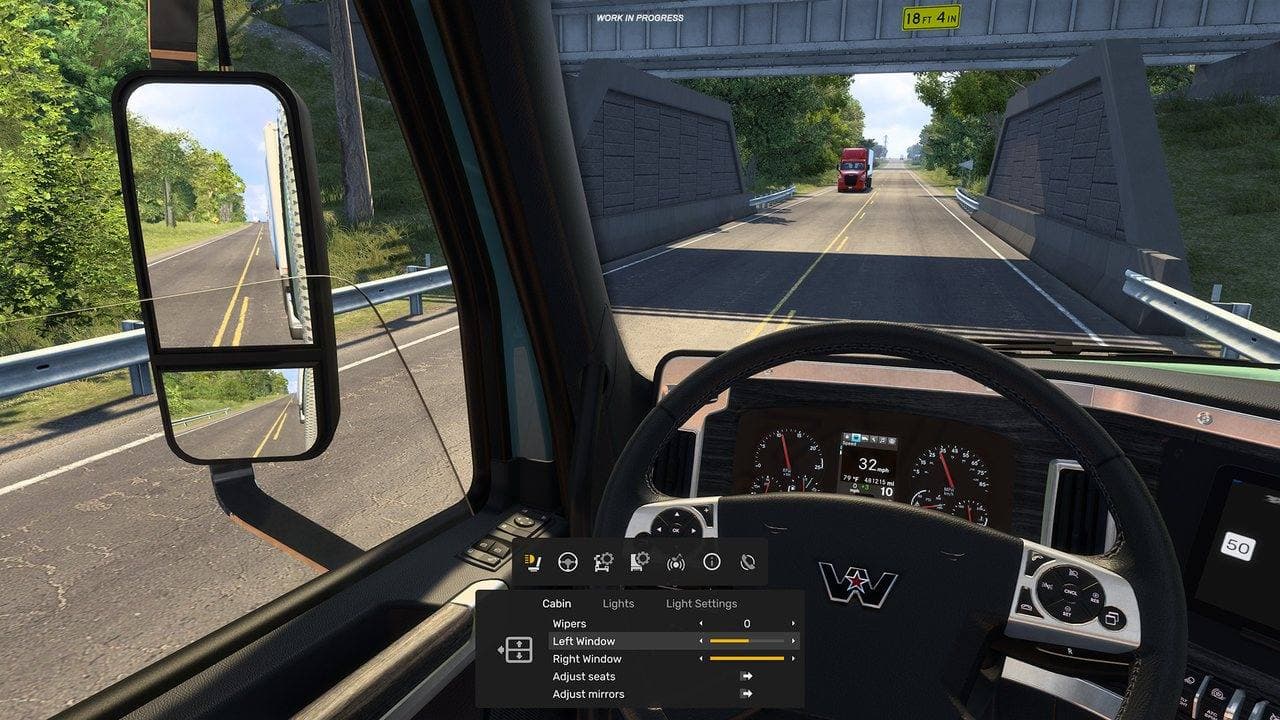
This is useful for returning players and complex wheel profiles, but it is still experimental. Do not rebuild your entire control scheme around beta behavior until the stable release confirms it.
Redesigned In-Game Menu
The new In-Game Menu brings functions previously spread across keys such as F1, F4, and F7 into a consolidated menu. The aim is faster access to driving assistance, adjustments, service, and other in-session actions.
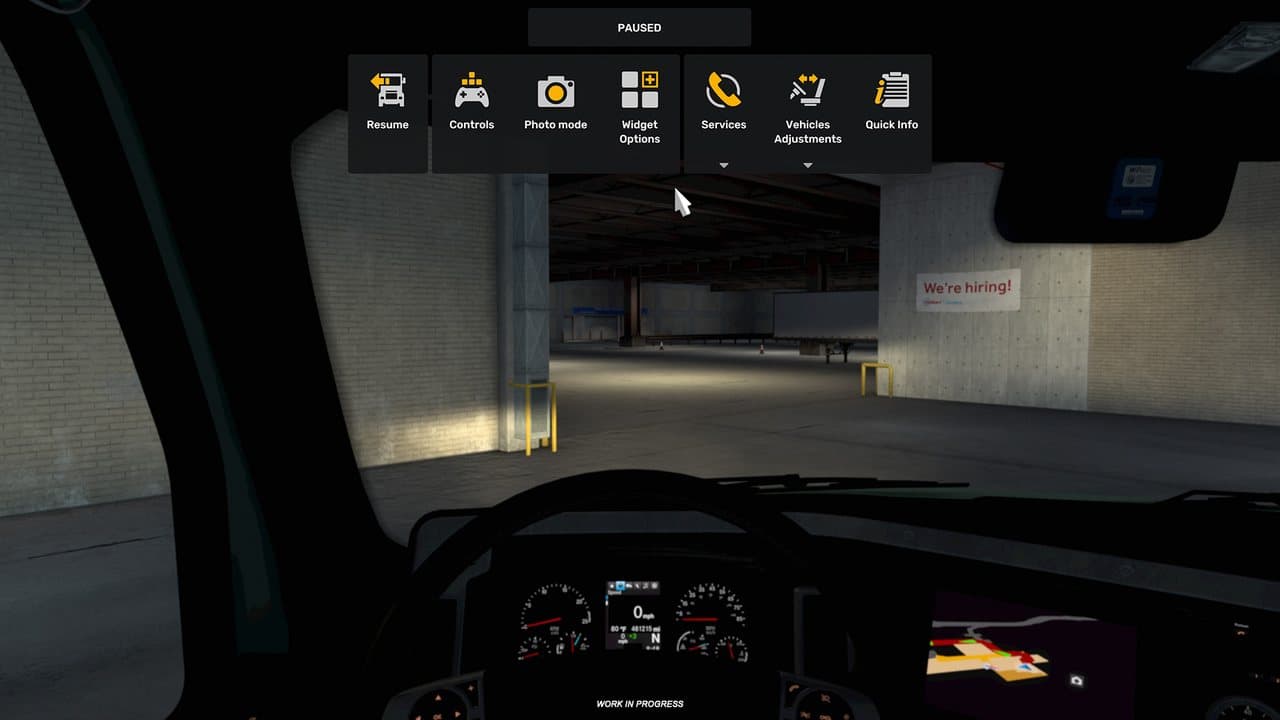
During the initial Experimental Beta announcement, the interface was available in English only. Localisation, visual polish, control behavior, and compatibility may change during testing.
Who Should Try It?
| Player | Recommendation |
|---|---|
| New player with one career | Stay on stable 1.60 |
| Heavy mod user | Wait, or test only on a copied clean profile |
| Guide creator or bug reporter | Try it with backups and clear version notes |
| Wheel/controller enthusiast | Test MFD bindings on a separate profile |
| Player who dislikes crashes or UI changes | Stay on stable |
Experimental does not mean “early access to a finished update.” It means SCS expects reports, incomplete behavior, and potentially disruptive changes.
Before You Opt In
- Close ETS2 completely.
- Back up your profile and saves.
- Copy or create a separate test profile.
- Disable Workshop and local mods on the test profile.
- Record your control bindings or export screenshots of important wheel settings.
- Finish or abandon time-sensitive World of Trucks jobs.
- Make sure you know how to return to the normal Steam branch.
How to Join the 1.61 Experimental Beta
- Open your Steam Library.
- Right-click Euro Truck Simulator 2.
- Select Properties.
- Open Betas.
- Choose the branch named
experimental_beta. - Allow Steam to download the beta files.
- Start ETS2 and select your clean test profile.
The branch label can change when SCS closes or replaces a test. If experimental_beta is unavailable, do not download an unofficial build. Return to How to Change ETS2 Version on Steam for the normal Steam workflow.
How to Leave the Beta
- Close ETS2.
- Return to Steam Properties → Betas.
- Choose None or the normal non-beta option.
- Let Steam restore stable files.
- Verify game files if the client reports missing or mismatched data.
- Load a stable backup or a profile you did not save in 1.61.
If Steam restores the stable build but ETS2 still crashes, follow How to Verify ETS2 Game Files and ETS2 Mods Not Working After an Update.
Common Beta Problems
| Problem | First Check |
|---|---|
| Crash on profile load | Try a clean profile with every mod disabled |
| Missing or changed controls | Review bindings and the MFD rather than importing old assumptions |
| UI text only in English | This was an announced initial limitation |
| Mod manager warnings | Wait for the mod author to declare beta compatibility |
| Save will not behave on stable | Restore the pre-beta backup |
| Steam still shows beta | Confirm the Betas selection and restart Steam |
What Is Not Confirmed
The Experimental Beta announcement does not guarantee a public 1.61 release date. It also does not prove that every experimental layout or behavior will ship unchanged. Treat screenshots and controls as test-state documentation, not permanent promises.
Official Source and Verification
This guide was last verified on July 30, 2026 against SCS Software's ETS2/ATS 1.61 Experimental Beta announcement. For stable 1.60 features, use the ETS2 1.60 Update Overview.
Read next
Continue through the next task instead of jumping to a random tag page.
 Updates
What Is the Latest ETS2 Version?
The current stable ETS2 version, the optional experimental branch, how to check your build, and which version normal and modded players should use.
 Updates
ETS2 1.60 Update: Game Radio, Rest Changes and Job Details
A practical ETS2 1.60 update guide covering Game Radio, Job Details, GPS arrival estimates, expanded rest, improved materials, lights, and truck changes.
 Setup
SetupHow to Back Up ETS2 Profiles and Saves
Back up ETS2 profiles and saves before updates, mods, TruckersMP, Steam beta branches, or config edits, then restore a clean copy if needed.