Updates guide
How to Check ETS2 Version in Game and Steam
Check your installed ETS2 version in game and confirm the Steam branch before troubleshooting mods, TruckersMP, ProMods, or updates.
UpdatedJul 14, 2026
Read5 min
LevelBeginner
ByETS2Hub
Quick answer
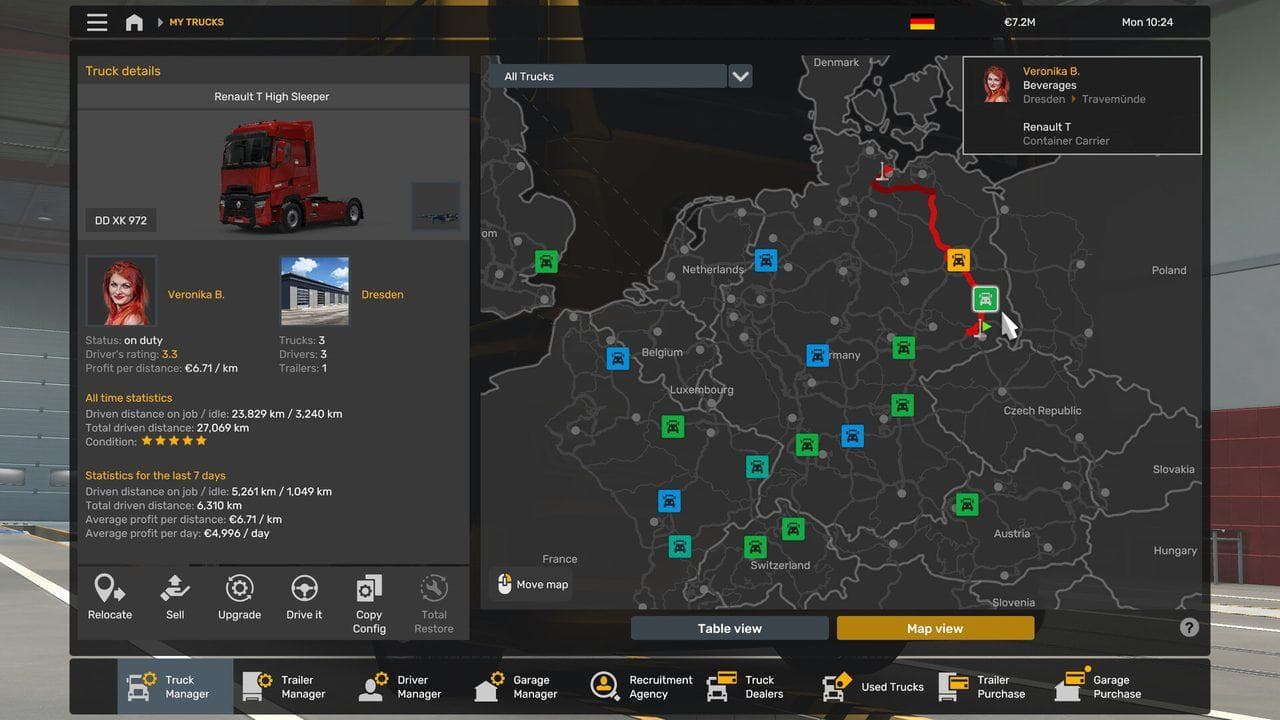
To check your ETS2 version, read the version number on the startup or profile menu, then open Steam Library, right-click Euro Truck Simulator 2, and check Properties > Betas for the installed branch. Compare both details with the version required by your mod or multiplayer service.
Check your ETS2 version in two places: read the number shown on the startup or profile menu, then confirm the selected Steam branch under Properties > Betas. This prevents you from troubleshooting a mod or multiplayer service against the wrong game build.
For the current public-version context, start with ETS2 Latest Version.
Three-Step Version Check
- Start ETS2 and write down the complete version number shown on the menu.
- In Steam, right-click Euro Truck Simulator 2, open Properties, and check Betas.
- Compare the installed version and branch with the requirement from your mod, ProMods, or TruckersMP.
Where to Check
Use these places:
- The ETS2 startup or menu version text.
- Steam properties for the installed branch.
- The mod author's supported version notes.
- TruckersMP or ProMods support notes when playing online or using large map mods.
Do not assume the version from a video, old forum post, or search result is still the version you have installed.
What the Version Tells You
The version tells you whether:
- A mod is likely compatible.
- TruckersMP can launch.
- A beta branch is active.
- A saved profile may have been opened in a newer game version.
- You should update, wait, or change branch.
Quick Troubleshooting Matrix
| Symptom | Version check to make |
|---|---|
| TruckersMP will not launch | Compare installed ETS2 version with TruckersMP support |
| ProMods will not load | Compare ETS2 version, ProMods version, and required DLC |
| Mods vanished after update | Check whether ETS2 updated beyond the mod's supported version |
| Save acts strange after testing beta | Check whether the profile was opened in a newer branch |
Common Mistakes
- Saying "my game is updated" without checking the exact version.
- Using a mod list built for an older version.
- Forgetting that Steam beta branches can remain selected.
- Loading a main profile before checking mod compatibility.
If your installed version is wrong for your goal, read How to Change ETS2 Version on Steam. If you only need normal public updates, read How to Update ETS2 on Steam Safely.
Read next
Continue through the next task instead of jumping to a random tag page.
 Updates
What Is the Latest ETS2 Version?
The current stable ETS2 version, the optional experimental branch, how to check your build, and which version normal and modded players should use.
 Updates
How to Change ETS2 Version on Steam
Change or downgrade ETS2 on Steam for mod, TruckersMP, or profile compatibility without risking your main save.
 Updates
ETS2 Update Checklist: What to Do Before and After Updating
Use this ETS2 update checklist to back up profiles, test mods, check version notes, and avoid breaking a save after a major game update.