Setup guide
ETS2 Steam Deck and Handheld Settings Guide
Tune ETS2 for Steam Deck and handheld PCs with readable controls, stable FPS targets, and sensible graphics tradeoffs.
UpdatedJul 1, 2026
Read7 min
LevelBeginner
ByETS2Hub

Quick answer
On Steam Deck or handheld PCs, set ETS2 for stable FPS, readable UI, comfortable controller bindings, and modest mirror settings. Start at a stable 30 or 40 FPS target before chasing 60 FPS, and avoid heavy graphics, traffic, or map mods until the base game is smooth.
ETS2 works well as a relaxed handheld game when the controls and UI are readable. The main challenge is balancing screen size, battery, mirrors, and FPS.
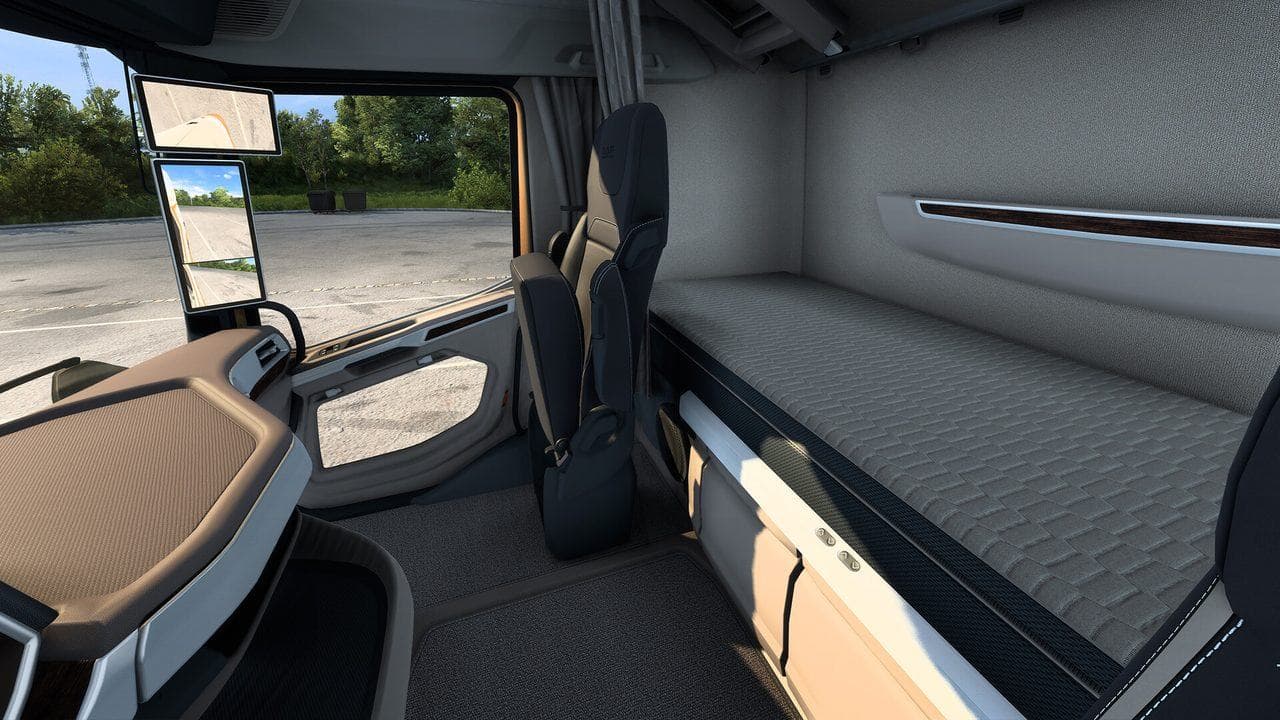
First Target
Choose a stable target before tuning:
| Target | Best for |
|---|---|
| 30 FPS | Battery and stability |
| 40 FPS | Smooth handheld compromise when available |
| 60 FPS | Stronger handheld PCs and lower settings |
A stable 40 or 30 can feel better than unstable 60.
Controls
Map the essentials:
- Steering, throttle, brake.
- Indicators.
- Lights and wipers.
- Camera reset.
- Route Advisor pages.
- Cruise control.
- Trailer attach and parking controls.
Read ETS2 Controller Settings for a deeper layout.
Graphics Settings
Start with:
- Moderate scaling.
- Lower mirror distance.
- Medium or lower shadows.
- Readable texture settings.
- No heavy traffic mods.
- Cabin view adjusted for mirror visibility.
Do not make the game too blurry. If road signs and route info are hard to read, the setting is too aggressive.
Handheld Driving Tips
- Use shorter deliveries at first.
- Avoid fragile cargo while learning controls.
- Use safe parking when tired.
- Keep Route Advisor visible.
- Pause before changing settings mid-job.
Mods
Handhelds are less forgiving with heavy mods. Add only one or two at a time, and avoid large traffic, map, or graphics stacks until you know your baseline FPS.
For the first week, base game stability is more valuable than a long mod list.
Read next
Continue through the next task instead of jumping to a random tag page.
SetupETS2 Controller Settings for Smooth Steering
Set up ETS2 controller steering, triggers, deadzones, sensitivity, camera controls, and common bindings for smoother beginner driving.
 Setup
SetupETS2 Low-End PC Settings for 30 to 60 FPS
Tune ETS2 for low-end PCs by lowering the settings that affect driving smoothness most: mirrors, scaling, shadows, traffic, and heavy mods.
 Setup
SetupHow to Show FPS in ETS2 and Test Settings Properly
Use an FPS counter in ETS2 and test graphics settings in real driving situations instead of changing sliders randomly.