Setup guide
ETS2 Low-End PC Settings for 30 to 60 FPS
Tune ETS2 for low-end PCs by lowering the settings that affect driving smoothness most: mirrors, scaling, shadows, traffic, and heavy mods.
UpdatedJul 1, 2026
Read8 min
LevelBeginner
ByETS2Hub
Quick answer
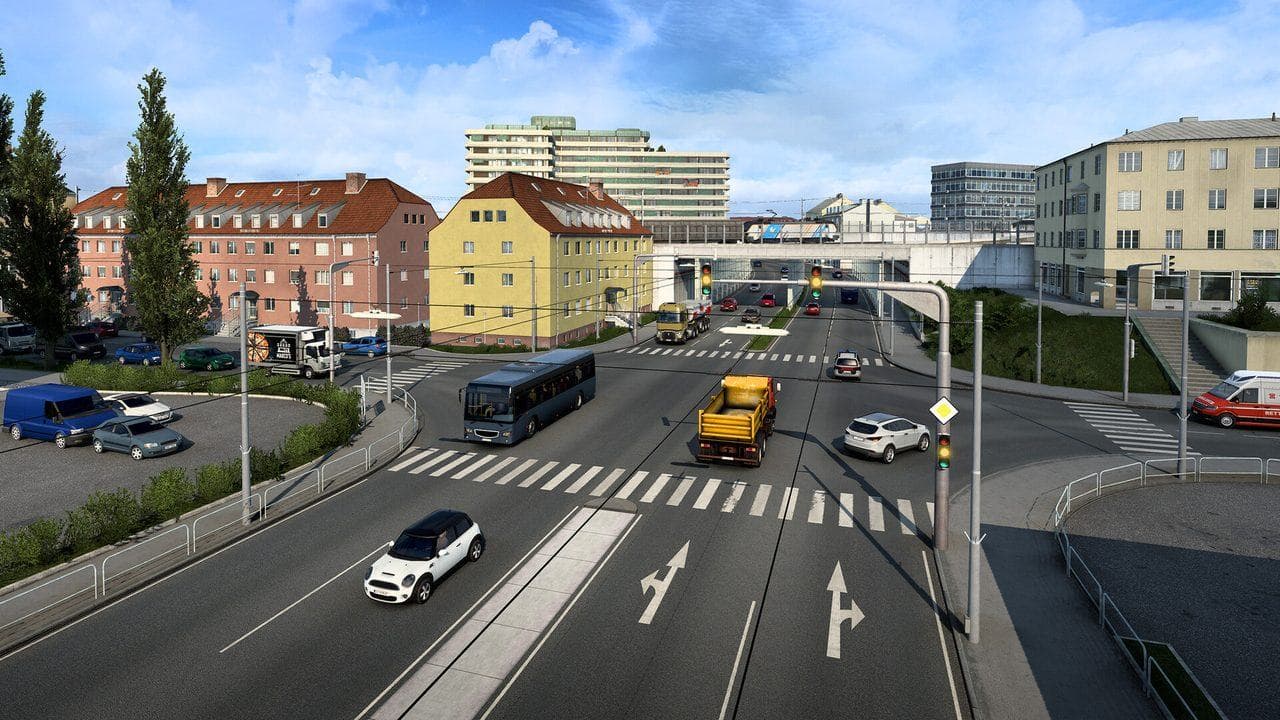
For ETS2 on a low-end PC, keep the resolution readable, lower scaling before chasing ultra visuals, reduce mirror distance and quality, lower shadows and SSAO, and avoid heavy traffic, map, and graphics mods. Aim for stable driving, not the highest screenshot setting.
ETS2 can run on modest hardware, but cities, mirrors, rain, traffic, and mods can expose weak settings quickly. The goal is a stable delivery experience. Do not copy ultra screenshots if they make driving worse.
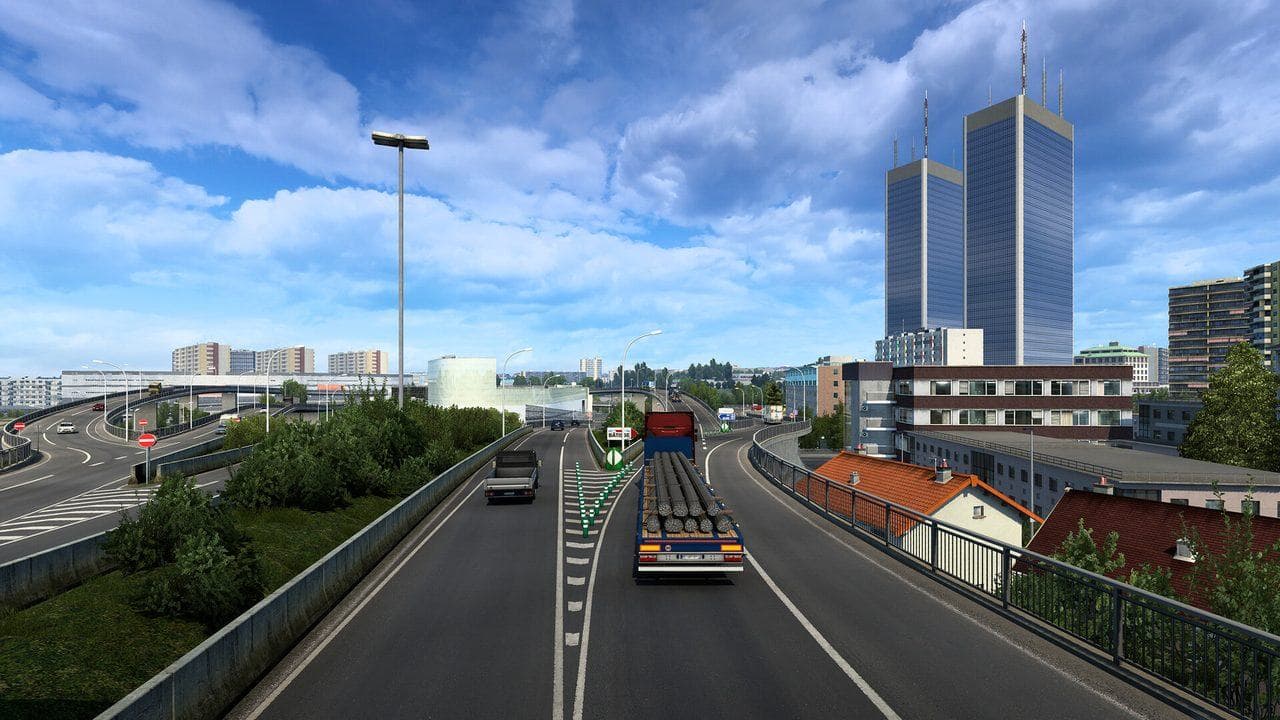
First Settings To Lower
| Setting | Why lower it |
|---|---|
| Scaling | Very expensive above native resolution |
| Mirror distance | Mirrors render extra scenes |
| Mirror quality | Reduces mirror cost |
| Shadows | Heavy in cities and depots |
| SSAO | Visual polish, not required for control |
| Grass and vegetation | Can matter on older GPUs |
Keep textures as high as your VRAM comfortably supports, but reduce them if you see stutter or loading problems.
30 FPS Target
If your PC is very limited, a stable 30 FPS is acceptable for casual ETS2. Use:
- Moderate resolution.
- Low to medium shadows.
- Low mirror distance.
- Reduced scaling.
- No heavy traffic mods.
- Simple weather and graphics mods, or none.
The game should respond consistently when turning and braking.
60 FPS Target
For a stronger but still budget PC:
- Keep native resolution.
- Use moderate scaling.
- Keep mirrors readable but not extreme.
- Raise textures before shadows.
- Test rain and city traffic.
Use How to Show FPS in ETS2 to compare changes.
Mods On Low-End PCs
Avoid stacking:
- High-density traffic mods.
- Heavy weather mods.
- Large map combos.
- High-poly truck packs.
- Large texture overhauls.
One mod may be fine. Many mods together can cause stutter, memory pressure, or crashes.
The Best Low-End Rule
Make mirrors readable, keep the road clear, and protect frame pacing. ETS2 is a driving game. Smooth braking and steering matter more than distant shadows.
Read next
Continue through the next task instead of jumping to a random tag page.
 Setup
SetupETS2 Graphics and Performance Settings for Better FPS
Tune ETS2 graphics and performance settings for smoother driving, better FPS, readable mirrors, and fewer frame drops in cities and rain.
SetupHow to Show FPS in ETS2 and Test Settings Properly
Use an FPS counter in ETS2 and test graphics settings in real driving situations instead of changing sliders randomly.
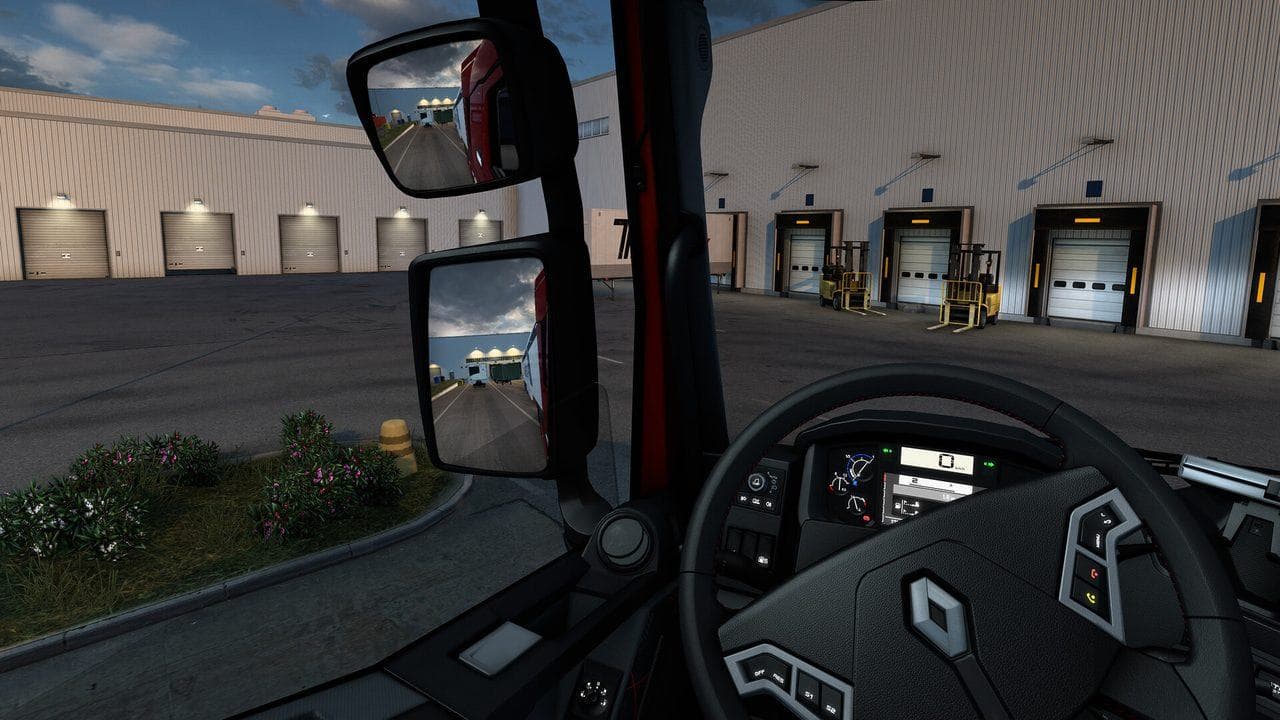
SetupETS2 Mirror Settings and FPS: What To Lower First
Fix ETS2 FPS drops caused by mirrors by tuning mirror distance, mirror quality, virtual mirrors, and cabin visibility without driving blind.