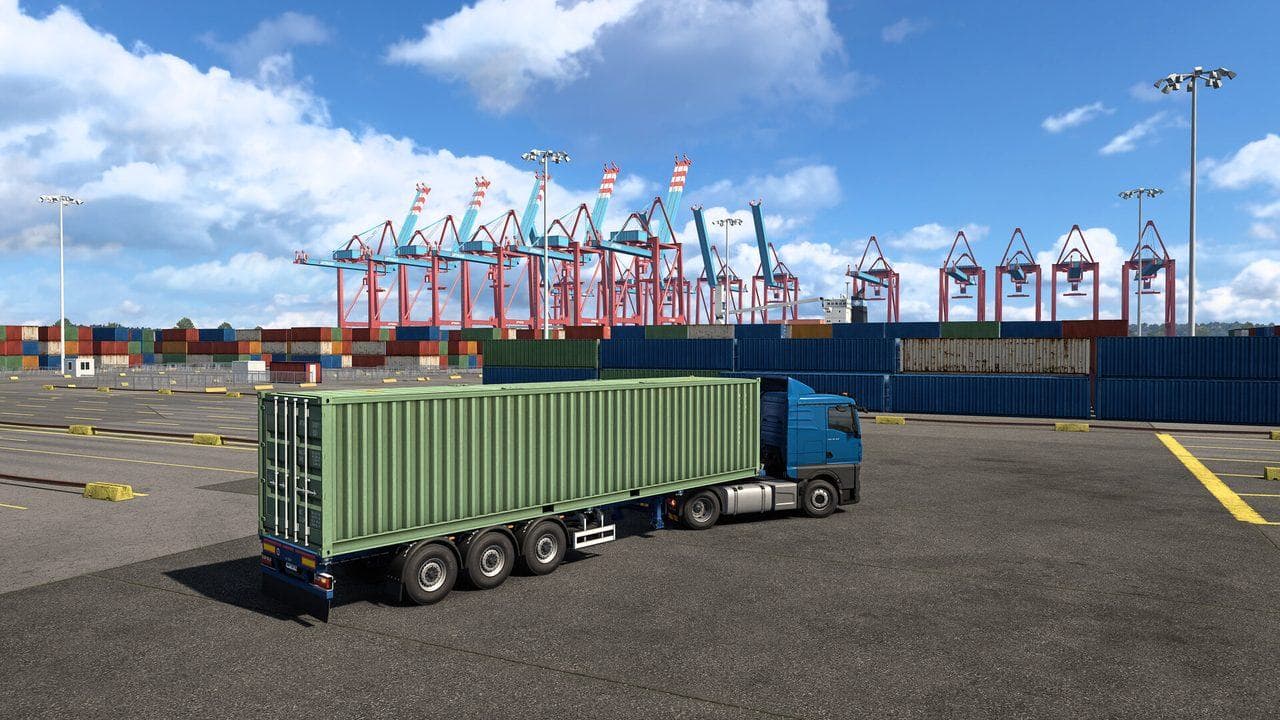
Quick answer
To attach a trailer in ETS2, reverse slowly under the trailer marker until the attach prompt appears, stop straight, and use the trailer attach key. To detach, park in the delivery marker, stop fully, and use the detach prompt. If no prompt appears, reposition slowly and check alignment.
Attaching and detaching trailers is simple, but the trigger can feel picky. Most problems come from being slightly off angle, not fully stopped, or sitting in the wrong marker.
How To Attach
- Find the trailer marker.
- Reverse slowly toward the kingpin.
- Keep the truck straight.
- Stop when the prompt appears.
- Press the attach key.
- Pull forward gently and check the route.
If The Prompt Does Not Appear
Try:
- Pull forward.
- Straighten the truck.
- Reverse slower.
- Center under the trailer.
- Stop fully.

How To Detach
At delivery, park inside the correct marker, stop fully, and use the detach prompt. If you chose harder parking, the marker may require accurate trailer placement.
What To Read Next
If reversing is the hard part, read How to Reverse a Trailer in ETS2. If the delivery marker is confusing, read ETS2 Delivery Markers Explained.
Read next
Continue through the next task instead of jumping to a random tag page.
 Beginner
Euro Truck Simulator 2 Controls Guide
Euro Truck Simulator 2 controls for beginners, including default keyboard keys, steering sensitivity, route advisor controls, parking, camera views, and wheel setup.
BeginnerHow to Reverse a Trailer in ETS2 Without Jackknifing
Learn the simple steering rule for reversing ETS2 trailers, how to recover from a bad angle, and how to practice without damaging cargo.
 Beginner
ETS2 Delivery Markers Explained: Pickup, Drop-off, Parking, and Service Icons
Understand ETS2 pickup, drop-off, service, fuel, rest, and parking markers so prompts appear when you need them.