Quick answer
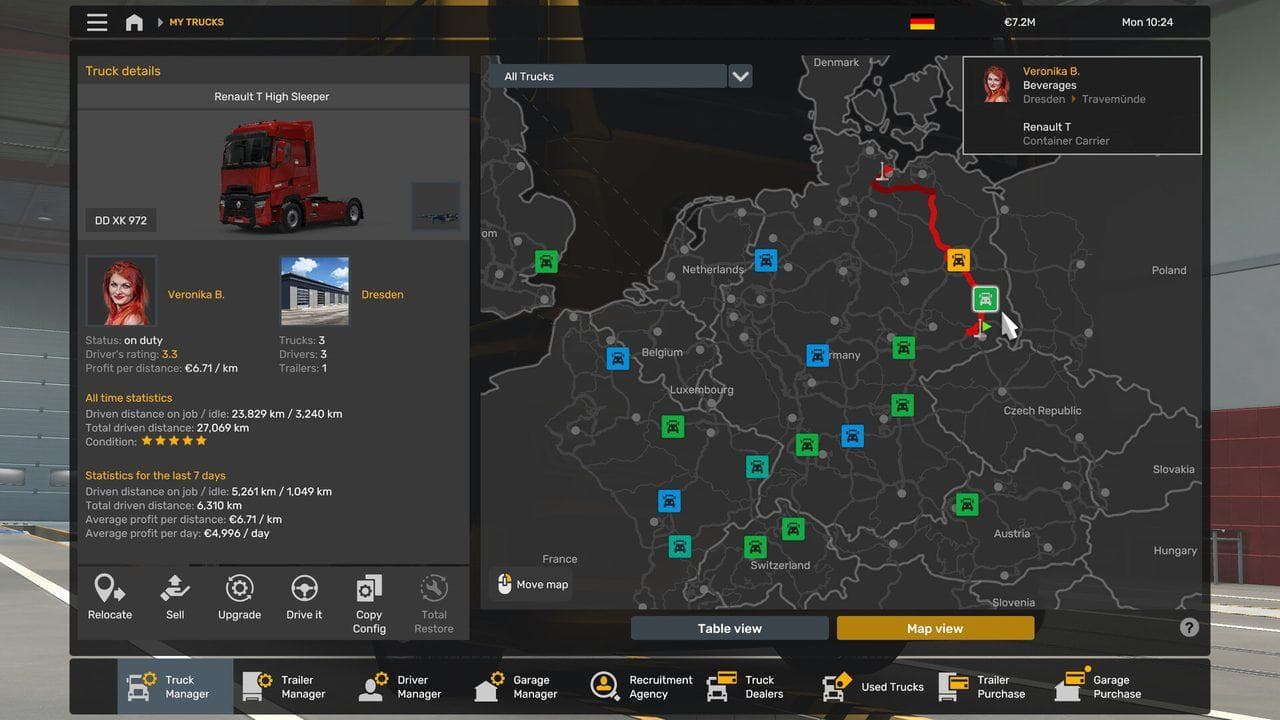
ETS2 markers are trigger zones for pickup, delivery, fuel, service, rest, and parking actions. If a prompt does not appear, stop fully inside the correct marker, straighten the truck or trailer, and move slowly within the zone. Many marker problems are alignment issues, not broken jobs.
ETS2 uses markers to tell the game where a job action happens. If you stop near the right place but not inside the trigger, the prompt may not appear.
Common Marker Types
| Marker | What It Does |
|---|---|
| Pickup | Starts trailer pickup or cargo loading |
| Delivery | Starts drop-off and parking choice |
| Fuel | Refuels the truck |
| Service | Repairs and upgrades |
| Rest | Lets the driver sleep |
| Garage | Garage management or parking |
If A Prompt Does Not Appear
- Stop fully.
- Move deeper into the marker.
- Straighten the trailer.
- Check whether you are at pickup or delivery.
- Turn off the engine if prompted.
- Recheck the route advisor.
Common Mistakes
| Mistake | Fix |
|---|---|
| Stopping outside the zone | Move slowly into the marker |
| Arriving at the wrong company gate | Follow the final GPS line |
| Crooked trailer | Pull forward and straighten |
| Confusing rest and fuel markers | Check the icon |
What To Read Next
Read How to Attach and Detach Trailers and How to Refuel in ETS2 if prompts are your main issue.
Read next
Continue through the next task instead of jumping to a random tag page.
 Beginner
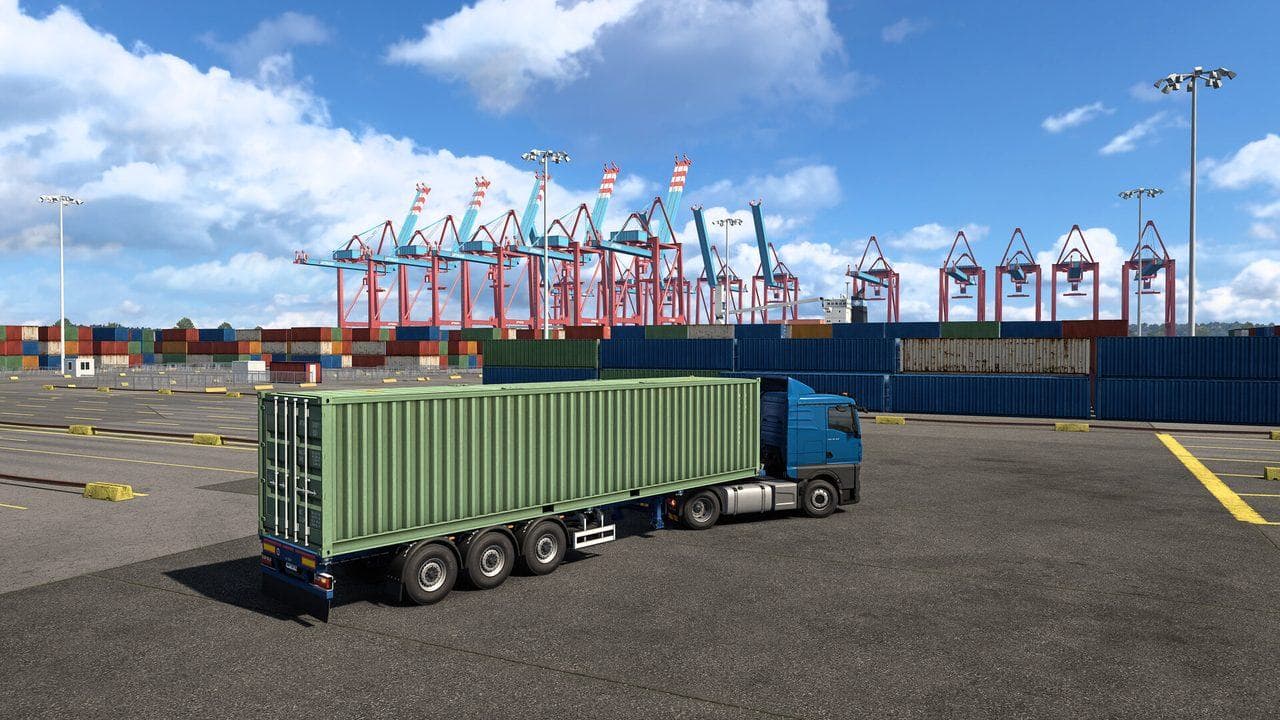
How to Attach and Detach Trailers in ETS2
Learn how to attach and detach trailers in ETS2, why the prompt may not appear, and how to line up without damaging the truck or cargo.
BeginnerHow to Park in ETS2: Easy Parking Guide for Beginners
Learn how ETS2 parking works, which delivery parking option to choose, and how to reverse into marked bays without damaging your cargo.
 Beginner
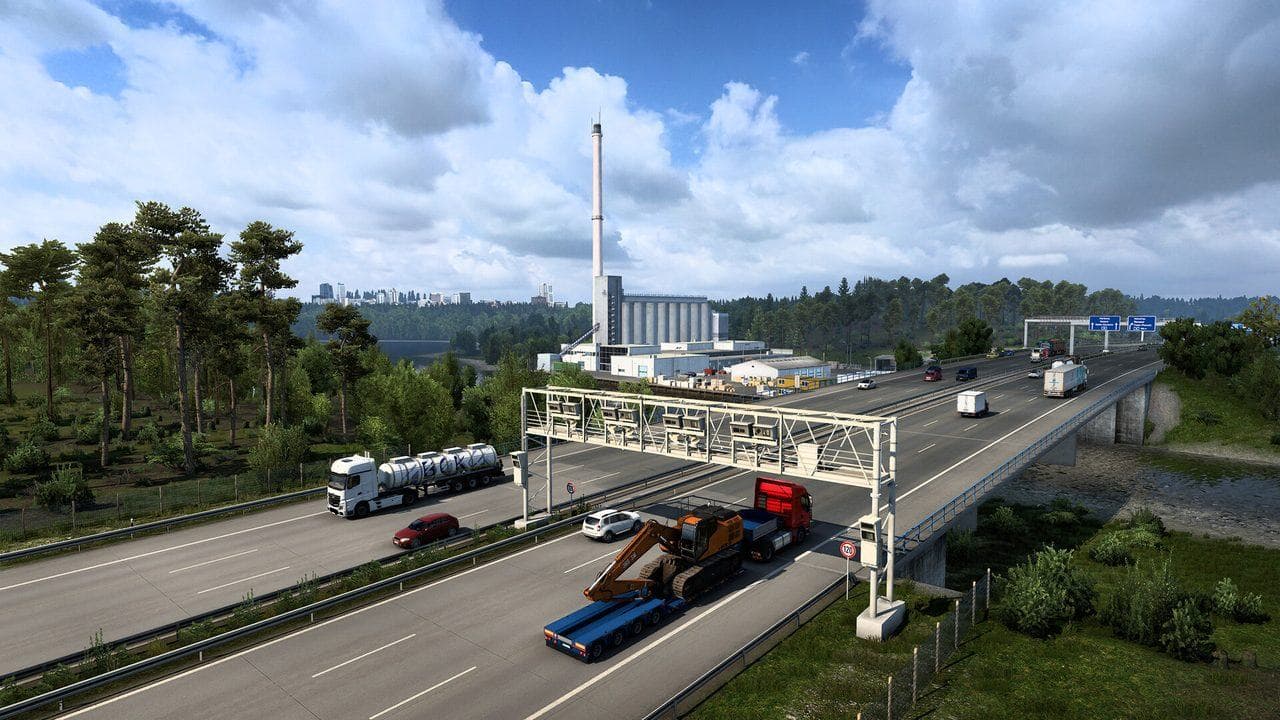
How to Refuel in ETS2 and Avoid Running Out of Fuel
Learn how to refuel in ETS2, where fuel stations appear, why the prompt may not show, and how to plan long jobs without running dry.