Quick answer
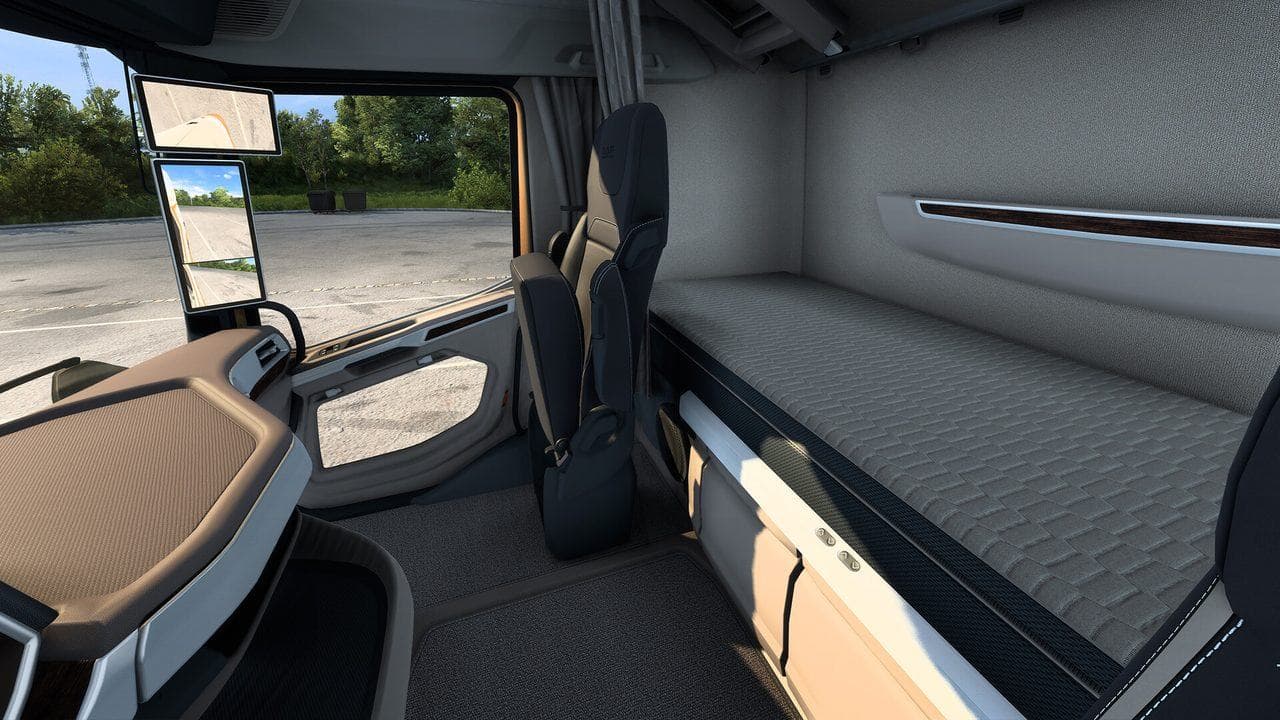
In normal Euro Truck Simulator 2 gameplay, you drive and manage your truck from menus and camera views; it is not built around walking around as a character outside the truck. You can use camera views, photo mode, service menus, garages, and company screens, but do not expect standard on-foot gameplay like an open-world character game.
No, ETS2 is not mainly an on-foot game. In normal gameplay, you drive trucks, take jobs, manage your company, use menus, and switch camera views. You do not normally step out and walk around the world like a character in an open-world action game.
If you are new, start with Euro Truck Simulator 2 Beginner Roadmap.
What You Can Do Instead
ETS2 gives you several ways to inspect the truck and world:
- Interior cabin view.
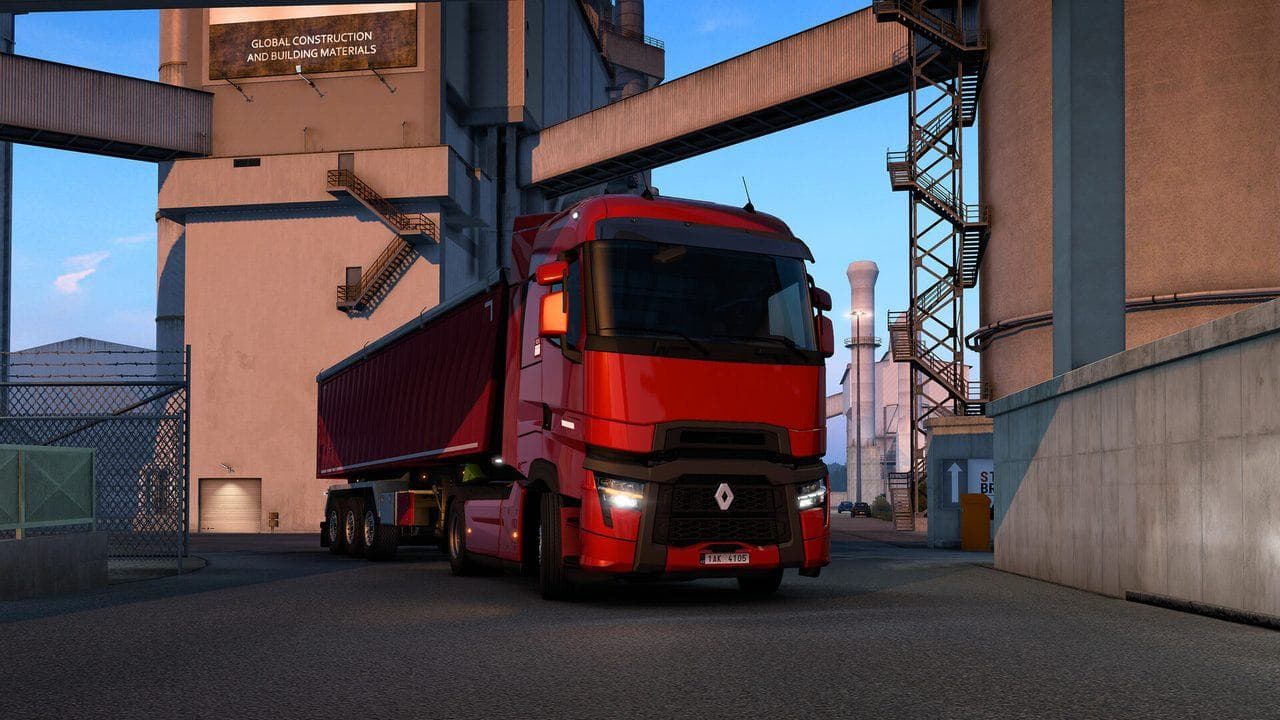
- External camera views.
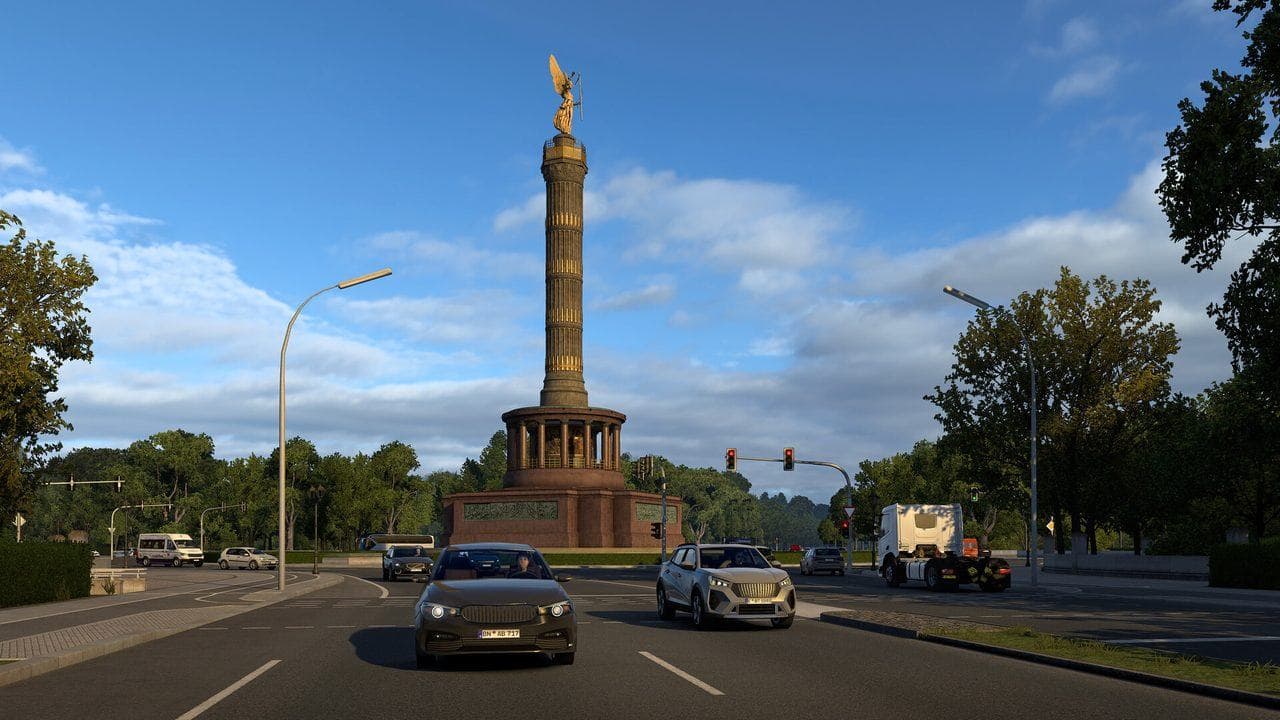
- Photo mode and screenshots.
- Garage and truck configuration menus.
- World map and route planning.
- Service and repair menus.
These tools cover most practical needs: seeing your truck, checking mirrors, planning routes, taking screenshots, and managing your company.
Why This Confuses New Players
Many modern vehicle games let players leave the vehicle. ETS2 focuses on long-haul truck simulation instead. The main interaction is driving, hauling cargo, parking, resting, fueling, buying trucks, hiring drivers, and expanding garages.
What to Learn Next
If you wanted to walk because parking or camera control feels awkward, read:
- Euro Truck Simulator 2 Controls Guide
- ETS2 Seat, Mirrors, and FOV Guide
- ETS2 Photo Mode and Screenshot Location Guide
Once the camera controls feel natural, the lack of walking matters much less for normal deliveries.
Read next
Continue through the next task instead of jumping to a random tag page.
 Beginner
ETS2 Beginner Guide: Your First Week Roadmap
Start Euro Truck Simulator 2 with a practical first-week guide to controls, quick jobs, money, skill points, your first truck, DLC, and safe mods.
BeginnerEuro Truck Simulator 2 Controls Guide
Euro Truck Simulator 2 controls for beginners, including default keyboard keys, steering sensitivity, route advisor controls, parking, camera views, and wheel setup.
 Community
ETS2 Photo Mode and Screenshot Location Guide
Use ETS2 photo mode, take cleaner screenshots, and know where to look for Steam and in-game screenshot files.