
Quick answer
To change ETS2 language, check the in-game settings first, then Steam language settings for Euro Truck Simulator 2 if needed. Restart the game after changing language. If only some text stays in another language, check mods, old profile files, or external overlays before reinstalling the game.
Changing ETS2 language is usually simple, but the right path depends on whether the game language, Steam language, profile text, or a mod is causing the mismatch.
Start with the safest option: change normal settings and restart. Do not delete profiles or reinstall before checking the basic language controls.
In-Game Check
Open ETS2 and check the settings menu first. If the game offers the language you need there, change it, restart the game, and test:
- Main menu.
- Settings pages.
- Job market.
- Route Advisor.
- Profile screen.
If all of those change correctly, you are done.
Steam Language Check
If the game does not change as expected:
- Close ETS2.
- Open Steam.
- Open Euro Truck Simulator 2 properties.
- Check language settings for the game.
- Let Steam update any needed files.
- Launch ETS2 again.
Do not change Steam branch or beta settings just to change language.
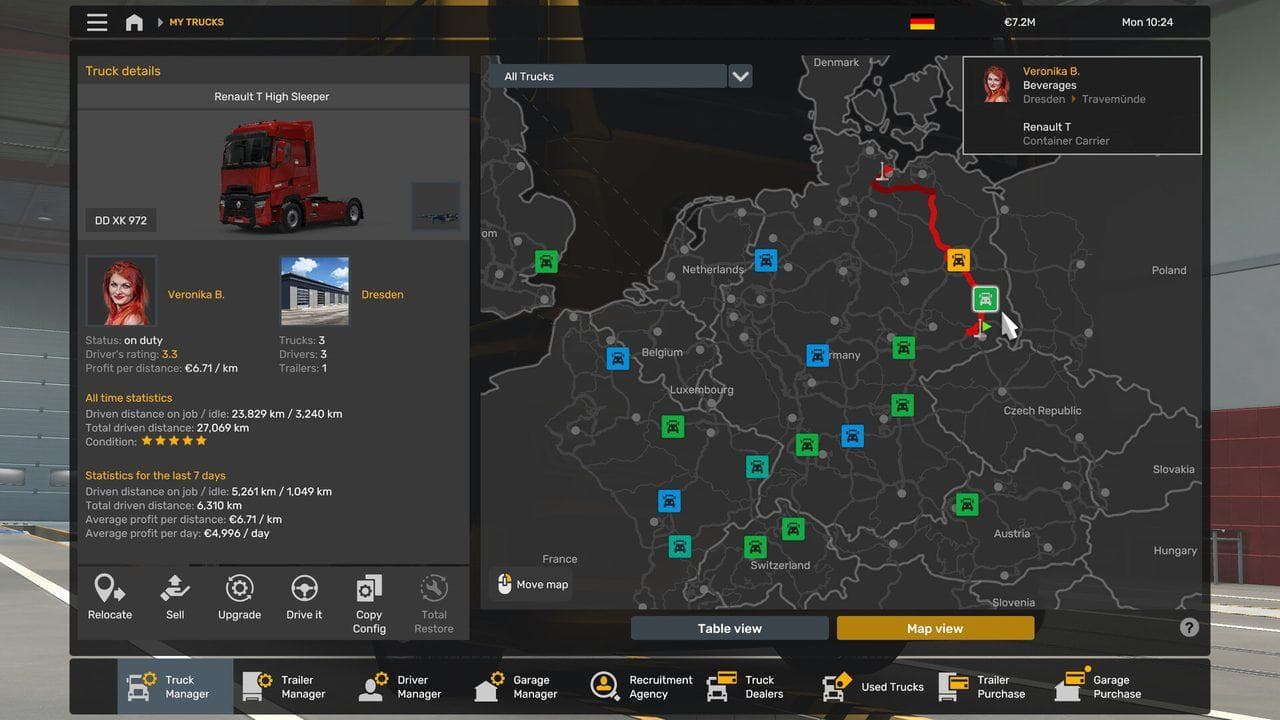
If Only Some Text Is Wrong
Partial language mismatch can come from:
- Mods with untranslated text.
- Old profile names.
- Custom radio stream names.
- External launchers or overlays.
- Community content that ships one language only.
Disable recent UI or map mods if only modded menus are wrong.
What Not To Reset
Avoid:
- Deleting the profile folder.
- Removing save files.
- Reinstalling before checking Steam settings.
- Editing config files without a backup.
- Mixing a language change with version rollback.
Language fixes should be reversible.
After Changing Language
Take one short delivery and confirm:
- Route instructions are readable.
- Keybind names make sense.
- Job details are understandable.
- DLC names and cargo names display correctly.
If Route Advisor text or GPS controls are still confusing, read ETS2 GPS or Route Advisor Not Working.
Read next
Continue through the next task instead of jumping to a random tag page.
 Setup
SetupBest ETS2 Settings
The best ETS2 settings for new and returning players, covering controls, steering, mirrors, route advisor, parking, graphics, audio, and comfort options.
BeginnerEuro Truck Simulator 2 Controls Guide
Euro Truck Simulator 2 controls for beginners, including default keyboard keys, steering sensitivity, route advisor controls, parking, camera views, and wheel setup.
BeginnerETS2 GPS or Route Advisor Not Working
Restore a missing ETS2 GPS or Route Advisor by checking keybinds, UI pages, advisor mode, profile settings, and UI mods.