Driving guide
ETS2 Traffic Fines Guide: Speeding, Red Lights, Collisions, and Wrong Way
Avoid common ETS2 traffic fines by understanding speed limits, cameras, red lights, collisions, wrong-way driving, headlights, and learning-mode settings.
UpdatedJul 1, 2026
Read7 min
LevelBeginner
ByETS2Hub
Quick answer
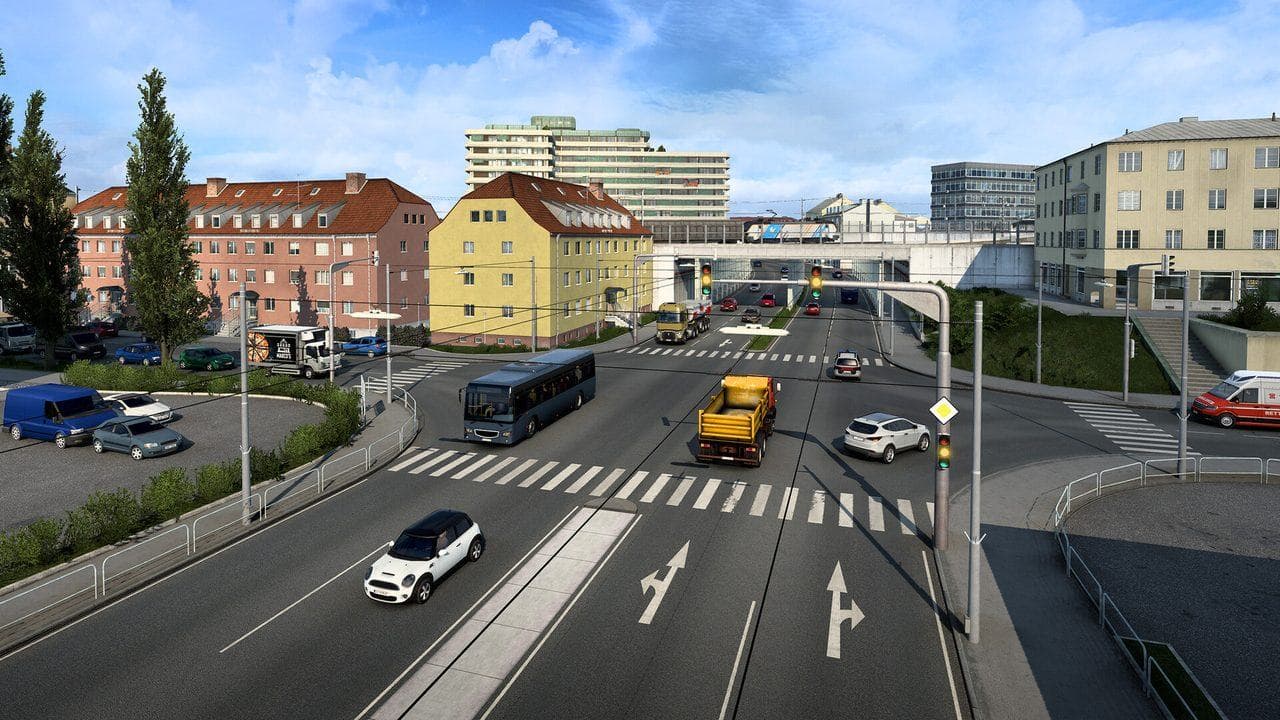
Most ETS2 fines come from speeding, red lights, collisions, wrong-way driving, and careless city movement. Watch the Route Advisor speed limit, slow before cameras and towns, stop fully at red lights, leave more braking room, and turn off traffic offenses temporarily if you are still learning basic controls.
Traffic fines in ETS2 are not random. They usually come from driving faster than the limit, missing a red light, clipping traffic, going the wrong way, or trying to rush through cities with a trailer that needs more space.
Use this with Beginner Controls, Route Advisor, and How to Earn Money Fast in ETS2.
Common ETS2 Fines
| Fine Type | How To Avoid It |
|---|---|
| Speeding | Watch the Route Advisor limit and slow before towns |
| Red light | Stop fully and do not roll through late |
| Collision | Leave more room and avoid squeezing turns |
| Wrong way | Check lanes after ferries, depots, and tight exits |
| Headlights or visibility issues | Keep lights mapped and use them before visibility gets bad |
Fines hurt most in the early game because every repair, tow, and ticket slows your first truck plan.
Speed Limits And Cameras
The speed limit can change quickly near cities, ramps, borders, tolls, and roadworks. Use the Route Advisor as a habit, not only when you are lost.
Good beginner habits:
- Lift off the throttle before towns.
- Use cruise control only on simple roads.
- Slow early for toll gates and curves.
- Watch for speed cameras.
- Accept that a clean delivery is better than a rushed one.
Red Lights And Junctions
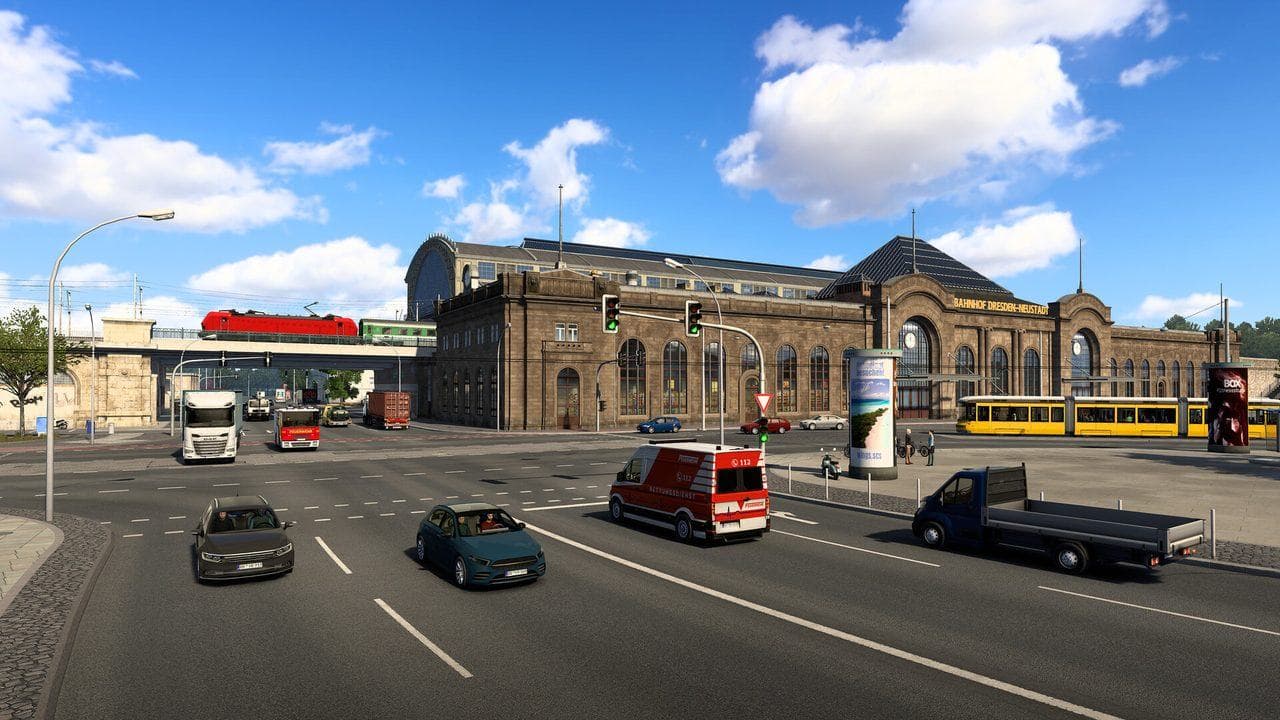
Red-light fines often happen because the truck is too heavy to stop late. Brake earlier than you would in a normal racing game.
If you are close to the light and carrying heavy cargo, do not panic-steer. Brake straight, keep the trailer stable, and stop fully if you can do it safely.
Should Beginners Disable Traffic Offenses?
It is reasonable to turn traffic offenses off while learning basic steering, camera, mirrors, and parking. That setting is a training aid, not a failure.
Turn traffic offenses back on when:
- You can drive short jobs cleanly.
- You can stop without jackknifing.
- You can use mirrors on turns.
- You understand route advisor speed limits.
Common Mistakes
| Mistake | Better Habit |
|---|---|
| Driving at full speed into cities | Slow before the city limit |
| Braking too late with heavy cargo | Brake earlier and straighter |
| Cutting corners with a trailer | Swing wider and watch mirrors |
| Following traffic too closely | Leave truck-length space |
| Rushing because the job is late | Protect the cargo and avoid extra fines |
What To Read Next
If fines are draining your early career, read How to Earn Money Fast in ETS2. If you are missing route cues, read the ETS2 Route Advisor Guide.
Read next
Continue through the next task instead of jumping to a random tag page.
 Beginner
Euro Truck Simulator 2 Controls Guide
Euro Truck Simulator 2 controls for beginners, including default keyboard keys, steering sensitivity, route advisor controls, parking, camera views, and wheel setup.
 Economy
How to Earn Money Fast in ETS2
How to make money fast in ETS2 with quick jobs, skill points, smart loans, garages, hired drivers, and clean career progress without risky cheats.
 Beginner
ETS2 Route Advisor Guide: GPS, Job Info, Damage, and Messages
Learn what the ETS2 Route Advisor shows, how to use its pages, and which GPS, job, damage, message, and money screens matter during deliveries.