Driving guide
ETS2 Speed Limiter Guide: 90 km/h, Contracts, and Settings
Understand why your ETS2 truck is limited to 90 km/h, when you can turn the limiter off, and why some contracts or online modes still restrict speed.
UpdatedJul 4, 2026
Read6 min
LevelBeginner
ByETS2Hub
Quick answer
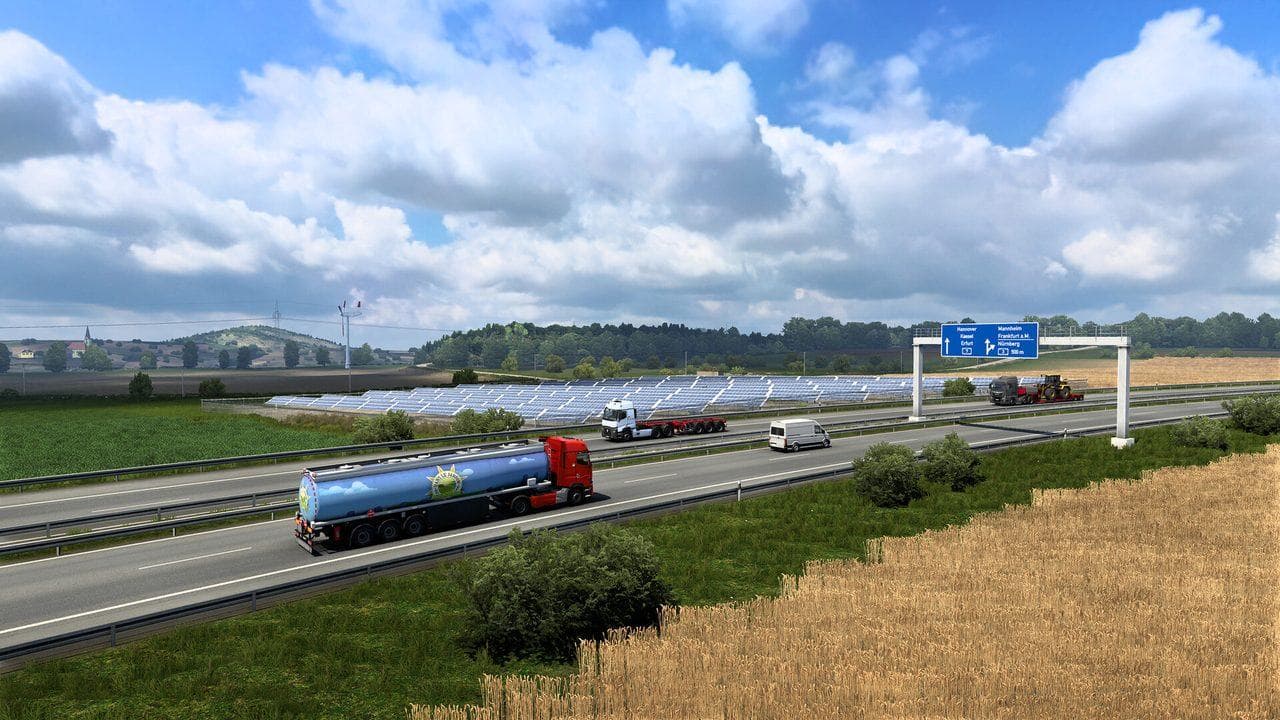
ETS2 speed limits can come from the in-game truck speed limiter setting, job type, World of Trucks external contracts, multiplayer rules, traffic laws, or your own cruise control. You may be able to disable the base game truck speed limiter in settings, but external contracts and online services can still enforce their own speed restrictions.
If your ETS2 truck will not go faster than about 90 km/h, the cause is not always the same. It may be the base game truck speed limiter, a contract rule, an online rule, cruise control, traffic law, or simply a truck struggling with weight and terrain.
Use this guide with ETS2 Traffic Fines and Speeding Guide.
Why the Truck Is Limited
Check these causes:
| Cause | What it means |
|---|---|
| Truck speed limiter setting | Base game setting may cap truck speed |
| World of Trucks external contract | External contracts can enforce speed limits |
| TruckersMP rules | Online services may apply their own limits |
| Cruise control | You may have set a target speed |
| Heavy cargo or hills | The truck may not have enough power |
| Road speed limits | You can go faster, but fines and safety risk increase |
Can You Turn It Off?
In normal single-player freight, you may be able to disable the base truck speed limiter in the game settings. That does not remove every speed cap in every mode. If a job type or online service enforces a limit, the setting may not change that job's behavior.
If you are doing World of Trucks jobs, read ETS2 World of Trucks External Contracts Guide. If you are online, check the rules for the service you are using.
Safer Speed Setup
- Learn normal road signs first.
- Use cruise control on long motorways.
- Slow down before exits, tolls, rain, and hills.
- Keep the limiter on if you are still learning lane control.
- Turn it off only when you understand fines, braking distance, and cargo damage.
Common Mistakes
- Confusing cruise control with the speed limiter.
- Expecting external contracts to behave like normal freight.
- Trying to force online speed limits.
- Driving too fast for cargo weight.
- Ignoring rain, night, and narrow road conditions.
Speed is not only a settings question. A clean delivery earns more than a fast damaged delivery. Read ETS2 Cruise Control Guide next.
Read next
Continue through the next task instead of jumping to a random tag page.
 Setup
SetupBest ETS2 Settings
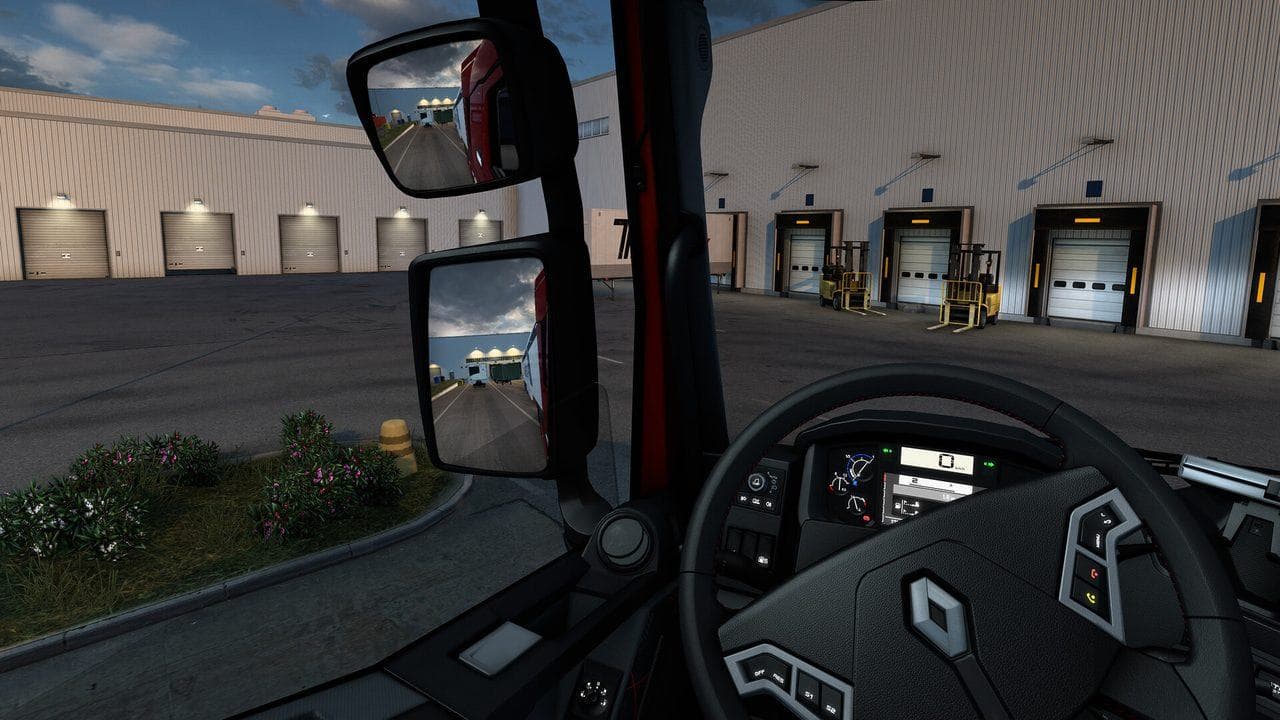
The best ETS2 settings for new and returning players, covering controls, steering, mirrors, route advisor, parking, graphics, audio, and comfort options.
ControlsETS2 Cruise Control Guide: Speed, Hills, Retarder, and Safe Use
Learn when to use cruise control in ETS2, how to adjust speed, when to turn it off, and how it works with hills, traffic, and retarder use.
 Driving
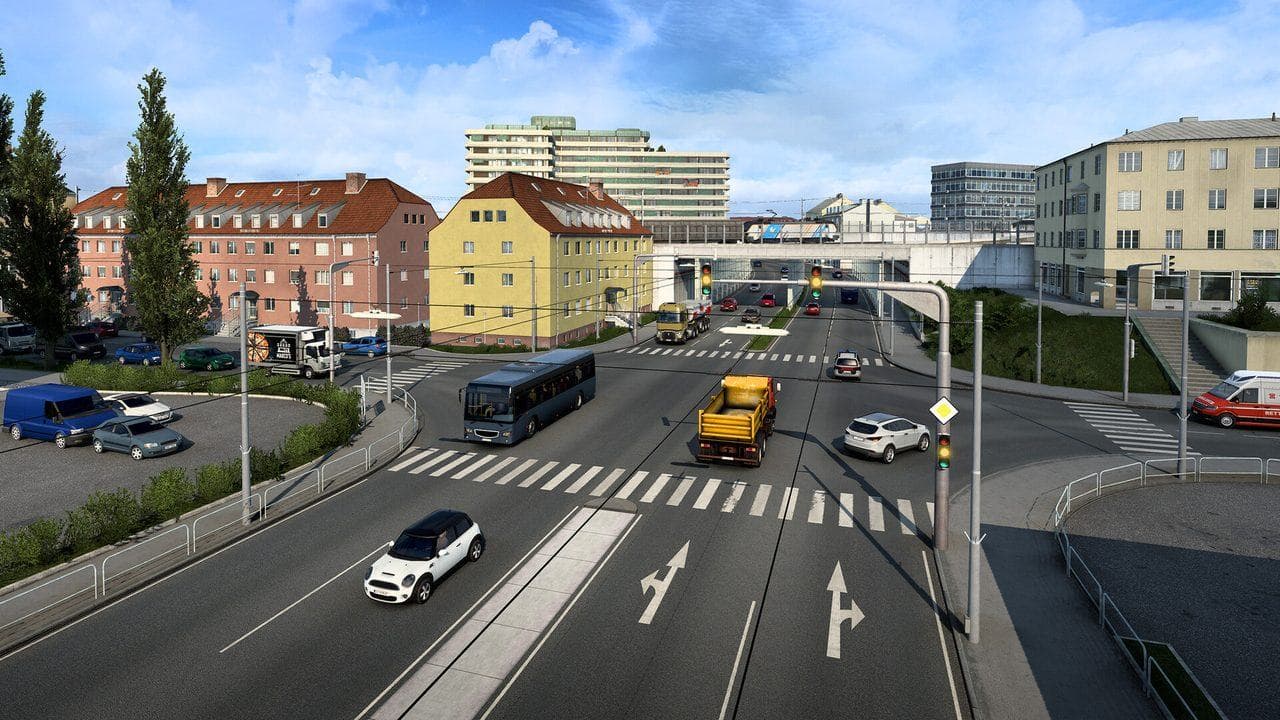
ETS2 Traffic Fines Guide: Speeding, Red Lights, Collisions, and Wrong Way
Avoid common ETS2 traffic fines by understanding speed limits, cameras, red lights, collisions, wrong-way driving, headlights, and learning-mode settings.