DLC guide
Special Transport Wind Turbine Blade Guide
What to expect from wind turbine blade and underground loader cargo in ETS2 Special Transport updates.
UpdatedJul 29, 2026
Read5 min
ByETS2 Guide Team
Quick answer
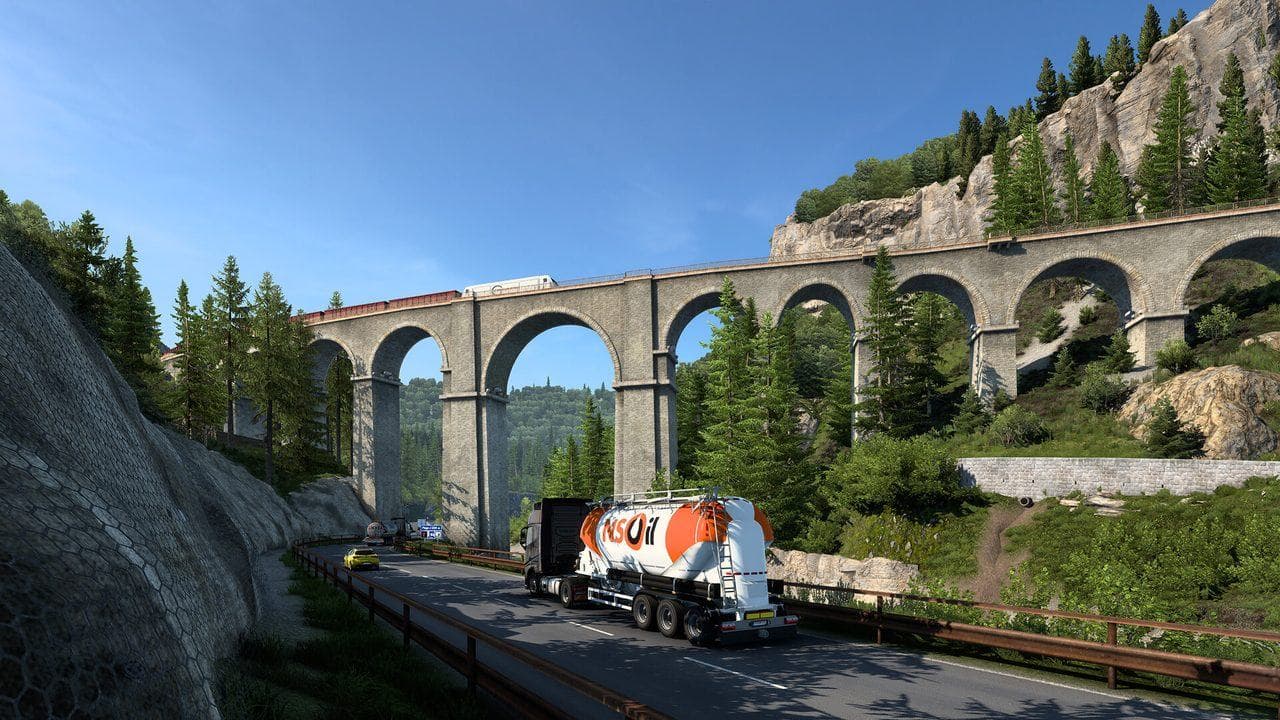
Treat wind turbine blade jobs as advanced Special Transport practice. Learn ordinary heavy cargo, mirrors, braking, and retarder control first. During the contract, follow escort instructions, slow down before every restriction, enter turns wide, and avoid sudden steering corrections. If traffic or an obstacle blocks the convoy, wait for the scripted route to clear rather than forcing the trailer through.
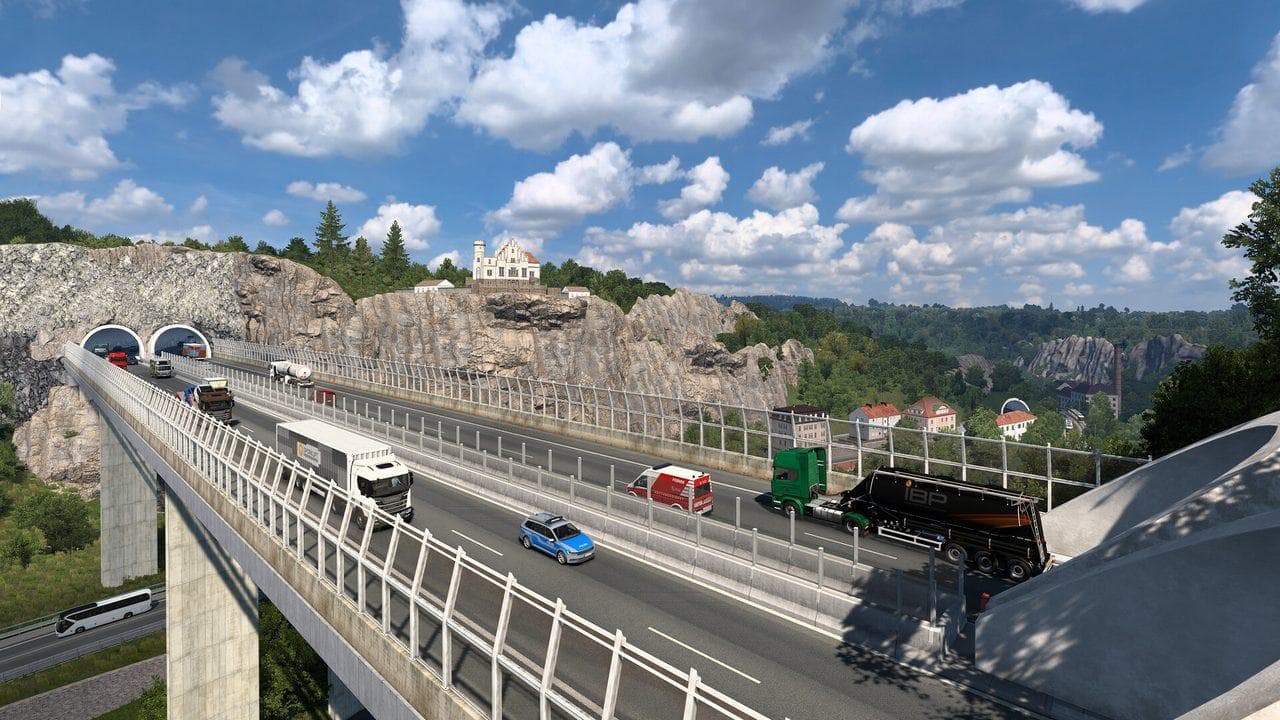
Special Transport is for players who want ETS2 to stop being relaxing for a while. Oversize cargo changes the whole rhythm: escorts, tight turns, limited lanes, low speed, and very little room for improvisation.
New Cargo Themes
Community update material highlighted two particularly demanding cargo types:
| Cargo | Challenge |
|---|---|
| Wind turbine blade | Extreme length, wide turns, careful lane control |
| Underground loader | Very heavy machinery with demanding trailer behavior |
The wind turbine blade is especially technical because the trailer length changes how every corner feels. You must think about the back of the trailer before you think about the cab.
Driving Tips
- Read the route briefing before moving.
- Let escort vehicles control traffic.
- Enter corners wide and slow.
- Watch the trailer in mirrors constantly.
- Avoid sudden steering correction.
- Brake earlier than normal.
- Treat the final parking area as part of the challenge, not an afterthought.
Who Should Buy Special Transport?
Buy it if you enjoy skill checks, careful driving, and unusual loads. Skip it if you mostly want relaxed highway cruising or casual sightseeing.
It is one of the strongest gameplay DLCs because it changes how you drive, not just where you drive.
Read next
Continue through the next task instead of jumping to a random tag page.
DLCHow to Get Special Transport Jobs in ETS2
Find Special Transport jobs in ETS2, understand escort rules, and decide when the DLC is worth using.
DLCETS2 Cargo DLC Guide: Heavy Cargo, High Power, and Special Transport
Compare ETS2 cargo DLC packs and decide whether Heavy Cargo, High Power Cargo, or Special Transport fits your routes and driving skill.
 Controls
ETS2 Retarder and Engine Brake Guide for Safer Downhill Driving
Learn how retarder, engine brake, service brake, and cruise control work in ETS2 so downhill routes feel controlled instead of scary.