Controls guide
Logitech G29 and G920 Settings for ETS2
Set up a Logitech G29 or G920 wheel in ETS2 with sane steering range, pedals, force feedback, and a short test route.
UpdatedJul 1, 2026
Read7 min
LevelBeginner
ByETS2Hub
Quick answer
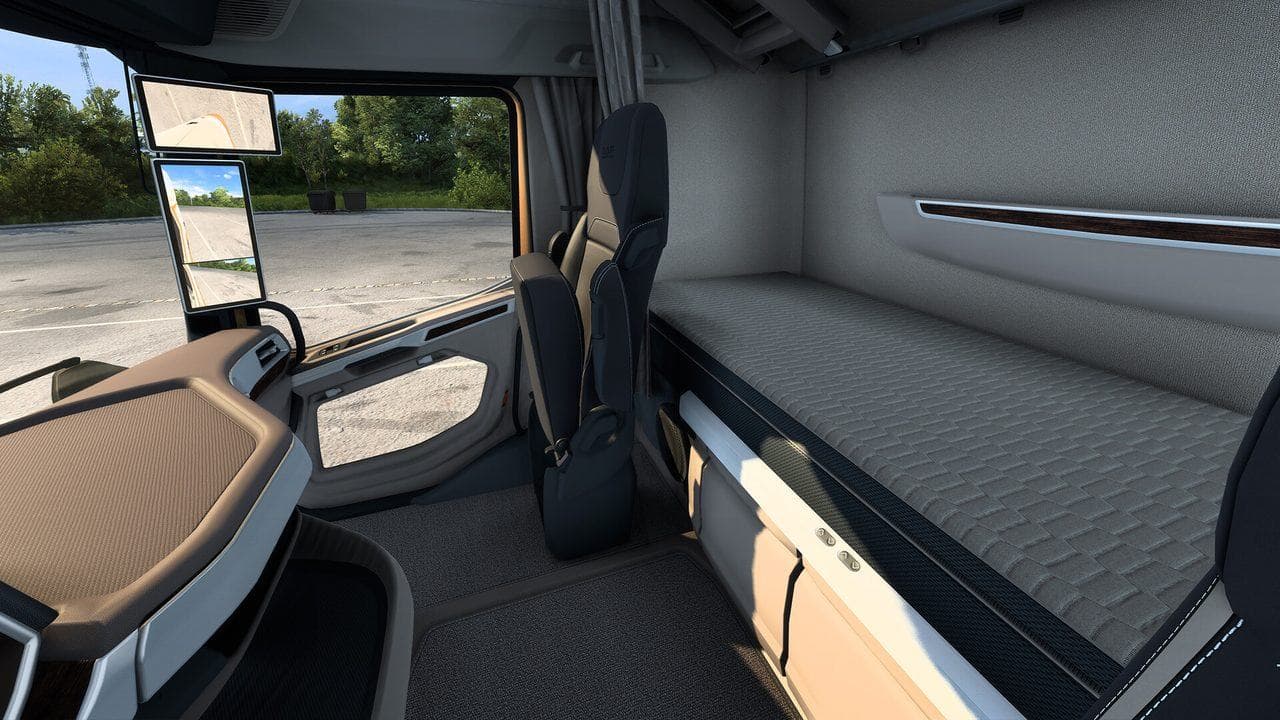
Start a Logitech G29 or G920 in ETS2 with 900 degrees of steering in Logitech software, separate throttle and brake axes, moderate force feedback, and a short city-to-highway test route. Tune one thing at a time: steering range first, pedal calibration second, force feedback third.
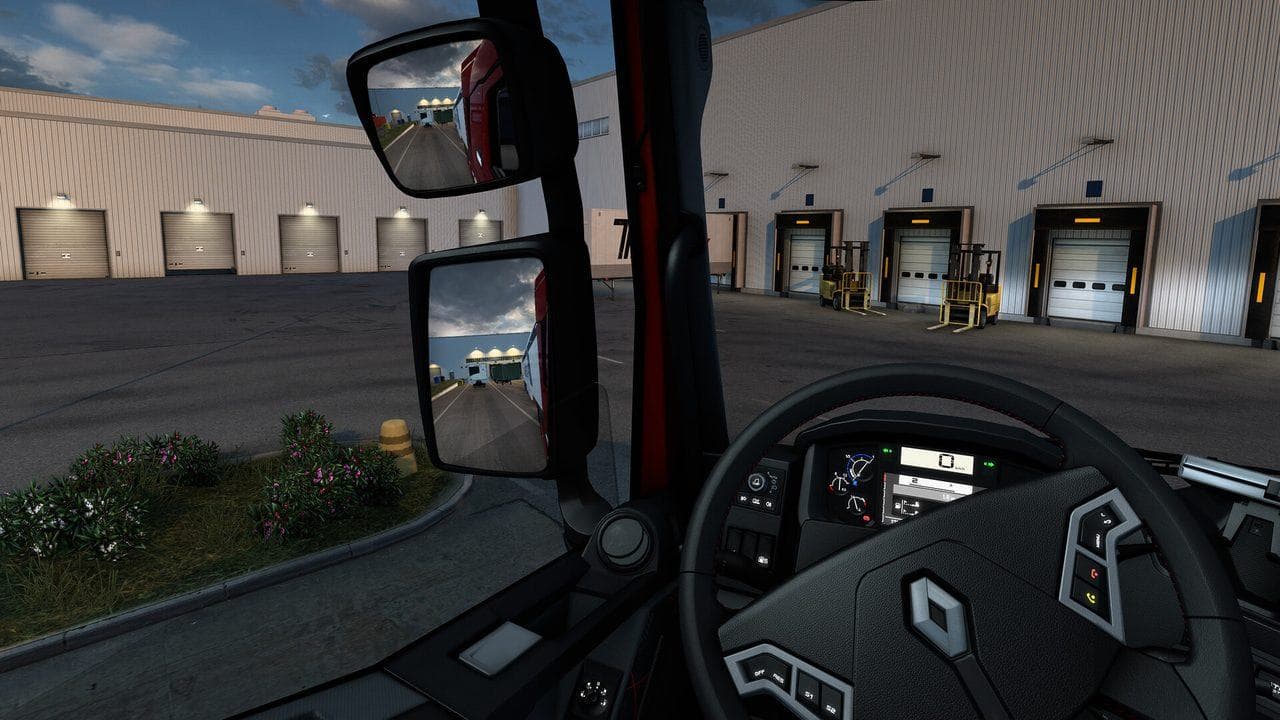
The Logitech G29 and G920 are common ETS2 starter wheels, but bad setup can make them feel worse than a controller. The goal is not to copy one perfect profile. The goal is a stable baseline you can tune.
Read the broader ETS2 Wheel Settings Guide if you use another wheel.
Baseline Setup
Start with:
- 900 degrees of rotation in Logitech software.
- Wheel selected in the ETS2 controls wizard.
- Separate throttle and brake axes.
- Clutch enabled only if you actually use it.
- Moderate force feedback strength.
- Buttons mapped for indicators, lights, wipers, cruise control, camera reset, and Route Advisor.
If steering feels impossible, reset the controls wizard before changing many small sliders.
Steering Feel
In ETS2, a truck should turn slowly compared with a racing car. If you expect instant response, you will overcorrect.
Tune in this order:
- Confirm 900 degrees.
- Calibrate the wheel center.
- Test a roundabout and a motorway lane change.
- Adjust non-linearity only if low-speed control feels wrong.
- Leave the setting alone after a clean test.
Pedals
If throttle or brake is stuck, reversed, or mixed up, check the axis bindings. Combined pedal mode can cause confusion on some setups. Use separate axes when possible.
Make sure brake pressure is controllable. If a small press locks your driving rhythm, adjust brake sensitivity before blaming the wheel.
Force Feedback
Start lower than you think. ETS2 is a long-haul game, not a short race. Too much force causes fatigue, rattling, and overcorrection.
If the wheel rattles or pulls too hard, use ETS2 Force Feedback Troubleshooting.
Test Route
Use the same short route:
- Leave a city depot.
- Drive through one roundabout.
- Enter a motorway.
- Change lanes once.
- Exit and park safely.
Change one setting, run the route, then decide. Random tuning during long jobs creates more confusion than progress.
Read next
Continue through the next task instead of jumping to a random tag page.
SetupETS2 Wheel Settings
ETS2 wheel settings for Logitech, Thrustmaster, MOZA, and other force-feedback wheels, including steering range, force feedback, pedals, shifter, and testing advice.
ControlsETS2 Force Feedback Troubleshooting: Rattling, Pulling, and Heavy Wheels
Fix ETS2 wheel force feedback that feels too strong, rattly, noisy, vague, or tiring during normal driving.
ControlsHow to Set Up an H-Shifter in ETS2
Set up an H-shifter in ETS2, choose the right transmission mode, bind range and splitter, and fix reverse gear confusion.