Setup guide
North American Radio Pack Preview for ETS2 and ATS
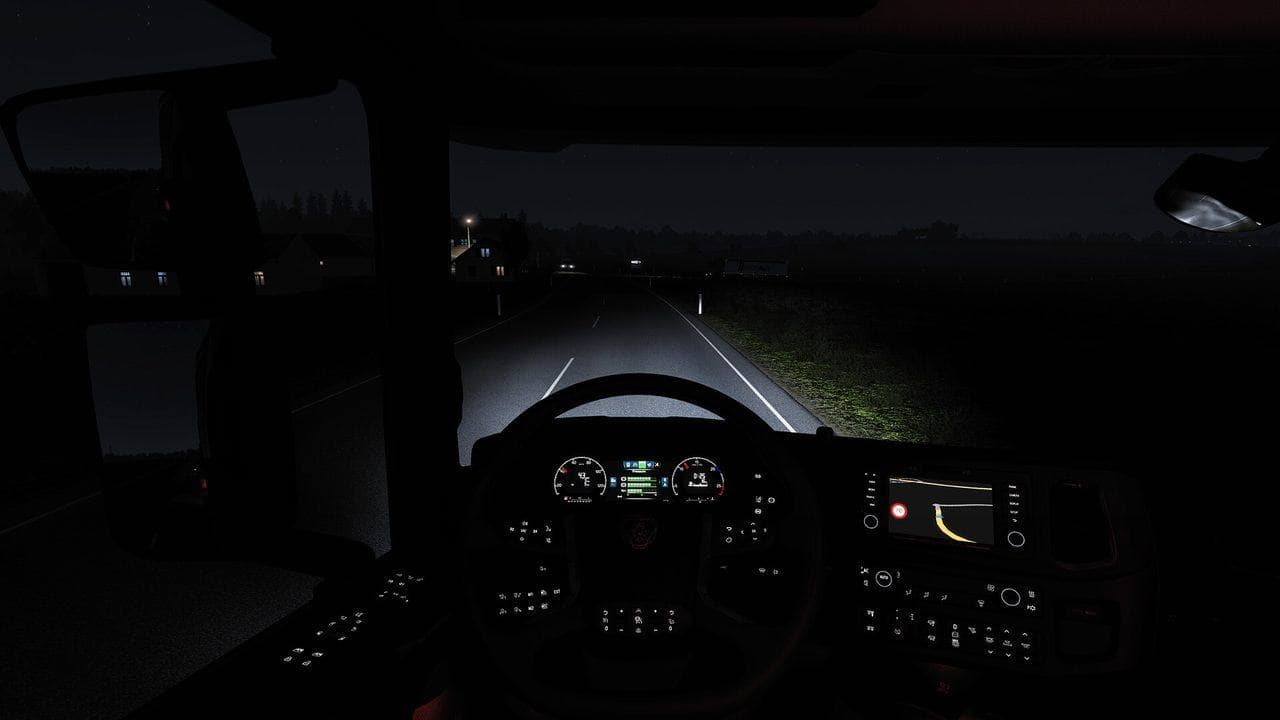
A preview of a community-style North American radio setup for ATS and ETS2, with genres that fit long interstate drives.
UpdatedJul 29, 2026
Read4 min
ByETS2 Guide Team
Quick answer
A North American radio setup can make long ETS2 or ATS routes feel fresher, but build it from trusted direct stream URLs and keep a backup of live_streams.sii before editing. Avoid installers, executable station packs, or downloads from sources you do not trust. Test each station individually so one dead stream is easy to remove.
A North American radio list is one of the simplest ways to make American Truck Simulator feel more grounded. It can also work in ETS2 if you want a different soundtrack for long night hauls.
The idea is to build a set of English-language music stations that fit American road culture rather than only using generic international streams.

Target Mood
The best station mix should cover several road identities:
| Genre | Route Mood |
|---|---|
| Classic rock | Long interstate cruising |
| West Coast hip-hop | California and desert routes |
| Country and folk | Rural highways and small towns |
| Soul and funk | Older city radio flavor |
| Blues | Southern and river-region atmosphere |
| Electronic and dance | Night driving and urban deliveries |
This is not about recreating police chases or mission energy. It is about giving quiet freight runs a stronger sense of place.
ATS First, ETS2 Second
ATS benefits most because the geography matches the station identity: highways, desert sunsets, cities, truck stops, and long state-to-state jobs.
ETS2 still benefits if you use radio as a mood tool. A good station list can make a familiar road feel fresh, especially if you switch between regional packs depending on the country or route.
Installation Pattern
When a finished pack is available, the process should be the same as any other live_streams.sii setup:
- Back up the existing
live_streams.sii. - Place the new file in the correct game folder under
Documents. - Start the game.
- Press R.
- Open internet radio and test several stations.
Keep your backup. Radio stream URLs change often, and a pack that works today may need maintenance later.
What Makes a Good Pack
A useful radio pack needs more than a long list. It should have clear names, stable streams, sensible language tags, and enough genre variety that you do not hear the same mood for every delivery.
For ATS, the sweet spot is a list that makes you want to take the longer route because the next song feels like it belongs to the road.
Read next
Continue through the next task instead of jumping to a random tag page.
SetupETS2 Radio Guide: Add Custom Stations and Fix Streams
Add custom radio stations to ETS2 with live_streams.sii, then fix stations that do not appear, play, or keep buffering in game.
SetupGTA Trilogy Radio Streams in ETS2 and ATS
How themed GTA Trilogy station packs fit into ETS2 and ATS, and the safe way to install custom live_streams.sii files.
 Setup
SetupSafe ETS2 Mods Guide
A safe ETS2 mods guide covering backups, Steam Workshop, profile separation, update compatibility, TruckersMP version checks, and what downloads to avoid.