Multiplayer guide
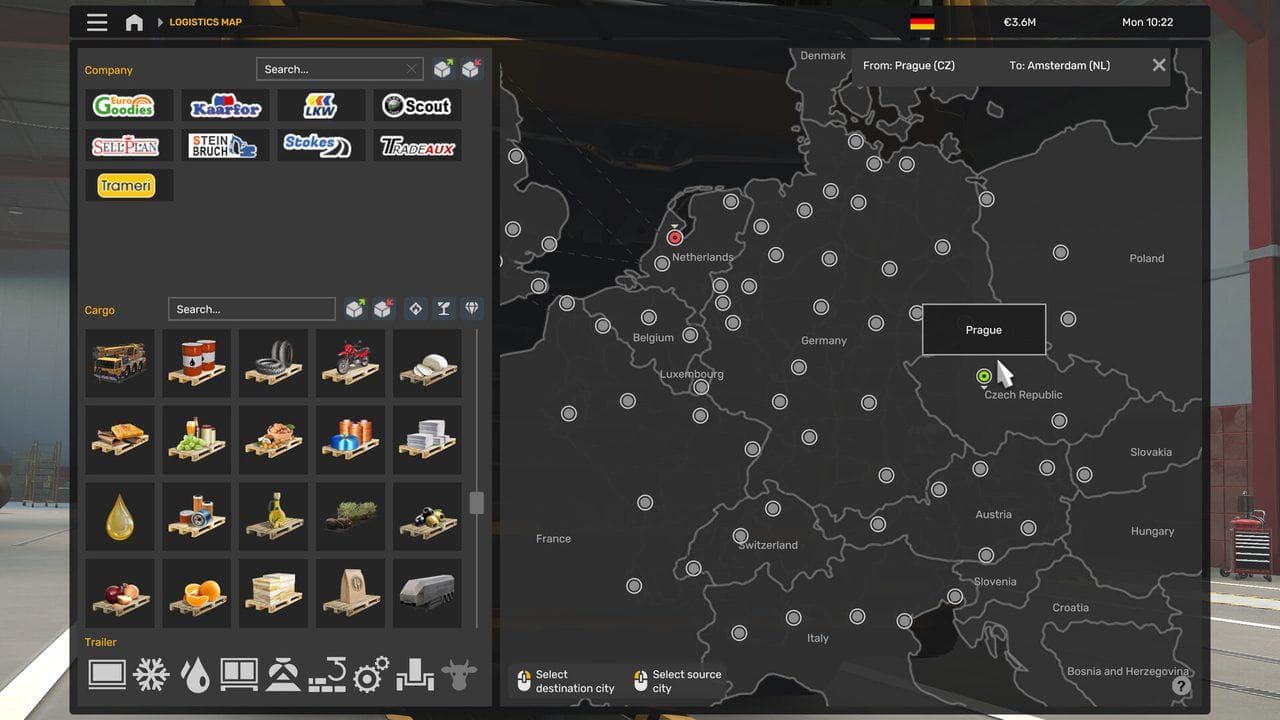
TruckersMP No Jobs or Empty Job Market in ETS2
Fix empty job markets, missing Freight Market jobs, and economy timing issues when using TruckersMP with ETS2.
UpdatedJul 1, 2026
Read7 min
LevelBeginner
ByETS2Hub
Quick answer
If TruckersMP shows no jobs in ETS2, first check version support, use a separate backed-up profile, try sleeping, teleporting to service, ferry travel, or normal economy refresh steps, and avoid risky profile edits on your main save. If the issue started after a version change, fix version compatibility first.
TruckersMP can make the ETS2 job market behave differently from your normal single-player profile because time and economy state are not always what your save expects. Empty job markets are a common multiplayer setup problem.

First Checks
- Confirm TruckersMP supports your ETS2 version.
- Restart TruckersMP and ETS2.
- Try a separate or backed-up profile.
- Check whether your profile has a truck.
- Check whether mods are unsupported.
If the version is wrong, solve that first with TruckersMP Unsupported Game Version Guide.
Safe Economy Refresh Ideas
Try normal in-game actions:
- Sleep if your profile can rest.
- Use a ferry or train route.
- Teleport to service if appropriate.
- Change city or garage.
- Complete a normal single-player job and check again.
These actions can help the economy refresh without direct save editing.
Be Careful With Console Or Config Fixes
Some forum posts mention economy reset commands or config edits. Do not use them blindly on your main profile. Back up first, understand what the command does, and prefer normal in-game refresh steps when possible.
If you only want a multiplayer profile, make a separate TruckersMP profile and keep your main single-player career clean.
Profile Safety
TruckersMP can advance time differently from single-player. This can affect:
- Delivery timing.
- Driver income.
- Job market generation.
- Economy state.
- Save expectations after switching back.
That is why a separate profile is the safest habit.
When To Ask For Support
If jobs remain empty after version checks and safe refresh steps, use official TruckersMP support or forum resources. Include your game version, TruckersMP version, and whether the issue happens on a clean profile.
Do not paste private save data or logs publicly without reviewing them.
Read next
Continue through the next task instead of jumping to a random tag page.
 Multiplayer
TruckersMP Unsupported Game Version in ETS2: Safe Fix Guide
Fix TruckersMP unsupported game version errors in ETS2 without damaging your main profile or guessing the wrong Steam branch.
MultiplayerETS2 Multiplayer Guide: Convoy, TruckersMP, Rules, and Safe Profiles
Learn the safest way to start ETS2 multiplayer, including Convoy vs TruckersMP, version checks, profile safety, rules, and first-session setup.
 Beginner
How to Sleep and Rest in ETS2
How to sleep in ETS2 1.60, use the wake-time selector, understand the 10-hour driving and 9-hour rest rule, and fix missing rest prompts.