Quick answer
Your ETS2 company name and logo belong to your profile and company identity. Check the profile or company management menus for available edit options, and make changes before you build too much around a name you dislike. If you experiment with profile files or mods, back up the profile first so you can recover your company.
Your ETS2 company name and logo are part of the profile identity you see while building garages, hiring drivers, and expanding your business. If you care about roleplay or screenshots, set them early so your company feels consistent.
For profile safety, read How to Back Up ETS2 Profile and Saves.
What You Can Change
Depending on your profile state and menus, company identity may include:
- Company name.
- Company logo.
- Profile identity.
- Garage network and home city context.
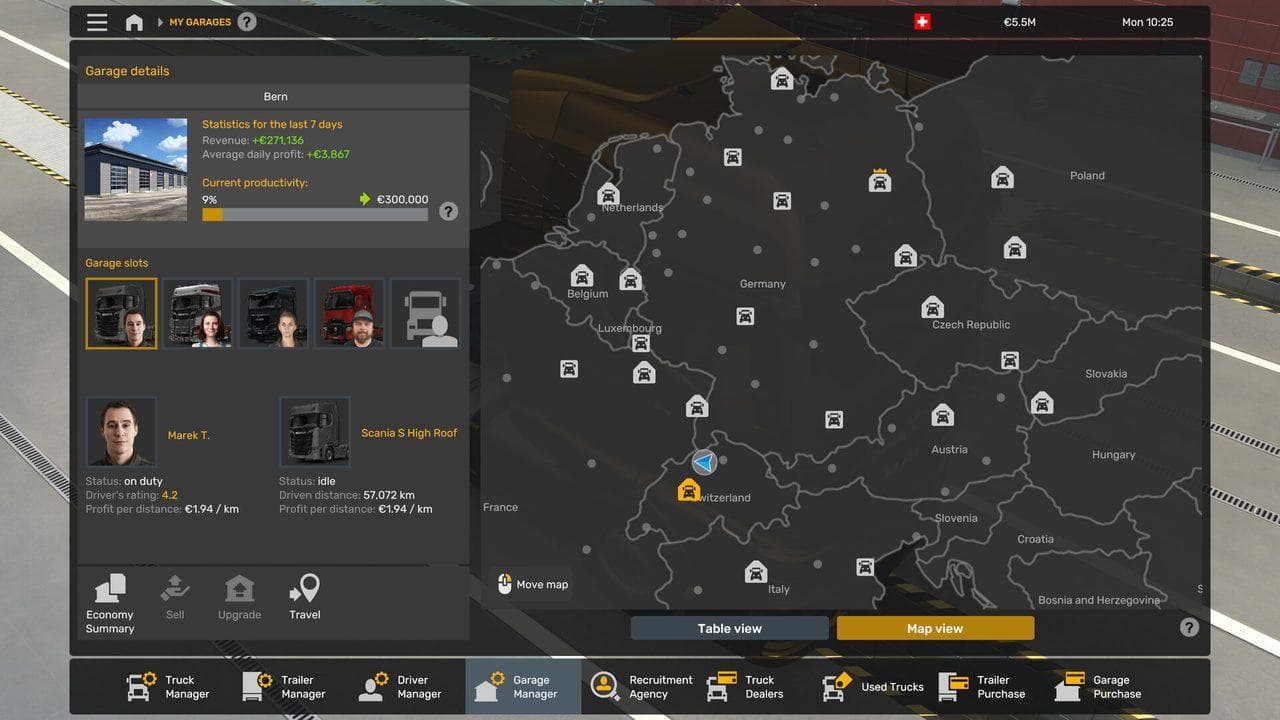
- Driver and truck management screens.
The exact menu path can vary by profile state, but the safe rule is simple: use in-game menus first, and avoid editing profile files unless you have a backup.
When to Change It
Change your company identity early if:
- You used a placeholder name.
- You want a roleplay company.
- You are preparing screenshots or videos.
- You are about to hire drivers.
- You are expanding to new garages.

Avoid Risky Profile Editing
Some players try to edit profile files to change things faster. Do not do that on your only save without a backup. Profile mistakes can affect money, garages, drivers, trucks, and progress.
Safer approach:
- Use in-game options first.
- Back up your profile.
- Test changes on a copied profile if needed.
- Keep notes if you use mods that affect profile identity.
Common Mistakes
- Using a temporary name and forgetting it for dozens of hours.
- Editing files before learning where profiles are stored.
- Not backing up before experimenting.
- Confusing company identity with truck paint or license plates.
Next, build the company around that identity with Best Garage in ETS2 and How to Hire Drivers in ETS2.
Read next
Continue through the next task instead of jumping to a random tag page.
SetupWhere Are ETS2 Profiles, Saves, Mods, and Logs Stored?
Find Euro Truck Simulator 2 profiles, saves, mod folders, Workshop content, config.cfg, live_streams.sii, and game.log.txt safely.
SetupHow to Back Up ETS2 Profiles and Saves
Back up ETS2 profiles and saves before updates, mods, TruckersMP, Steam beta branches, or config edits, then restore a clean copy if needed.
EconomyBest Garage in ETS2: Where Beginners Should Expand First
Learn what makes a good ETS2 garage city, when to expand, and how to avoid wasting early money on the wrong garage decision.