Beginner guide
ETS2 Truck Customization Guide for Beginners
Customize your ETS2 truck without wasting early money: parts, paint, engines, cabins, chassis, accessories, and safe mod habits.
UpdatedJul 4, 2026
Read8 min
LevelBeginner
ByETS2Hub
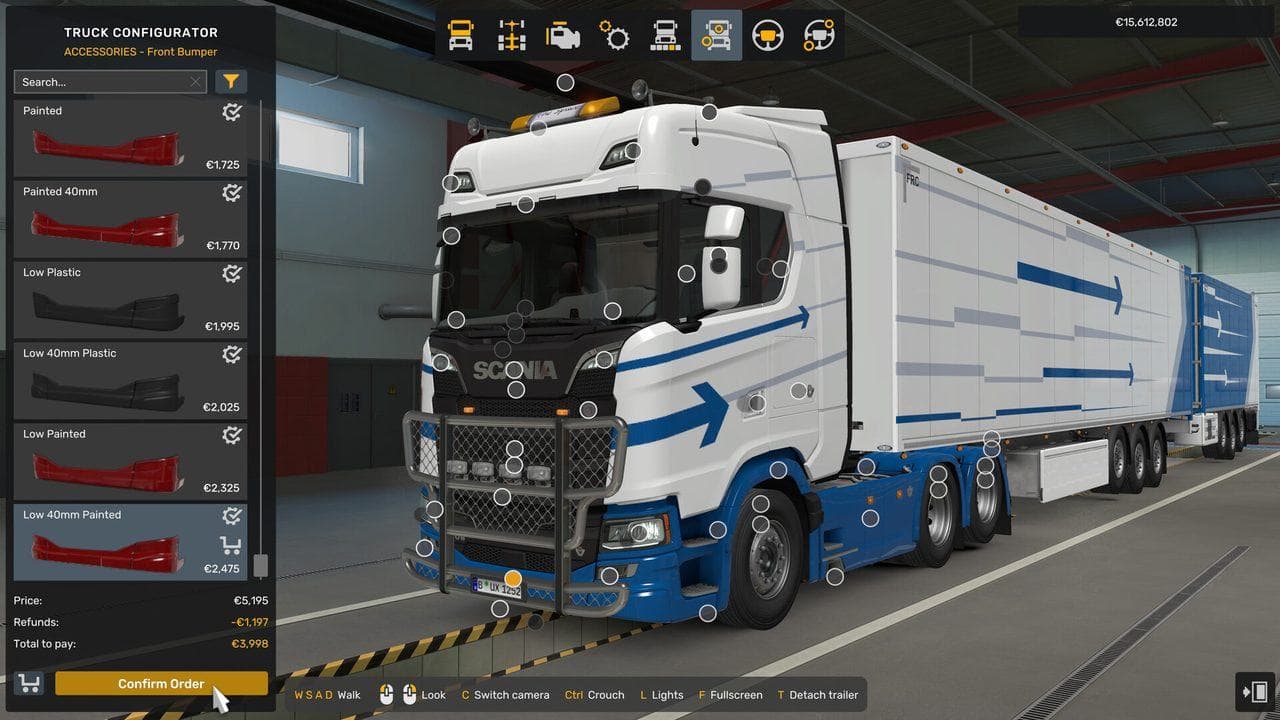
Quick answer
Customize your first ETS2 truck in stages: buy practical upgrades first, then add paint, cabin accessories, lights, and cosmetics after the truck earns reliably. Prioritize visibility, fuel range, control comfort, and cargo stability before expensive looks. If you use customization mods, test them on a backup profile before removing them.
Truck customization is one of the best parts of ETS2, but it can drain early money fast. The safe approach is to upgrade the parts that affect daily driving first, then spend on looks once the truck is already making money.
If you have not bought a truck yet, start with Best First Truck in Euro Truck Simulator 2. If you already own one, this page helps you decide what to change first.
Upgrade Order
Use this order for a first owned truck:
- Mirrors and visibility.
- Fuel tank or chassis needs.
- Engine and transmission only if jobs demand it.
- Cabin comfort and dashboard readability.
- Paint and cosmetics.
- Accessories after the truck earns consistently.
Expensive engines are not always the best first buy. For normal cargo, predictable braking, clean steering, and fuel range may matter more.
Practical Customization
Practical changes help every delivery:
- Better mirror view.
- Easier dashboard readability.
- Stable chassis for the cargo you haul.
- Lights you can use safely at night.
- A configuration that matches your controller or wheel.
Avoid building a truck so heavy or expensive that repair costs hurt your early career.
Paint and Cosmetics
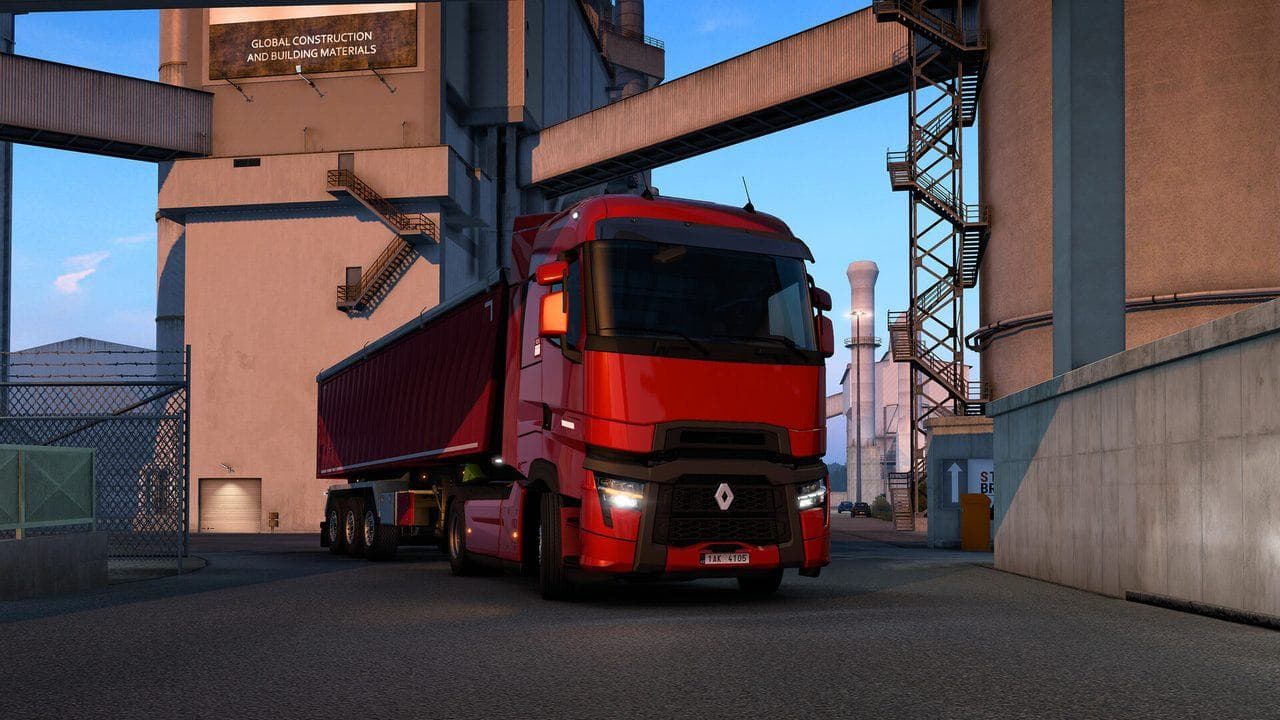
Paint and cosmetic parts are safe once you can afford them. Use them after:
- You own a truck.
- You have spare cash after repairs.
- You understand your normal cargo type.
- You have the garage or driver plan you want.
Cosmetics are not wrong. They are just easier to enjoy when they do not delay important career upgrades.
Customization Mods
Mods can add parts, lights, wheels, paint jobs, and cabin accessories. Use them carefully:
- Download only from trusted sources such as Steam Workshop, SCS Forum, or known official project pages.
- Add one mod at a time.
- Back up the profile.
- Test the truck before taking valuable cargo.
- Do not remove a part mod while your truck depends on that part.
If removing a customization mod causes missing parts or crashes, restore the backup and remove the mod from a clean state.
Common Beginner Mistakes
| Mistake | Better Choice |
|---|---|
| Buying the most powerful engine first | Buy power when cargo weight justifies it |
| Spending all cash on paint | Keep money for repairs and fuel |
| Adding many accessory mods at once | Test one mod at a time |
| Ignoring mirrors and seat position | Make the truck readable before making it pretty |
| Removing part mods mid-career | Back up and replace modded parts first |
What To Read Next
Pair this with ETS2 Best First Upgrades. If you want to customize through mods, read How to Install Mods in ETS2 Safely before changing a truck you care about.
Read next
Continue through the next task instead of jumping to a random tag page.
EconomyBest First Truck Upgrades in ETS2
Prioritize useful ETS2 first truck upgrades and avoid wasting early money on parts that do not help income or control.
BeginnerBest First Truck in Euro Truck Simulator 2
How to choose the best first truck in Euro Truck Simulator 2, including budget, engines, cabins, visibility, loans, and beginner-friendly brands.
BuyingETS2 Truck Dealers Guide: Unlock, Visit, and Buy Safely
Find and unlock truck dealers in Euro Truck Simulator 2, then choose when to visit, configure, or buy your first owned truck.