Setup guide
ETS2 Fix Command Searches: Safe Service, Tow, and Recovery Options
If you searched for an ETS2 fix command, use safer in-game recovery options first: service stations, F7 assistance, backups, and clean profile testing.
UpdatedJul 1, 2026
Read6 min
LevelBeginner
ByETS2Hub
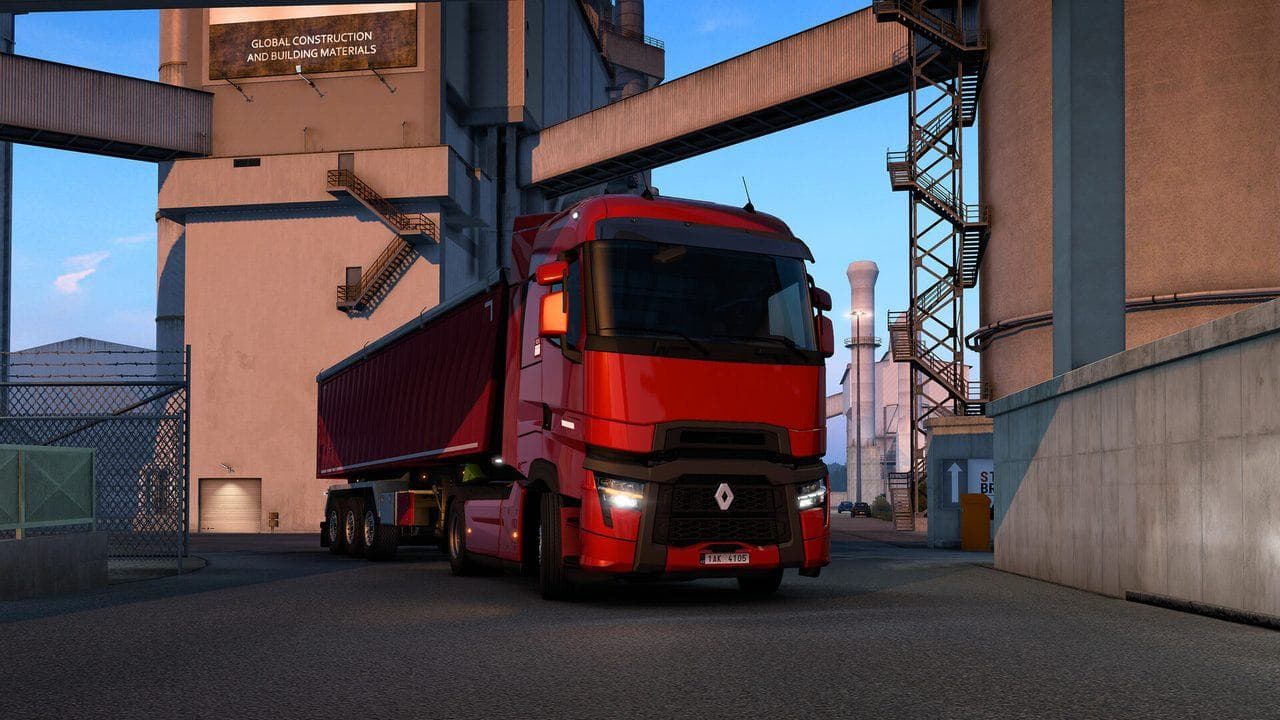
Quick answer
If your truck is damaged or stuck in ETS2, use a service station, F7 assistance, towing, or a backup before relying on console-style fixes. Commands and file edits can hide the real problem, especially on modded profiles. Fix the cause, not just the symptom.
Many players search for an ETS2 "fix command" when a truck is damaged, stuck, or broken after mods. The safer path is to use the game's service tools first and understand why the problem happened.
ETS2Hub does not recommend using commands or file edits as the first repair method on a main career profile.

If The Truck Is Damaged
Use:
- A service station if the truck is driveable.
- Roadside assistance or towing if the truck is stuck.
- A previous save if the damage came from a bug or mod test.
- A short recovery job if the truck is driveable and money is low.
Read ETS2 Service and Repair Guide for the normal repair flow.
If A Mod Broke The Truck
Do not only repair the truck. Find the mod problem:
- Back up the profile.
- Disable the latest mod changes.
- Check
game.log.txt. - Test a clean profile.
- Re-enable mods slowly.
Read ETS2 Crashes After Mods if the issue started after adding content.
If You Are Stuck In The Map
Try:
- F7 assistance.
- Loading an earlier autosave.
- Disabling the suspect map mod only after backing up.
- Moving to a safe base-game area before removing map content.
Map mods can leave a profile in a location that no longer exists after updates or removals.
Why Not Use Commands First?
Commands or file edits can:
- Hide an underlying mod conflict.
- Make troubleshooting harder.
- Create a false sense that a profile is safe.
- Encourage risky edits without backups.
They may be useful for advanced testing, but they are not the first answer for a beginner guide.
Safe Recovery Rule
If the problem affects a main profile, back up first, use official recovery options, and diagnose the cause. A fixed truck is useful only if the same problem will not happen again five minutes later.
Read next
Continue through the next task instead of jumping to a random tag page.
 Beginner
ETS2 Service and Repair Guide: When to Tow, Repair, or Keep Driving
Learn how ETS2 service stations work, what to repair first, when towing is worth it, and how to avoid repair costs draining your early career.
EconomyETS2 Repair Costs Guide: Repair, Replace, Restore, or Wait?
Understand ETS2 repair costs, truck wear, service decisions, and how to avoid spending your first truck budget on preventable damage.
 Setup
SetupETS2 Crashes After Mods: Find the Problem Safely
Use a safe step-by-step process to find which ETS2 mod is causing crashes without wrecking your main save.