DLC guide
ETS2 DLC Not Showing Up on Steam: Fix Checklist
Troubleshoot ETS2 DLC that you bought on Steam but cannot see in-game, including ownership, installation, restart, version, and map expectations.
UpdatedJul 4, 2026
Read7 min
LevelBeginner
ByETS2Hub
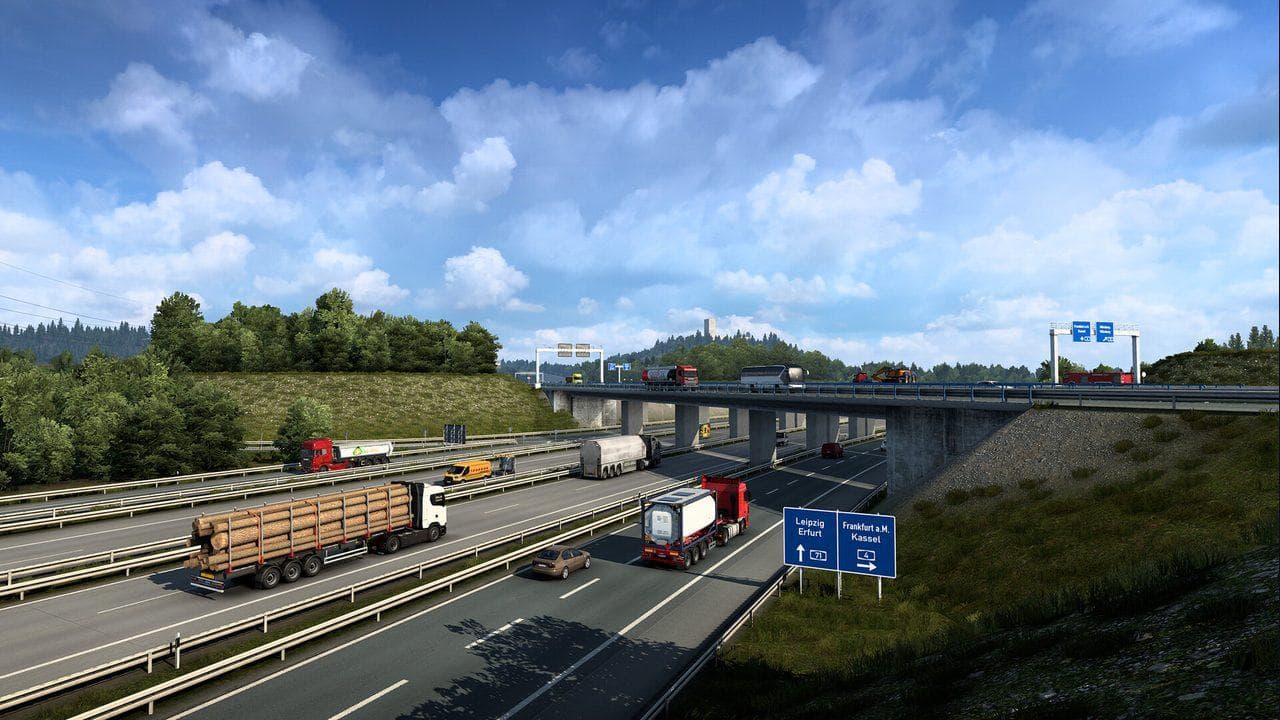
Quick answer
If ETS2 DLC is not showing up, confirm the DLC is owned on the same Steam account, installed for Euro Truck Simulator 2, and not waiting for a Steam download. Restart Steam and ETS2, verify game files if needed, then check whether the DLC is supposed to appear as map roads, cargo, paint, cabin items, or truck content.
ETS2 DLC can look "missing" for different reasons. A map DLC, cargo DLC, paint pack, cabin accessory, and truck content do not all appear in the same place. First confirm ownership and installation, then check where that DLC should show up in-game.
Use this with Euro Truck Simulator 2 DLC Guide.
First Steam Checks
- Confirm you are using the Steam account that owns the DLC.
- Check the ETS2 DLC list in Steam.
- Make sure the DLC is installed, not only purchased.
- Let Steam finish downloads.
- Restart Steam.
- Restart ETS2.
- Verify game files if the install looks incomplete.
Do not install third-party files to "activate" DLC. Fix ownership and installation through Steam.
Know What Type of DLC It Is
| DLC type | Where you usually notice it |
|---|---|
| Map DLC | World map, city discoveries, routes |
| Cargo DLC | Job markets and cargo lists |
| Paint DLC | Truck paint shop |
| Cabin accessory DLC | Interior customization |
| Tuning DLC | Truck configurator |
If you bought cargo DLC, do not look only at the world map. If you bought map DLC, do not expect every city to be discovered automatically.
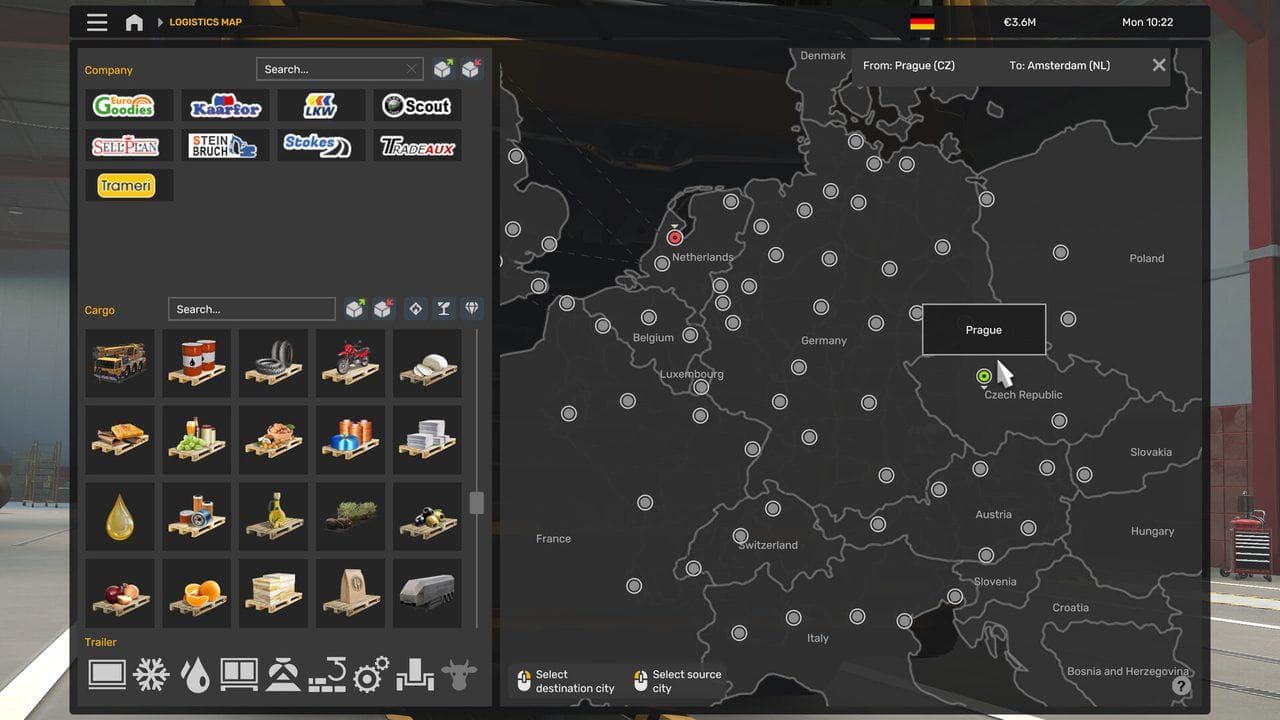
Map DLC Expectations
Map DLC adds regions, roads, cities, and companies, but you still need to drive, discover, and connect routes. Some map areas require previous map connections to feel natural in your route network.
Read ETS2 Map DLC Connectivity Guide if the region is installed but feels disconnected from your current routes.
Common Mistakes
- Buying DLC on the wrong Steam account.
- Forgetting the DLC download is paused.
- Looking in the wrong in-game menu for that DLC type.
- Expecting new map areas to be discovered automatically.
- Confusing a cosmetic pack with cargo or map content.
Next, plan future purchases with ETS2 DLC List and Buying Order and Steam Buying Guide.
Read next
Continue through the next task instead of jumping to a random tag page.
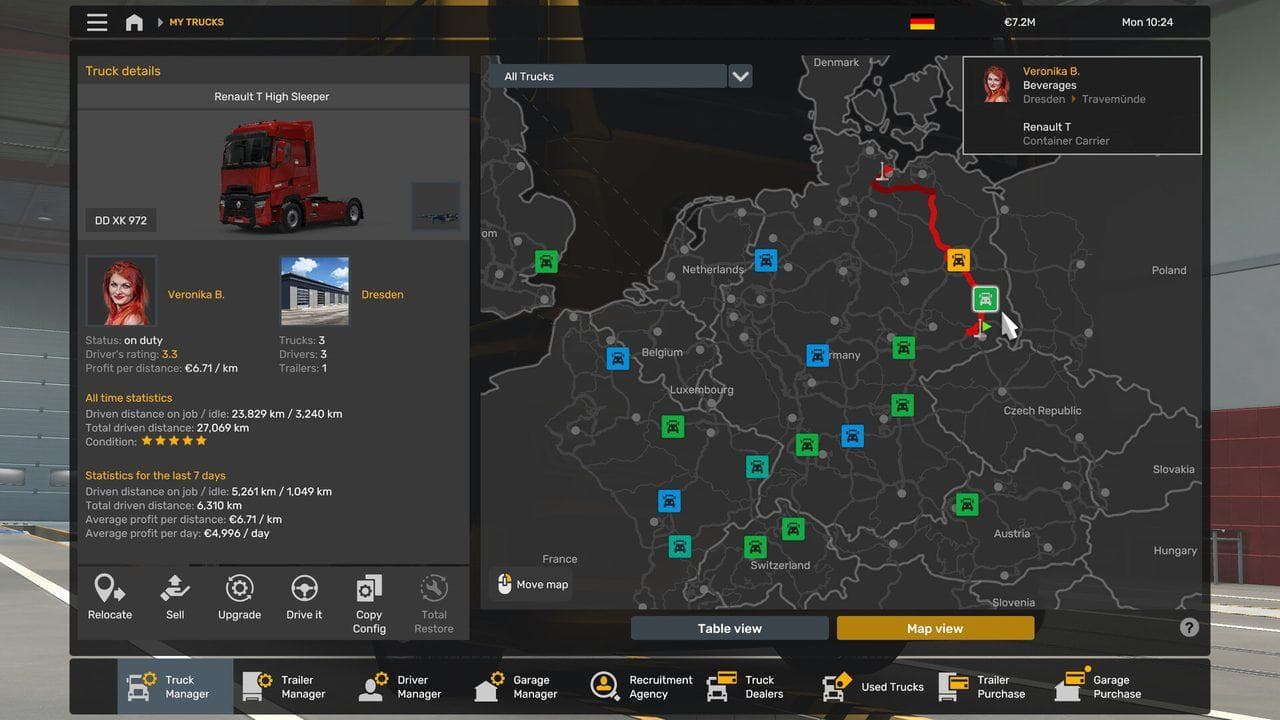 DLC
DLCETS2 DLC List and Buying Order
A practical ETS2 DLC list and buying order for Steam players, with map DLC first, cargo packs second, and cosmetics later.
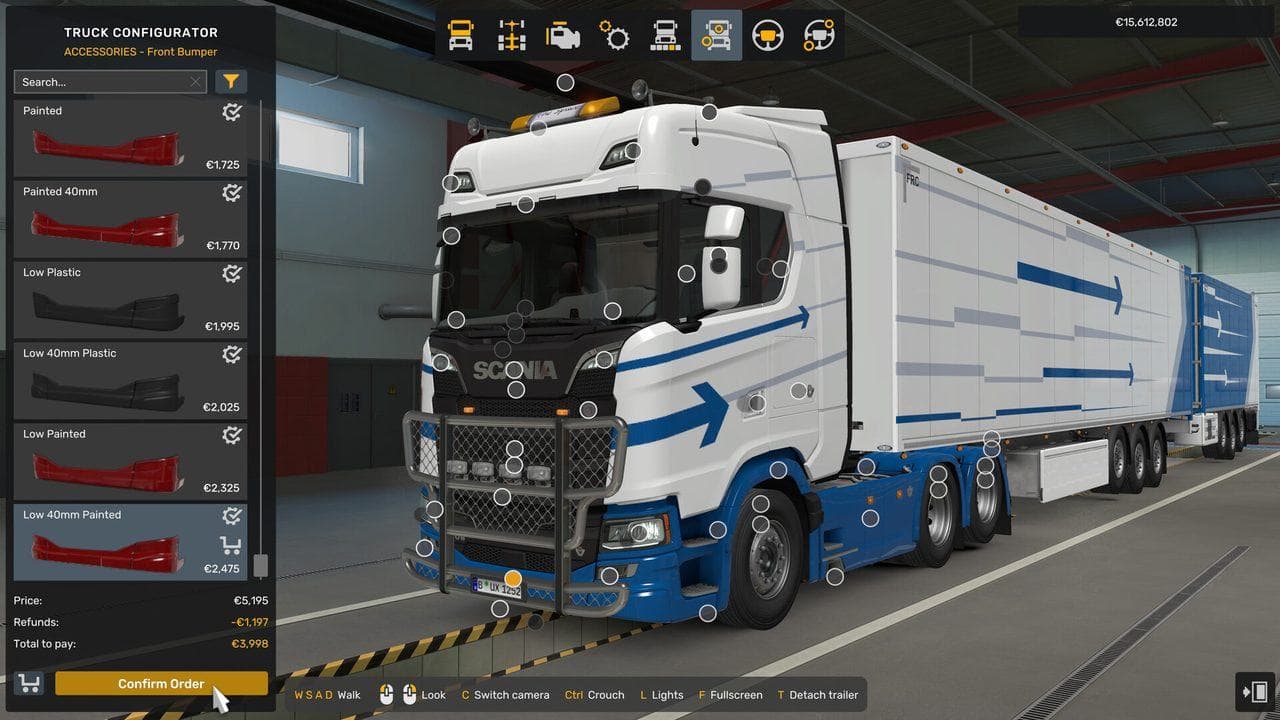 Buying
ETS2 Steam Buying Guide for Global Players
How to choose ETS2 editions, bundles, map DLC, cargo packs, and sale purchases without relying on region-specific pricing.
DLCETS2 Map DLC Connectivity Guide: Buy Connected Roads First
Plan ETS2 map DLC purchases around connected routes so your new regions feel useful instead of isolated.